Piston - OBD2 Car Scanner is a Auto&Vehicles application developed by Stinez Pty Ltd, but with the best Android emulator-LDPlayer, you can download and play Piston - OBD2 Car Scanner on your computer.
Running Piston - OBD2 Car Scanner on your computer allows you to browse clearly on a large screen, and controlling the application with a mouse and keyboard is much faster than using touchscreen, all while never having to worry about device battery issues.
With multi-instance and synchronization features, you can even run multiple applications and accounts on your PC.
And file sharing makes sharing images, videos, and files incredibly easy.
Download Piston - OBD2 Car Scanner and run it on your PC. Enjoy the large screen and high-definition quality on your PC!
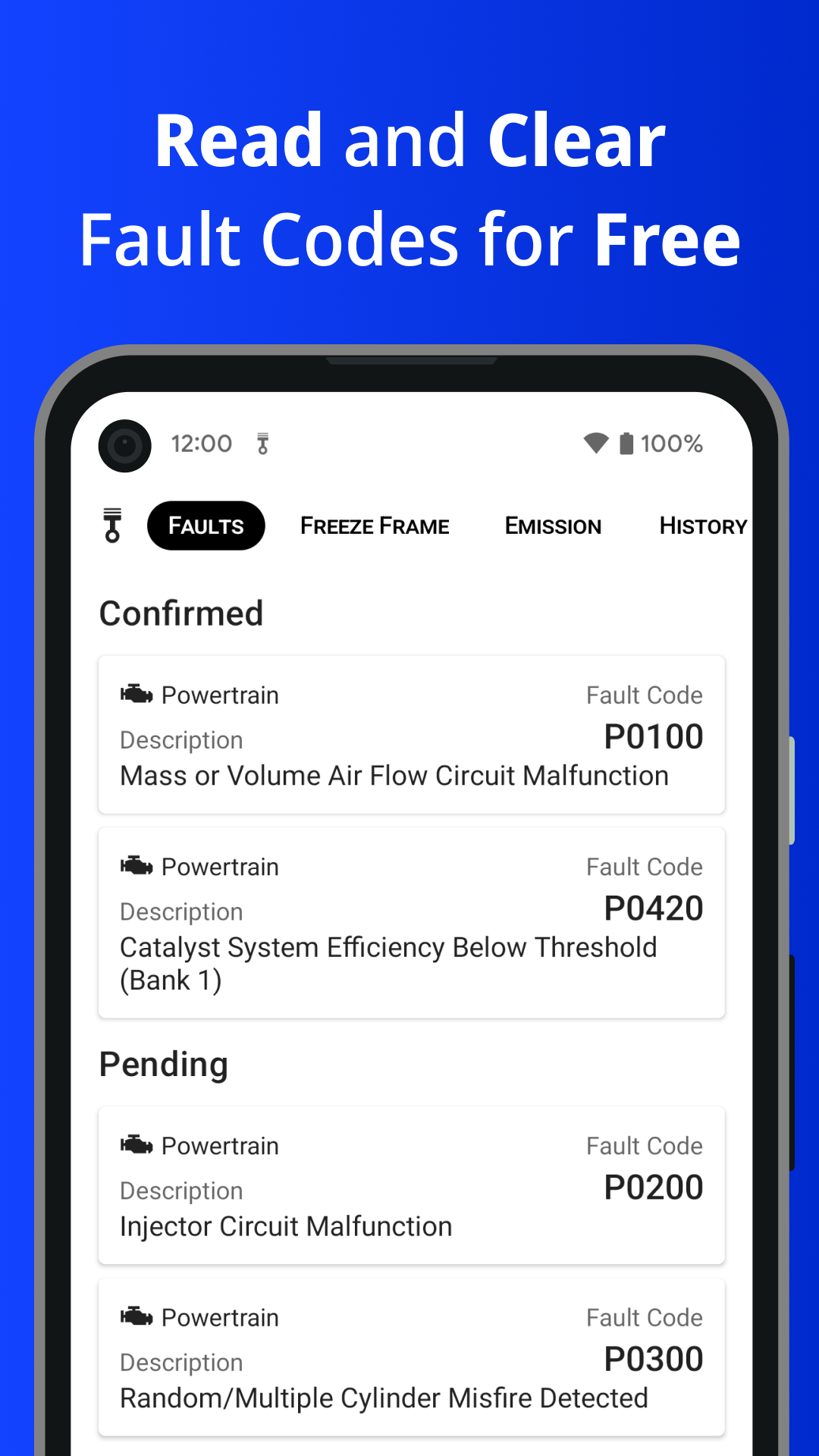
With Piston your car’s diagnostic information is at your fingertips.Is the Check Engine Light (MIL) on? Use Piston to turn your mobile device into a car scanner and read the Diagnostic Trouble Codes (DTCs) related to the problem as well as the Freeze Frame data. This will help you identify and fix the issue.
You will need an ELM 327 based adapter, either Bluetooth or WiFi, which you connect to the OBD2 socket in your vehicle. Piston will guide you through the connection process. You can access the instructions from the Home page after the first installation or from the Settings at any time.
With Piston you can:
• Read and clear Diagnostic Trouble Codes (DTCs) defined by the OBD2 standard
• Look into Freeze Frame data (a snapshot of the data from sensors at the time the ECU detected a malfunction)
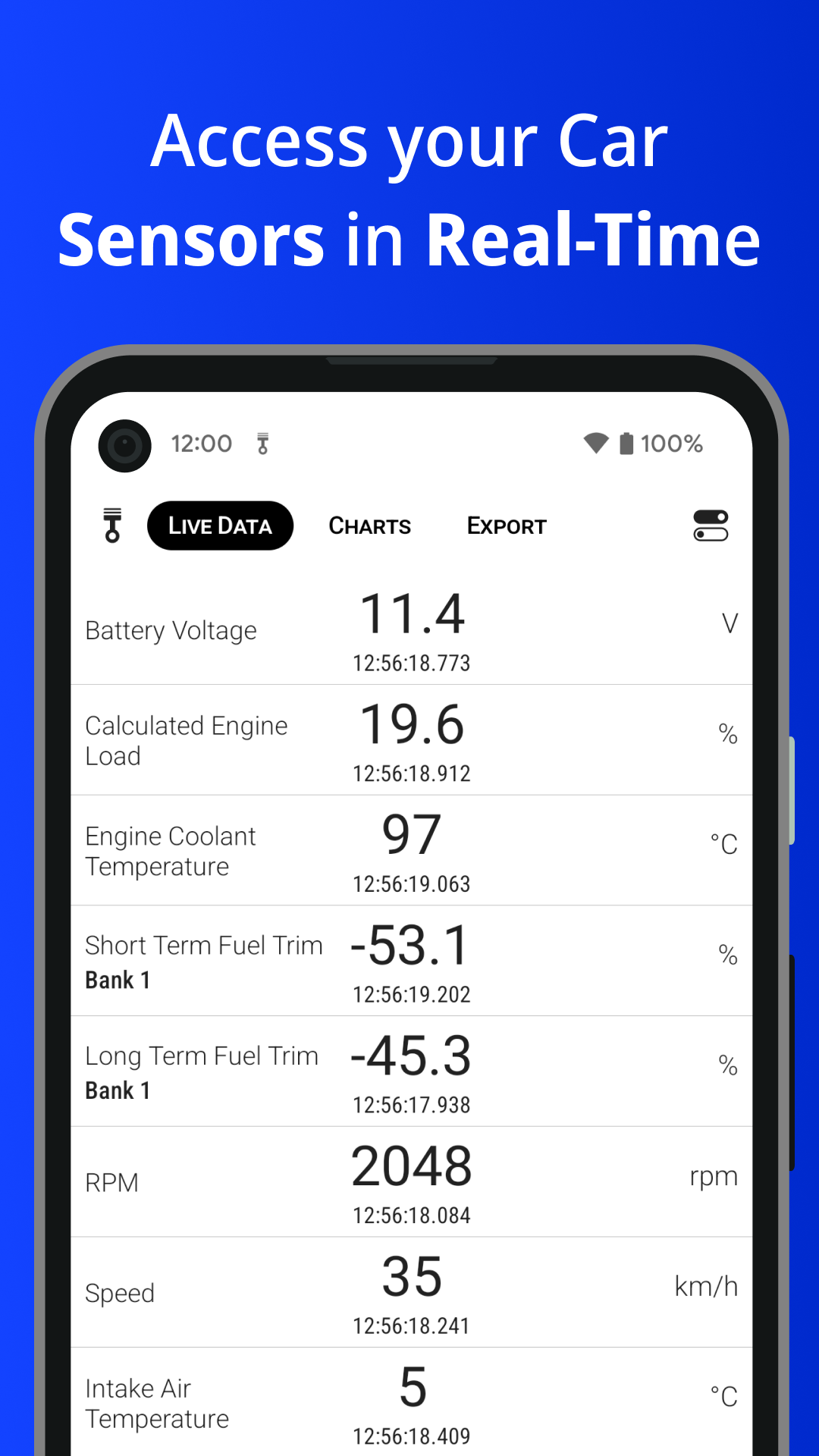
• Access data from sensors in real-time
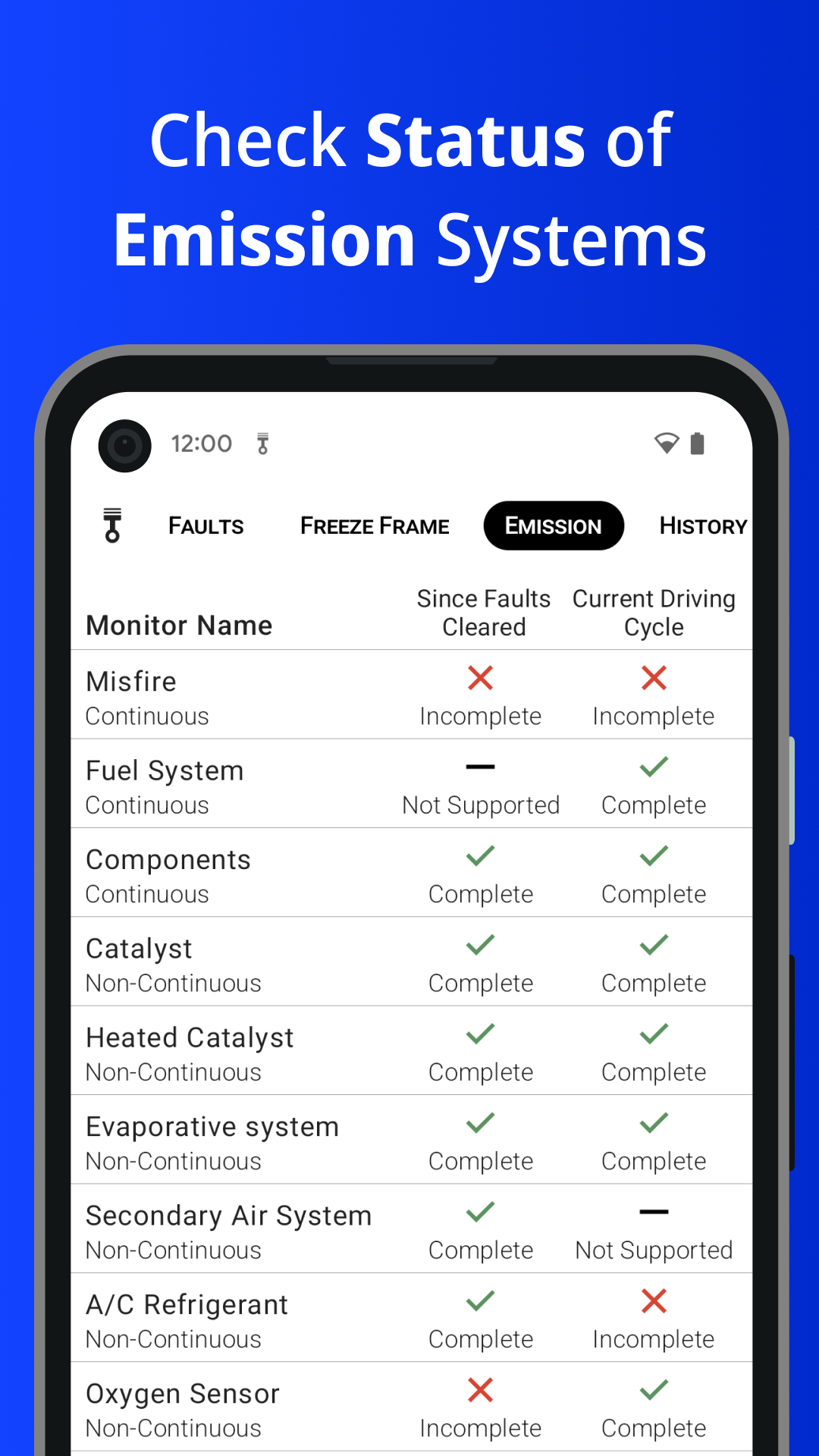
• Check status of Readiness Monitors (monitor emission control devices)
• Store the DTCs you read in a local history
• Login and keep the DTCs you read in the cloud
• Access the charts of the sensors readouts
• Export real-time data from sensors to a file
• Check the VIN number of your car
• Examine the ECUs details, like the OBD protocol or PIDs number
Some of the above are Premium Features and require a single in-app purchase that will unlock all of them. No subscriptions!
This application, in order to become a car scanner, requires a separate ELM327 based device, either Bluetooth or WiFi. Piston is compatible with OBD-II (known also as OBDII or OBD2) and EOBD standards.
All the vehicles sold in the USA from 1996 are required to support the OBD2 standard.
In the European Union, the EOBD was mandatory for petrol engined vehicles starting from 2001 and for diesel vehicles from 2004. For Australia and New Zealand OBD2 is required for all petrol cars made from 2006 and diesel cars made from 2007.
Important: This application can only access the data your vehicle supports and provides via the OBD2 standard.
If you have any questions or suggestions you can contact us at support@piston.app.