Play'N'Give: Earn or Donate! is a Entertainment application developed by Play'nGive, but with the best Android emulator-LDPlayer, you can download and play Play'N'Give: Earn or Donate! on your computer.
Running Play'N'Give: Earn or Donate! on your computer allows you to browse clearly on a large screen, and controlling the application with a mouse and keyboard is much faster than using touchscreen, all while never having to worry about device battery issues.
With multi-instance and synchronization features, you can even run multiple applications and accounts on your PC.
And file sharing makes sharing images, videos, and files incredibly easy.
Download Play'N'Give: Earn or Donate! and run it on your PC. Enjoy the large screen and high-definition quality on your PC!
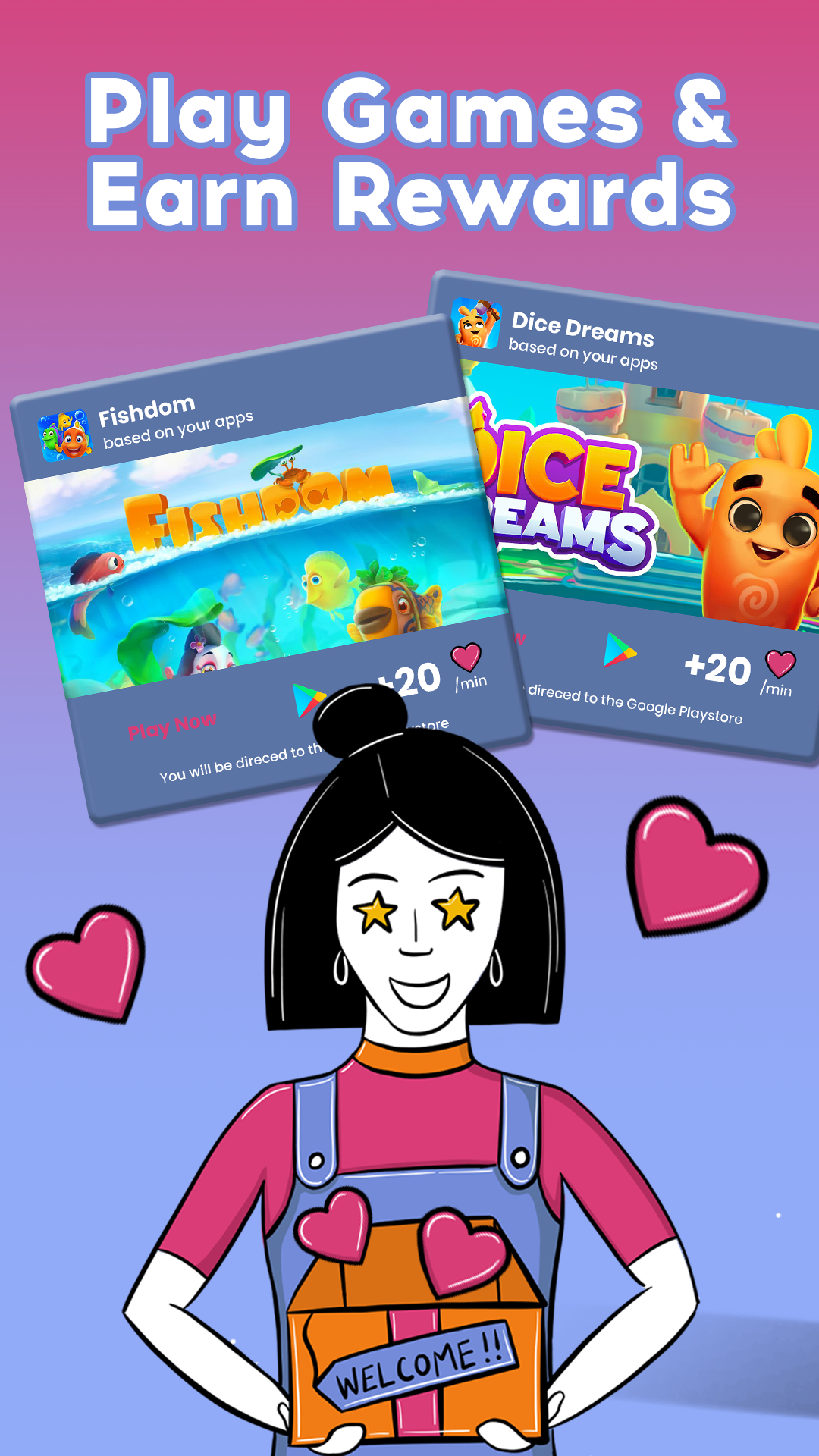
Want to make a positive impact on the world while having fun? Look no further than Play'n'Give, the free app that lets you play games, earn rewards, and donate to charities all in one place.Here's how it works:
🙂 First thing, install our app.
😊 Select a game from our list. There is a variety of games including arcade, adventure, casual, and strategic games. And with new games added regularly, there's always something new to discover.
😃 Earn hearts by playing games. The more you play, the more hearts you get!
🥰 Donate a portion or all of your rewards to a good cause.
It's that easy to make a difference while having fun!
Want to earn hearts even faster? Choose games that offer a higher rate of hearts per minute.
Let's make the world a better place through the power of gaming!