Pomocat - Cute Pomodoro Timer is a Productivity application developed by ENFP-Dev-Studio, but with the best Android emulator-LDPlayer, you can download and play Pomocat - Cute Pomodoro Timer on your computer.
Running Pomocat - Cute Pomodoro Timer on your computer allows you to browse clearly on a large screen, and controlling the application with a mouse and keyboard is much faster than using touchscreen, all while never having to worry about device battery issues.
With multi-instance and synchronization features, you can even run multiple applications and accounts on your PC.
And file sharing makes sharing images, videos, and files incredibly easy.
Download Pomocat - Cute Pomodoro Timer and run it on your PC. Enjoy the large screen and high-definition quality on your PC!
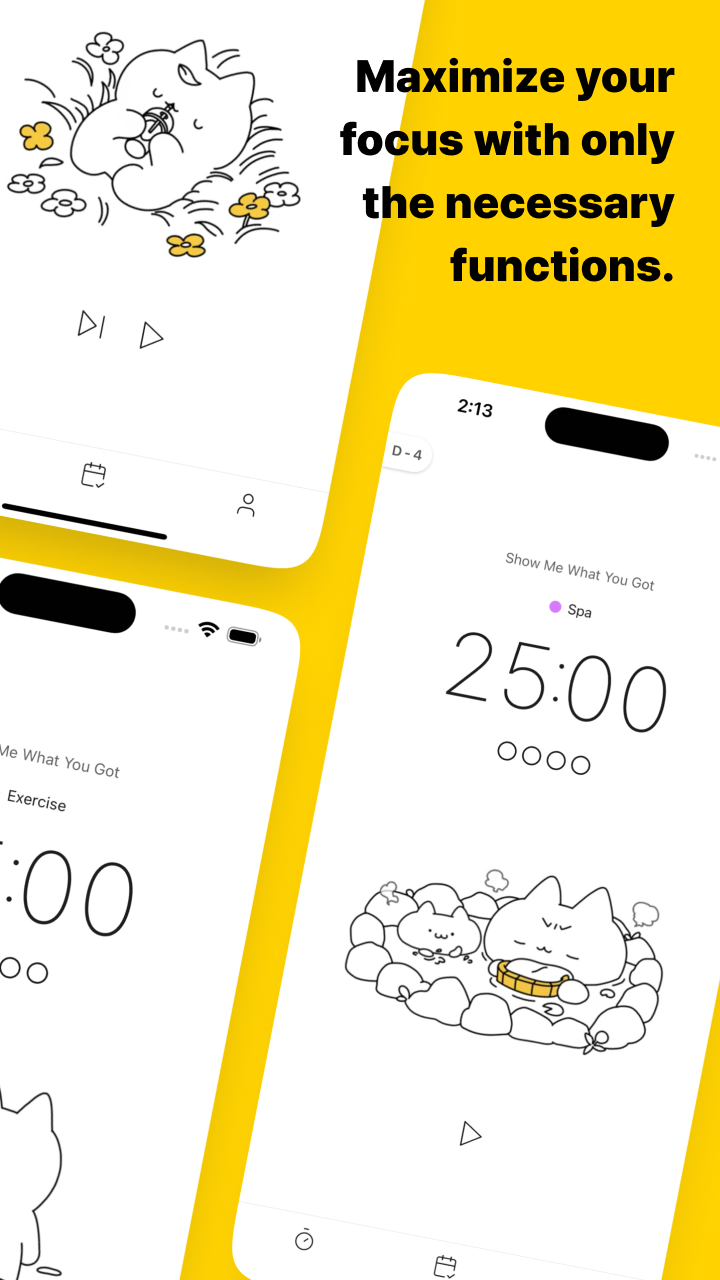
Boost Your Focus with Pomocat: Cute Cat and White Noise 🌟Pomocat is your productivity partner, helping you focus with a cute cat companion 🐈 and a serene environment. The adorable cat animations keep you company, reducing boredom and loneliness, and making it easier to stay positive.
With a simple, intuitive UI, Pomocat minimizes distractions, letting you effortlessly dive into your work or studies. Whether it's meditation, exercise, cleaning, drawing, reading, or any other focus-required activity, Pomocat keeps you motivated and makes focusing enjoyable.
💖 Why You'll Love Pomocat 💖
🐈 Adorable Cat Animations: Get encouragement from cute cat animations that bring a smile to your face while you focus.
🎶 Relaxing White Noise: Stay calm and minimize distractions with soothing white noise, helping you stay in the zone.
🧑🤝 Focus Together with Friends: Invite friends, hold each other accountable, and stay motivated while working together.
🗓️ Track Your Progress: Record your focused days on a stamp calendar and celebrate your achievements.
🌜 Customizable Experience: Enjoy dark mode, flexible timer settings, and a variety of alarm sounds to suit your style.
🥇 Premium Features 🥇
Upgrade to Pomocat Premium for even more tools to enhance your focus:
💬 Reminders and D-Day Tracking: Stay organized with schedule reminders and countdown important events with D-Day tracking.
🎵 Additional White Noise Options: Access over 20 extra white noise sounds to find the perfect background for your focus sessions.
🕰️ Flexible Focus Time Settings: Set your focus time as freely as you need, giving you ultimate control over your schedule.
🐱 More Cute Animations: Enjoy even more adorable cat animations to keep you entertained while you work.
🛠️ Manage Multiple To-Do Lists: Keep track of all your tasks with the ability to manage multiple to-do lists, making productivity easier.
Pomocat turns focus time into fun time—helping you escape the noise, concentrate on what really matters, and achieve your productivity goals. ✨ Download Pomocat now and start your focus journey today! 🌱📚