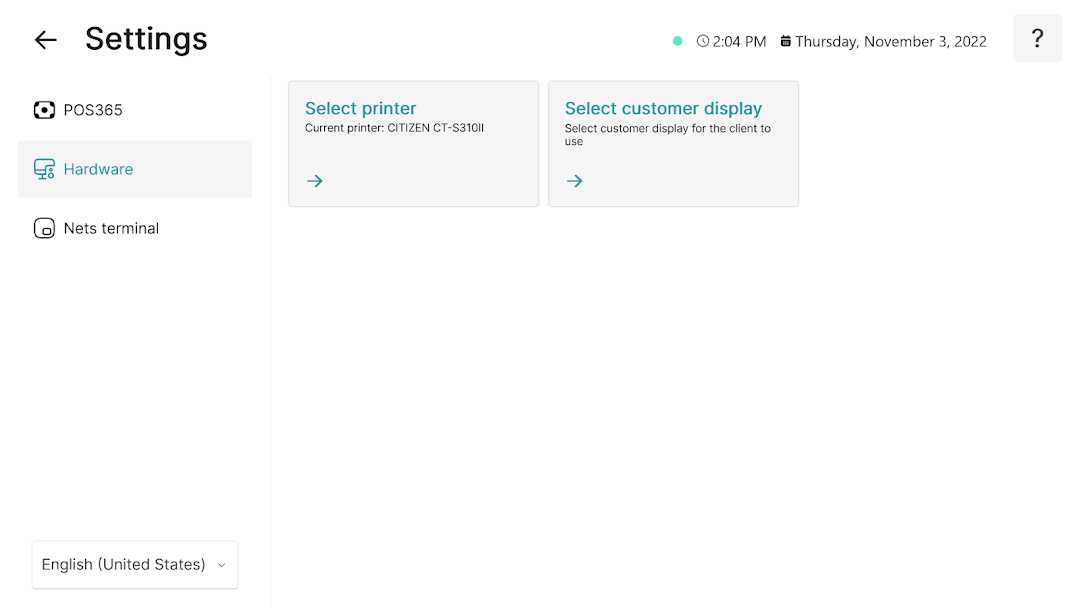
POS365 is a Business application developed by POS ONE A/S, but with the best Android emulator-LDPlayer, you can download and play POS365 on your computer.
Running POS365 on your computer allows you to browse clearly on a large screen, and controlling the application with a mouse and keyboard is much faster than using touchscreen, all while never having to worry about device battery issues.
With multi-instance and synchronization features, you can even run multiple applications and accounts on your PC.
And file sharing makes sharing images, videos, and files incredibly easy.
Download POS365 and run it on your PC. Enjoy the large screen and high-definition quality on your PC!
POS365 is a plug-and-play Point-of-Sale solution that makes it easy for you to run your businessThe solution allows you to optimize your workflows, handle more customer transactions, provide a better customer service, and ultimately improve your bottom line.
POS365 gives you all the features you need to make sales, track live business information, manage stock inventory etc.
Top features
• Intuitive user interface facilitating a quick sales process in both online and offline modes.
• Easy payment interface setup with multiple Payment Service Providers.
• Integration to your accounting system.
• Unlimited POS users on multiple levels.
• Interactive 24/7 front-end support.
• Automatic updates at every new release.
Admin Center
With our POS solution, you get a web-based Admin Center that provides you with a centralized administration tool and a sales dashboard.
Get started today
Contact us at contact@posone365.com or give us a call at +45 7022 1315, and we will help you get started.