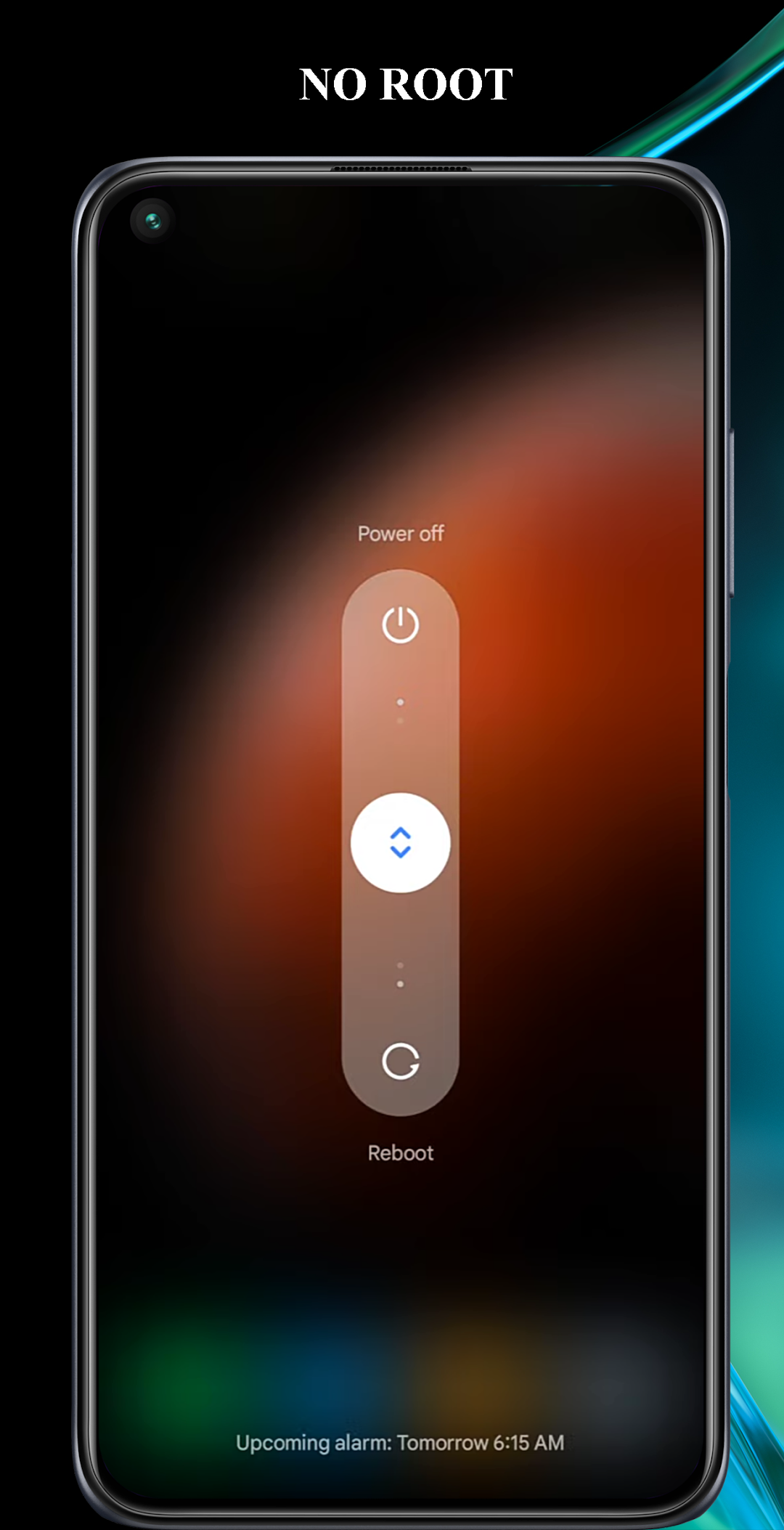
Power off - Power menu is a Tools application developed by o16i Apps, but with the best Android emulator-LDPlayer, you can download and play Power off - Power menu on your computer.
Running Power off - Power menu on your computer allows you to browse clearly on a large screen, and controlling the application with a mouse and keyboard is much faster than using touchscreen, all while never having to worry about device battery issues.
With multi-instance and synchronization features, you can even run multiple applications and accounts on your PC.
And file sharing makes sharing images, videos, and files incredibly easy.
Download Power off - Power menu and run it on your PC. Enjoy the large screen and high-definition quality on your PC!
Power off - Power menu :* Rooted device : give the application root permission to be able to work.
* Non-Root device: from v3.0 will support: will display the system power off option menu.
* Note: "Power off" uses the Accessibility service (use the Accessibility service) !
+ Android Accessibility Service is mainly for disabled users to perform standard phone operations easily. For example, the built-in TalkBack feature can be used to read screen content aloud. All you have to do is touch the screen.
+ "Power Off" requires the use of the allowed AccessibilityServices, can detect touching the "Power Off" app icon on the phone screen to bring up a list of options of the device's power physical key .
+ In addition to the aforementioned feature "Power Off" does not have the right to use the network, nor access, nor collect any other features and information.
+ Purpose of using the "Power Off" application: can replace the hard physical power key on the device to increase the life of the key.
+ You do not accept the terms, use the accessibility service for the application can be uninstalled at any time.
+ Go to Settings / Accessibility / find the "Power off" section and enable the service.
+ With some Android versions of phone companies that have restrictions on running in the background and starting automatically, such as MIUI, it is necessary to allow the application to run in the background, and launch itself for the "Power off" application to work properly.
+Video tutorial : https://www.youtube.com/watch?v=YFDD8mJdV2M or https://www.youtube.com/watch?v=e-GBlRKVLEE