

Prank Call - Fake Video Call is a Comics application developed by Prank Calling, but with the best Android emulator-LDPlayer, you can download and play Prank Call - Fake Video Call on your computer.
Running Prank Call - Fake Video Call on your computer allows you to browse clearly on a large screen, and controlling the application with a mouse and keyboard is much faster than using touchscreen, all while never having to worry about device battery issues.
With multi-instance and synchronization features, you can even run multiple applications and accounts on your PC.
And file sharing makes sharing images, videos, and files incredibly easy.
Download Prank Call - Fake Video Call and run it on your PC. Enjoy the large screen and high-definition quality on your PC!
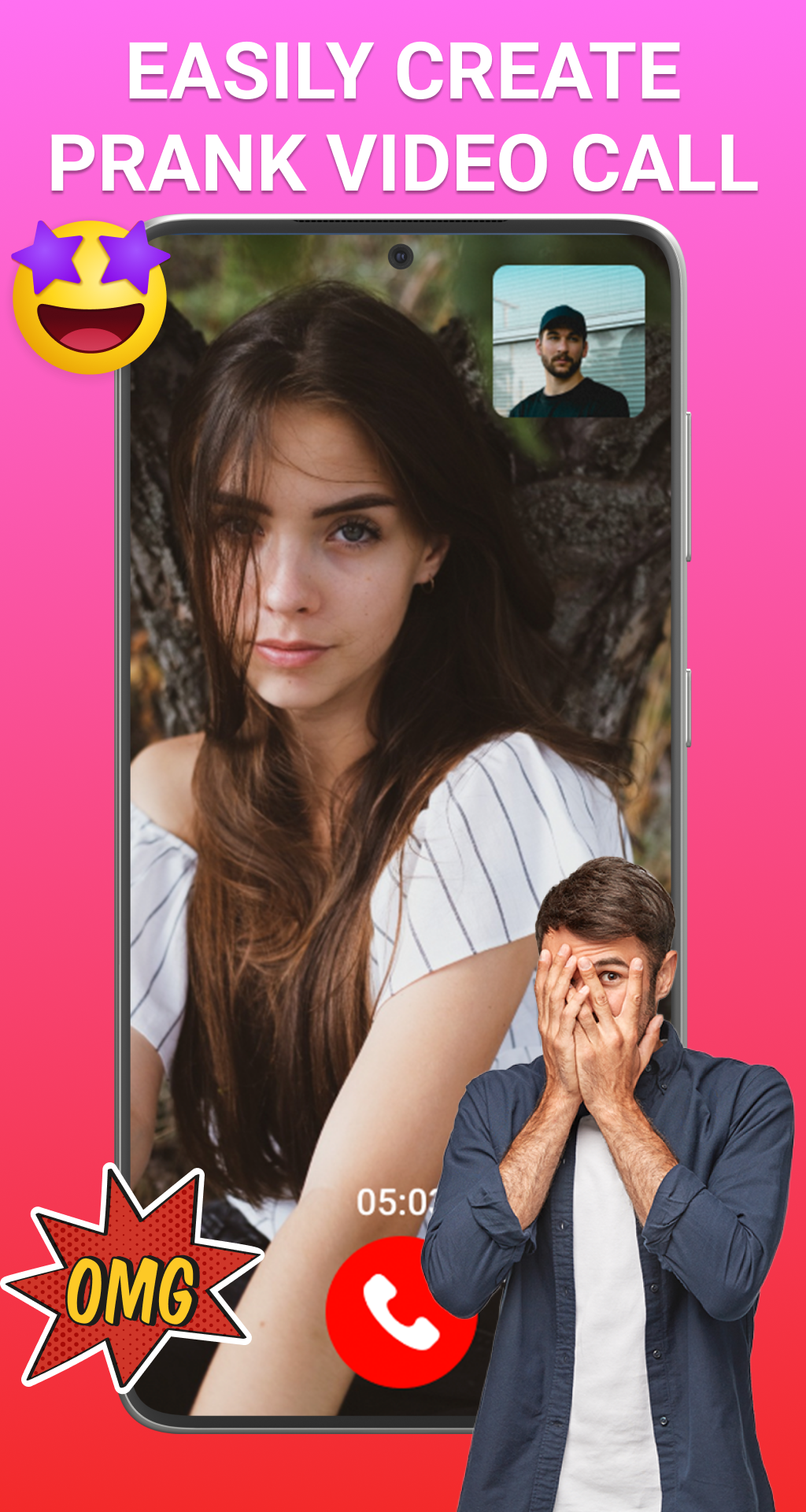
The ultimate prank calling app that turns ordinary moments into laughter! Unleash your inner prankster and surprise your friends with hilarious crafted calls. Users can choose from a variety of pre-recorded prank scenarios, including celebrity, ghost, aliens encounters and many more. It allows you to customize caller IDs, select background sounds and even you can add funny voices for any extra layer of amusement. In this Prank Calling - Fake video chat app can record your friends reactions and share with anyone.Customizable Caller ID
Personalize your pranks by choosing contact name and number to display on the screen. Whether you want to pose as a celebrity, ghost and many more. Different Backgrounds
Take your video calls to the next level with a variety of dynamic backgrounds. Show that you are calling from the moon, a wild jungle etc and shock your friends.
Realistic Ringtones Fool your friends with authentic ringtones that mimic original phone calls.
Instant Video Effects Apply hilarious video effects and filters during your fake call.
Share Prank Reactions Record and save your friends' reactions to share the laughter later. This prank calling app allows you to capture genuine surprise as they fall victim to your perfectly executed prank. User Friendly Interface This fake call app is designed simple and ensures a seamless experience for users. Navigate effortlessly through the features to create your prank masterpiece with ease.
Unique Features:
- Unlimited fake incoming call
- High quality video calling
- Simple to use
- User friendly interface
- Instant messaging experience - Record friends emotions
Disclaimer: This Prank Call - Fake Video Call is purely fictional and not an official app. It is just for fun, entertainment. In other words, this is a simulation of fake call video and fiction.