Pregnancy Calculator Calendar is a Parenting application developed by Smiko, but with the best Android emulator-LDPlayer, you can download and play Pregnancy Calculator Calendar on your computer.
Running Pregnancy Calculator Calendar on your computer allows you to browse clearly on a large screen, and controlling the application with a mouse and keyboard is much faster than using touchscreen, all while never having to worry about device battery issues.
With multi-instance and synchronization features, you can even run multiple applications and accounts on your PC.
And file sharing makes sharing images, videos, and files incredibly easy.
Download Pregnancy Calculator Calendar and run it on your PC. Enjoy the large screen and high-definition quality on your PC!
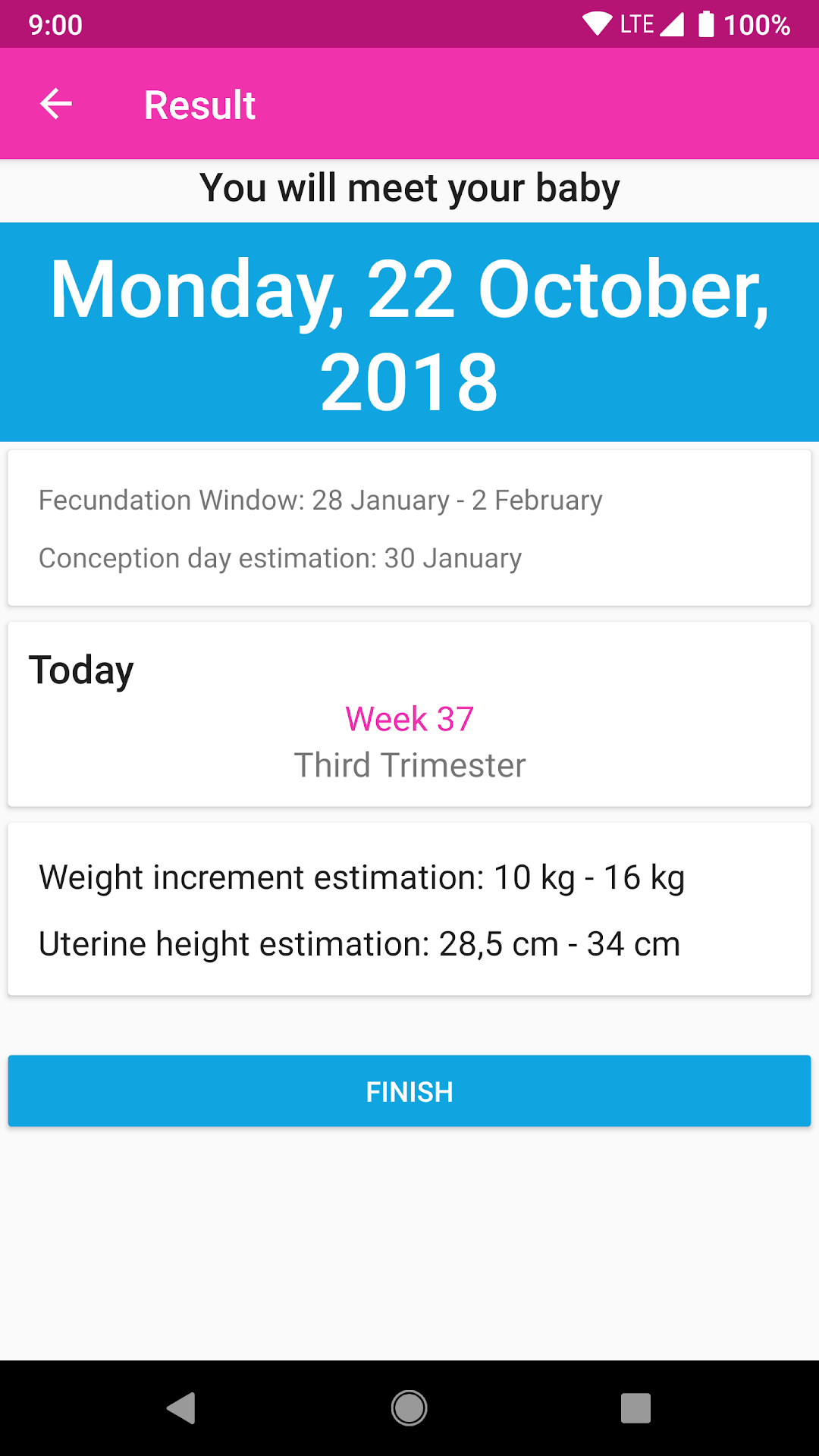
This pregnancy calculator will help you find out when you conceived, the stage of pregnancy you're in, and even the expected due date.If you want to know your pregnancy calendar and calculate how many weeks pregnant you are, then this is the app for you.
Main features:
-Complete pregnancy calculator: learn about pregnancy stages.
-Week by week pregnancy: receive a brief summary on your pregnancy throughout the trimesters, as well as learn about the changes your body's experiencing.
-Notes on your pregnancy: write down and keep a record of notes on the different stages of your pregnancy, so as to review them later on or show them to your doctor. You'll be able to record everything, from the very first pregnancy symptoms until the birth of your baby.
-Clear and concise information: we'll show you visually and in a user friendly way everything you need to know about your pregnancy.
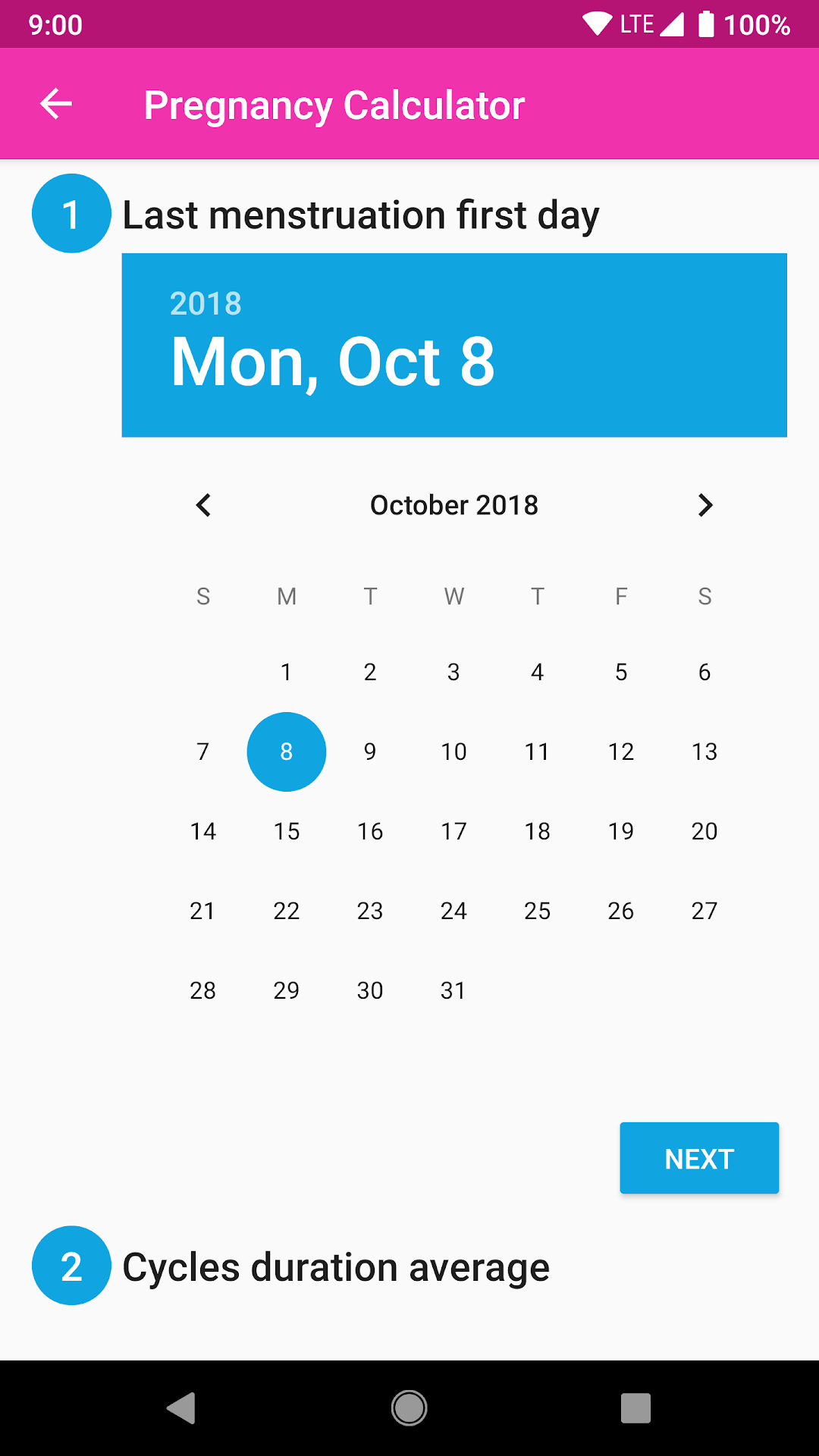
-Easy and simple pregnancy due date calculator: just enter the date of your last period and the duration of your cycles, and the app will do the rest.
Final note: the information provided in this app should never be taken as definitive. This app is designed to provide information and guidance but does not substitute for a doctor's visit.