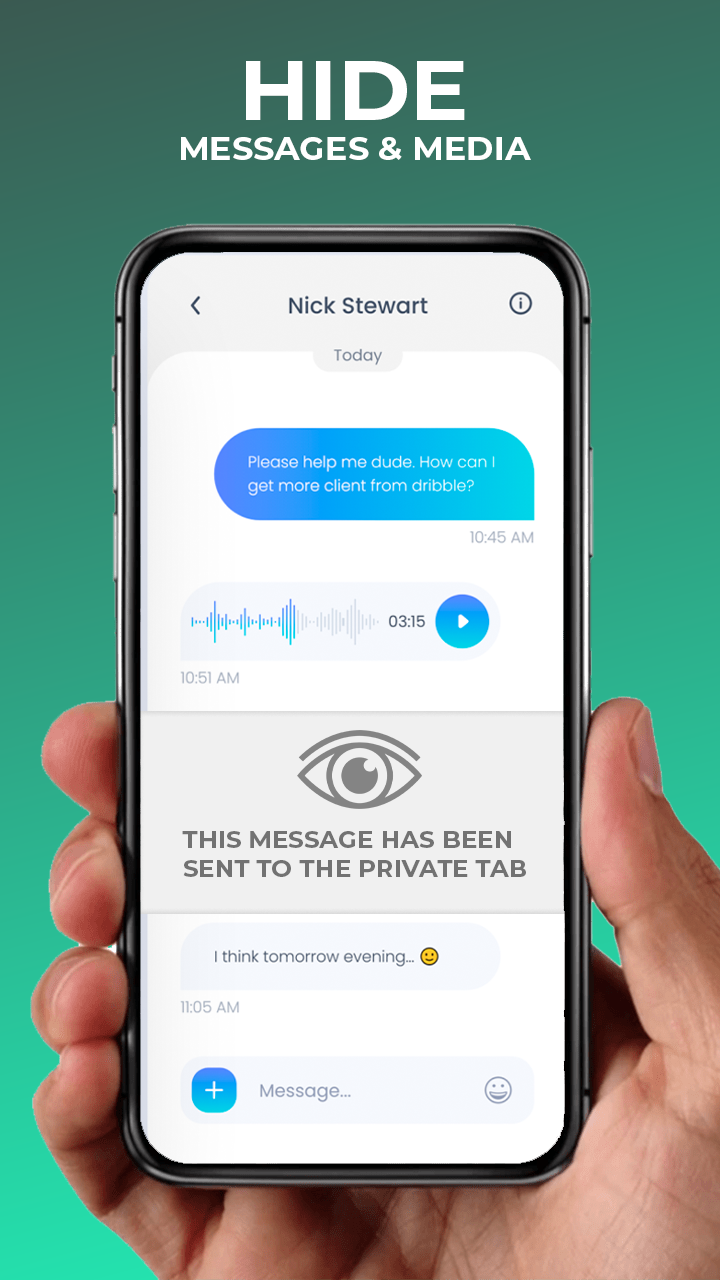
Private SMS PRO is a Social application developed by basikolta, but with the best Android emulator-LDPlayer, you can download and play Private SMS PRO on your computer.
Running Private SMS PRO on your computer allows you to browse clearly on a large screen, and controlling the application with a mouse and keyboard is much faster than using touchscreen, all while never having to worry about device battery issues.
With multi-instance and synchronization features, you can even run multiple applications and accounts on your PC.
And file sharing makes sharing images, videos, and files incredibly easy.
Download Private SMS PRO and run it on your PC. Enjoy the large screen and high-definition quality on your PC!
ENCRYPTED MESSAGINGSend a private text or other communication with end-to-end encryption and private messaging.
It’s 100% safe & secure.
DISAPPEARING MESSAGES
Messages disappear forever automatically (without exception) once they are read.
You don’t need to worry about whether you forget to delete messages or not.
SPY PROTECTION
Hide text messages by using Confide messenger.
Read messages line by line using your finger. It prevents anyone from looking over your shoulder to read your entire private message.
SCREENSHOT PREVENTION
Ensure anonymous messages by preventing your private text or documents from being screenshotted by their recipient.
Passport, credit card and other docs stay protected.
INCOGNITO MODE
Chat, text, and send disappearing messages anonymously.
Don’t want them to know it’s you? Hide your identity with a secret message app.
RETRACT UNREAD MESSAGES
Private messaging can get even more private with the option to unsend unread messages.
Change your mind? Retract!
PRIVATE AND GROUP MESSAGING
Enjoy all of the privacy perks of this secret text app, like anonymous text, safe chat, and private texting – whether you’re 1-to-1 messaging or using group chat.