Prizee - FM 23 Database is a Productivity application developed by FC Prizee, but with the best Android emulator-LDPlayer, you can download and play Prizee - FM 23 Database on your computer.
Running Prizee - FM 23 Database on your computer allows you to browse clearly on a large screen, and controlling the application with a mouse and keyboard is much faster than using touchscreen, all while never having to worry about device battery issues.
With multi-instance and synchronization features, you can even run multiple applications and accounts on your PC.
And file sharing makes sharing images, videos, and files incredibly easy.
Download Prizee - FM 23 Database and run it on your PC. Enjoy the large screen and high-definition quality on your PC!
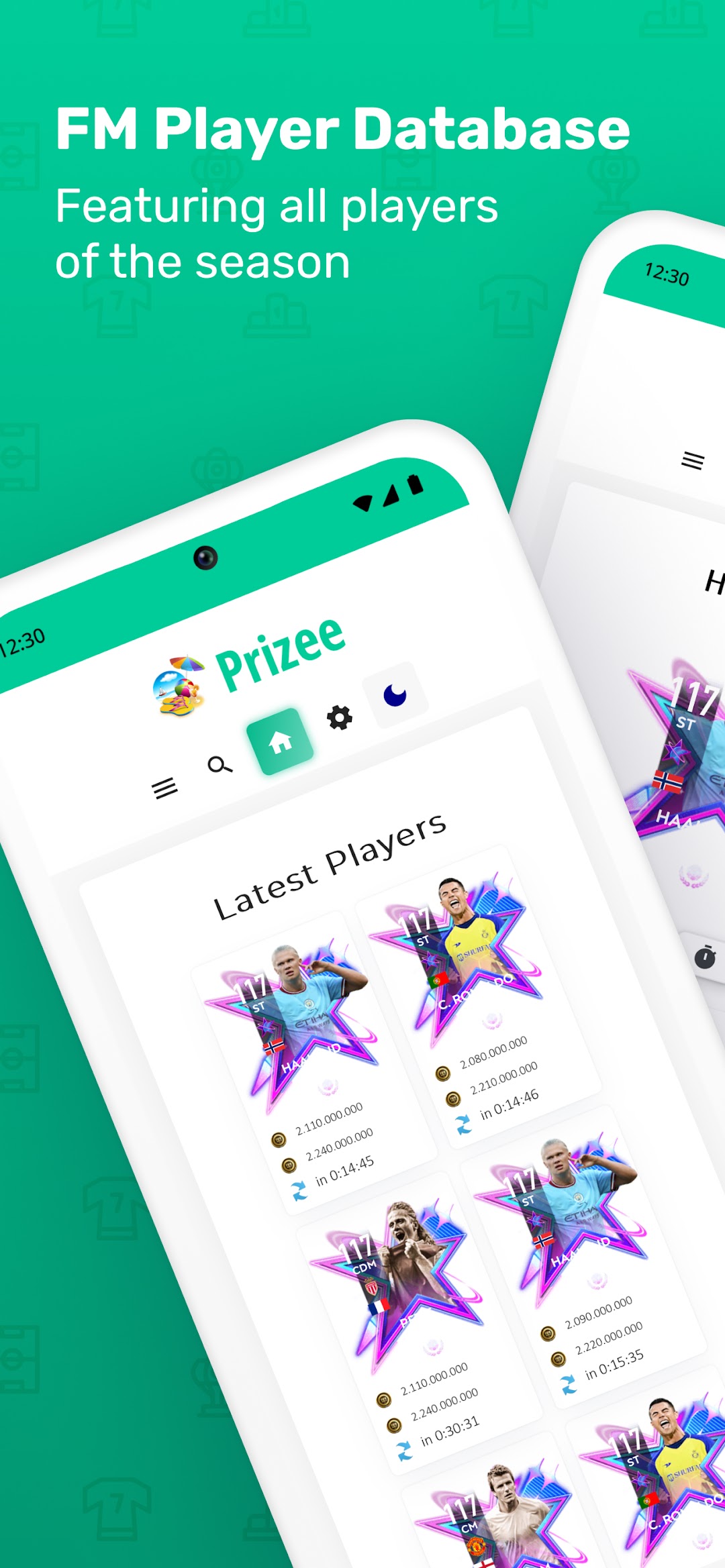
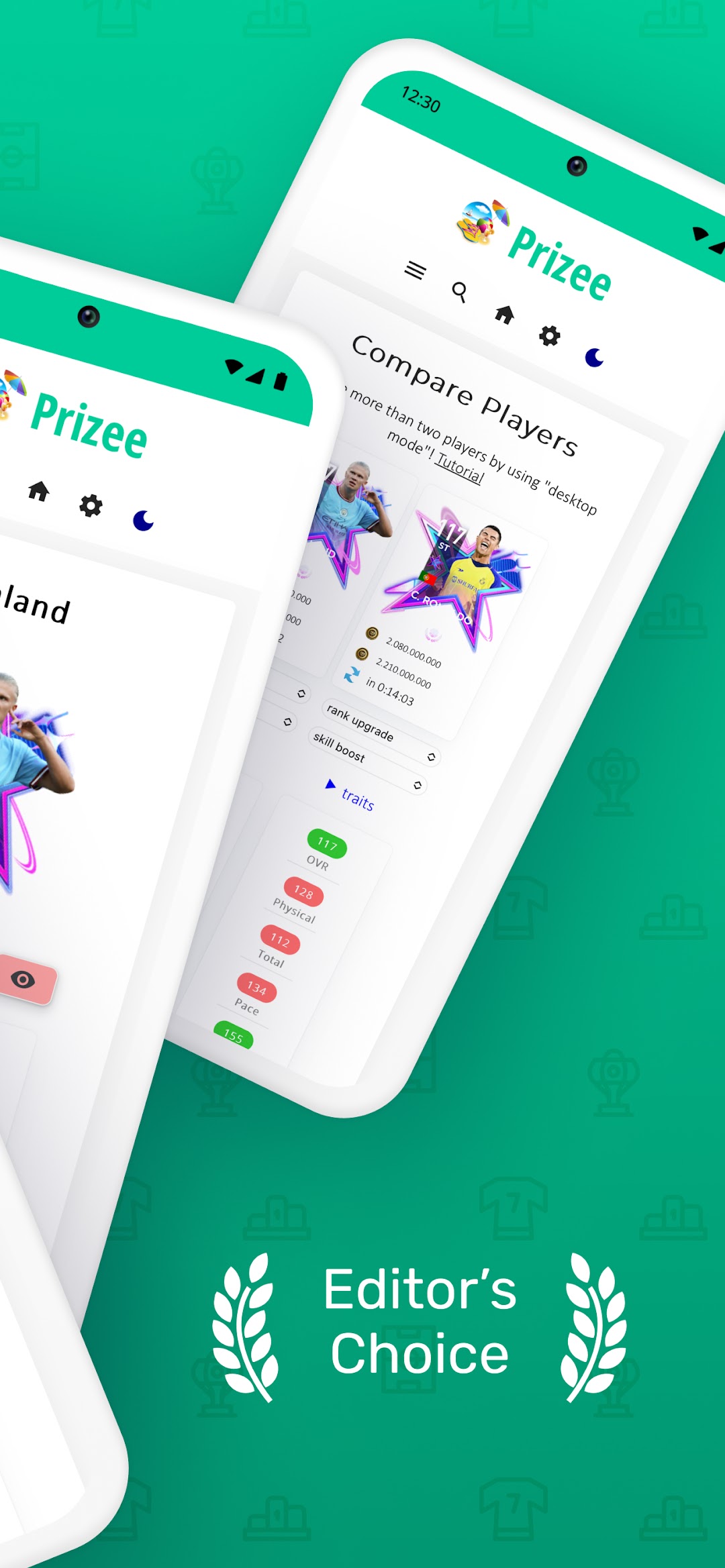
This app provides you all tools you need to become a successful expert in the game of FM Season 7 (23). You can easily search for players to keep an eye on their market situation.Features:
- Check refresh times
- Watch live market prices of over 3,000 players
- Generate your own custom card
- Build your dream squad
- Add players to your watchlist
Additionally:
- All regions supported
- Multi language support
- AMOLED dark mode
- See previous prices from the last weeks and months
- Check market refresh times for all programs
- Set up notifications to get notified when a price changes
- Squad Builder: Check the price for your squad in any region
- Share your squad with people around the world
- Use smart links to other databases
- Dark Mode with support for system dark mode
Notices:
- This app is not affiliated with any other publisher
- You need an internet connection
- Price refresh rates can vary, prices usually refresh around 3 times a day
- This app is managed by one person