QRCode Scanner & Generator is a Tools application developed by Video Art AI Video Editor Dev, but with the best Android emulator-LDPlayer, you can download and play QRCode Scanner & Generator on your computer.
Running QRCode Scanner & Generator on your computer allows you to browse clearly on a large screen, and controlling the application with a mouse and keyboard is much faster than using touchscreen, all while never having to worry about device battery issues.
With multi-instance and synchronization features, you can even run multiple applications and accounts on your PC.
And file sharing makes sharing images, videos, and files incredibly easy.
Download QRCode Scanner & Generator and run it on your PC. Enjoy the large screen and high-definition quality on your PC!
Welcome to the QR Code Scanner & Generator app! Unlock a world of possibilities with our feature-packed application that makes QR code management a breeze.Generate QR Codes with Ease :
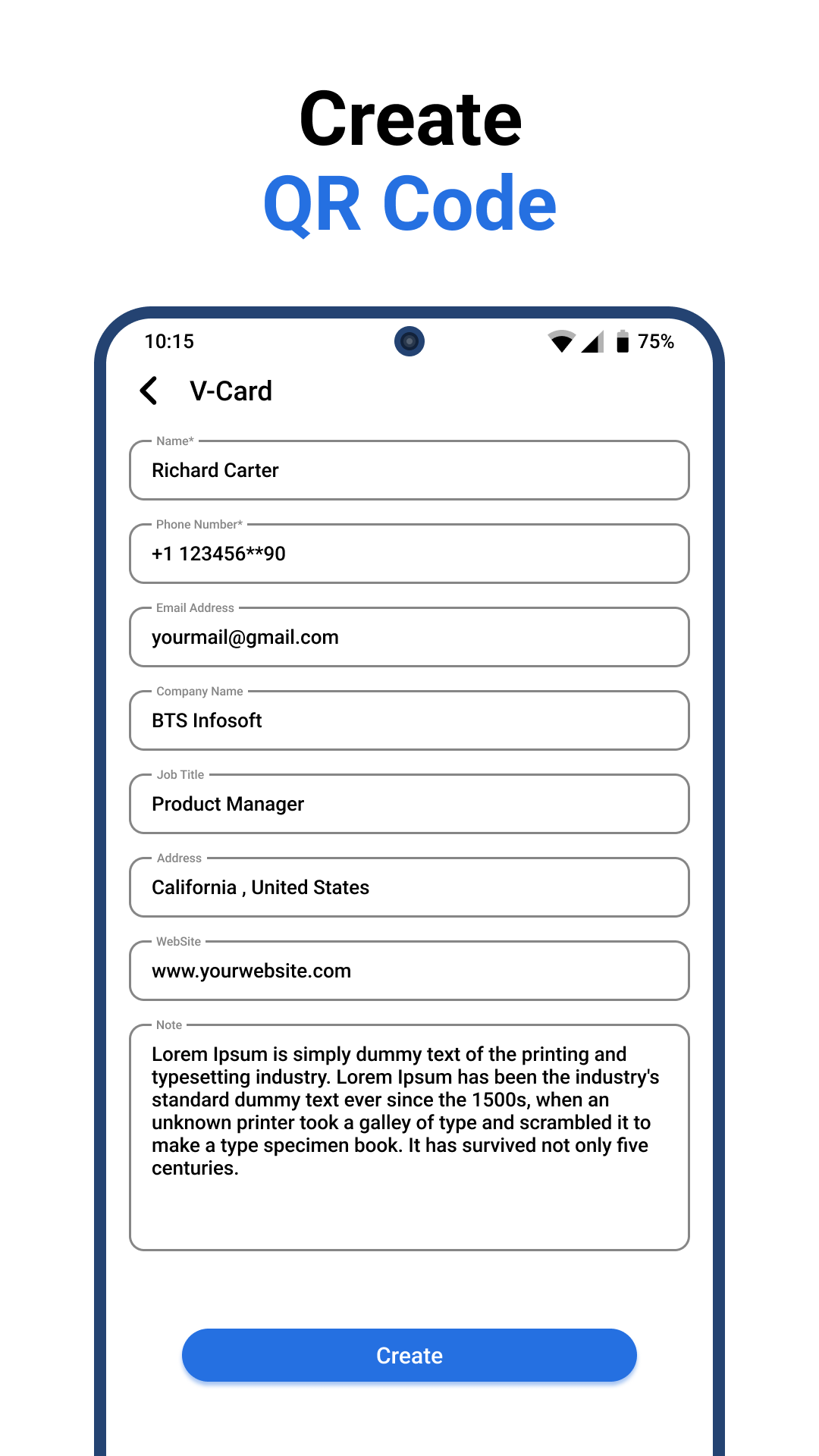
Create QR codes for various purposes effortlessly. Whether it's a Wi-Fi connection, URL, Text, Contact, SMS, email, V-Card, Event, or even social media profiles like Facebook, Whatsapp, Instagram, and Youtube, our app has got you covered.
Intelligent QR Code Scanner :
Efficiently scan QR codes and let our app decode the information for you. Depending on the QR content, we provide intuitive options, ensuring a seamless experience. From opening URLs to adding contacts and connecting to Wi-Fi, it's all just a scan away.
Manage Your History :
Keep track of all your scanned QR codes with our built-in history feature. Easily revisit past scans and access information quickly. Organize and manage your QR code history effortlessly within the app.
Key Features of QR code scanner & generator
- Generate QR codes for a wide range of data types
- Intelligent QR code scanner with context-aware options
- History management for easy access to past scans
Simple, Fast, and Reliable :
Our QRCode Scanner & Generator app is designed with simplicity and efficiency in mind. Experience fast and reliable QR code handling, making your daily tasks smoother than ever.
Privacy and Security :
Rest assured, your data is safe with us. We prioritize your privacy and security, We are not collecting or accessing your private data.
Supported QR code for scanner & generator
• Website links (URL)
• Contacts Information
• V-Card
• Calendar Events
• WiFi hotspot access information
• Text Information
• Email & SMS
• Social media profiles for Youtube, Whatsapp, Facebook, Instagram
• Scan & Generate QR from notification for quick access.
• Supported multiple languages.
• Download and Dive into the Future of QR Code Management. You can have the QR code scanner and QR code generator at one place. Please provide your valuable feedback to batter user experience.
Email : videoartsdev@gmail.com