

QU Printing is a Productivity application developed by Puqulabel Identification Equipment, but with the best Android emulator-LDPlayer, you can download and play QU Printing on your computer.
Running QU Printing on your computer allows you to browse clearly on a large screen, and controlling the application with a mouse and keyboard is much faster than using touchscreen, all while never having to worry about device battery issues.
With multi-instance and synchronization features, you can even run multiple applications and accounts on your PC.
And file sharing makes sharing images, videos, and files incredibly easy.
Download QU Printing and run it on your PC. Enjoy the large screen and high-definition quality on your PC!
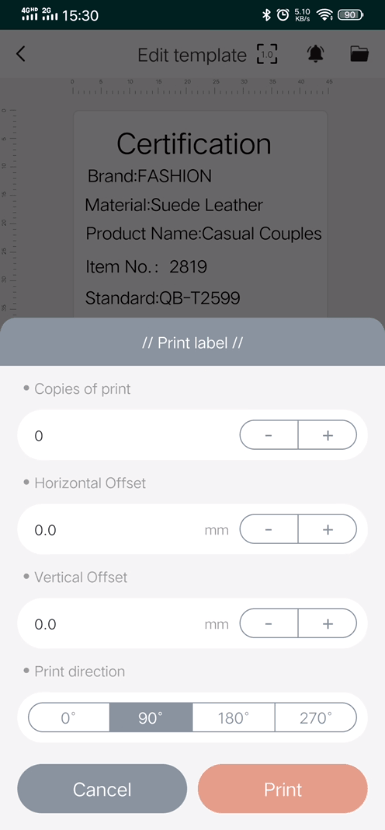
QU Printing is a label editing and printing software based on SaaS and local storage. The main technical features include template picture photo identification input, bar code two-dimensional code scanning identification input, form and serial number data source input, label printing output, etc. The main functions include scanning and printing, video message, label reminder and label template creation, multi-element editing, multi-terminal storage and label printing including the number of copies, direction, imitation volume adjustment. Realize the requirements of flexible editing and portable printing of commodity labels, life labels, etc.