Ranobe Web Novels is a Comics application developed by Atul Patare, but with the best Android emulator-LDPlayer, you can download and play Ranobe Web Novels on your computer.
Running Ranobe Web Novels on your computer allows you to browse clearly on a large screen, and controlling the application with a mouse and keyboard is much faster than using touchscreen, all while never having to worry about device battery issues.
With multi-instance and synchronization features, you can even run multiple applications and accounts on your PC.
And file sharing makes sharing images, videos, and files incredibly easy.
Download Ranobe Web Novels and run it on your PC. Enjoy the large screen and high-definition quality on your PC!
Simple light novel reader and downloaderBrowse an extensive collection of light novels across popular genres such as Action, Adventure, Romance, Fantasy, Isekai, Sci-Fi, Mystery, Horror, Drama, Slice of Life, Comedy, Supernatural, Harem, School Life, Historical, Martial Arts, and Psychological.
Features
- No Paywall
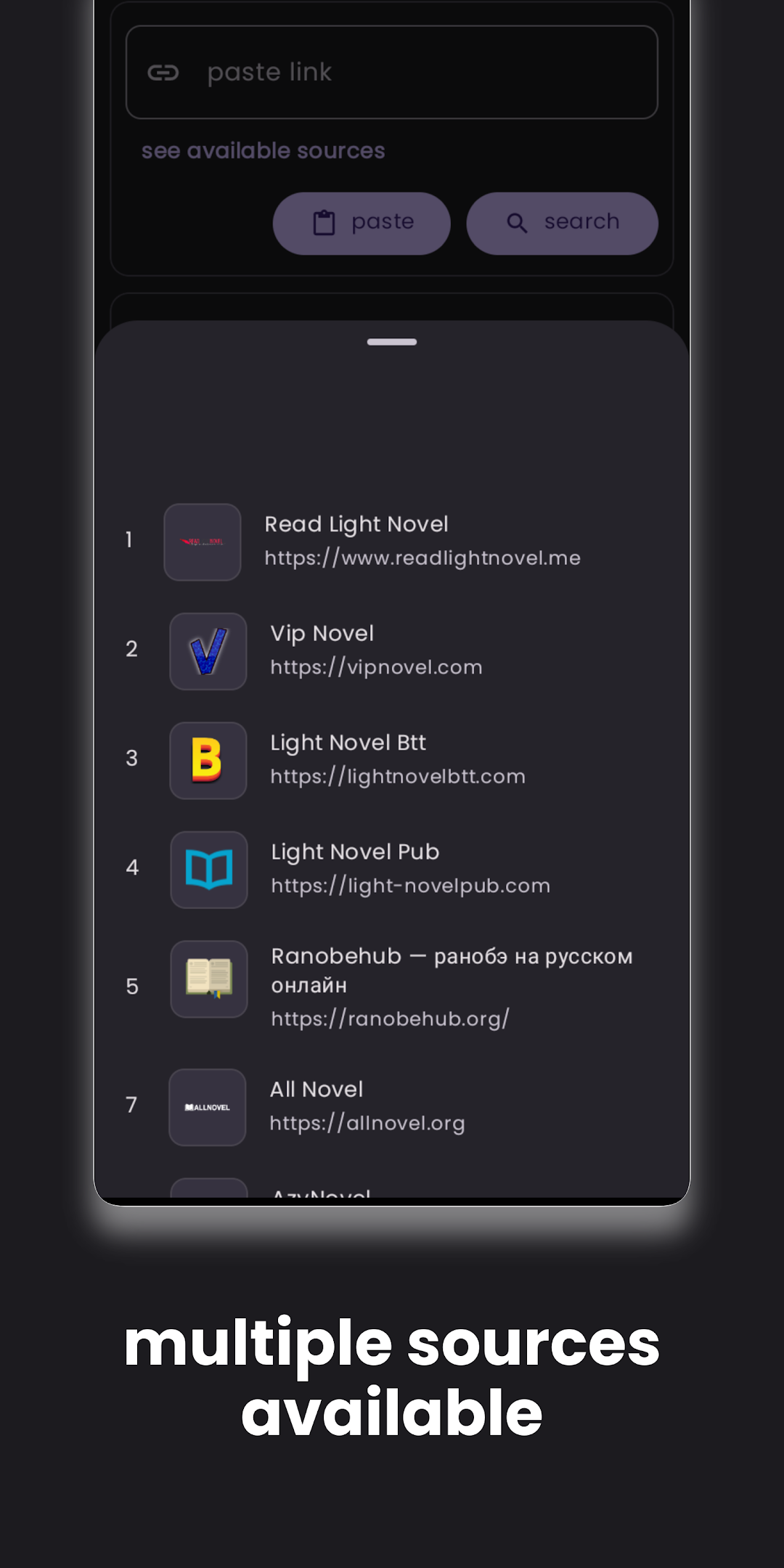
- Multiple sources
- Read online
- Adding new sources often
- Search by the name of the novel
- Save the novel in EPUB format
- Easy to use
How to use?
Step 1 - Copy a light novel link from your favourite website
Step 2 - Paste the link in the app
Step 3 - Verify the light novel in the preview screen
Step 4 - Click 'Yes' to download and select a destination folder to save
Step 5 - When done, open the EPUB in your favourite reader
Features
- Multiple sources
- Multi-lingual sources
- English
- Russian
Community
- Github https://github.com/ranobe-org
- Discord https://discord.gg/6CQ6u64dca