ReCa is a Tools application developed by ReCa, but with the best Android emulator-LDPlayer, you can download and play ReCa on your computer.
Running ReCa on your computer allows you to browse clearly on a large screen, and controlling the application with a mouse and keyboard is much faster than using touchscreen, all while never having to worry about device battery issues.
With multi-instance and synchronization features, you can even run multiple applications and accounts on your PC.
And file sharing makes sharing images, videos, and files incredibly easy.
Download ReCa and run it on your PC. Enjoy the large screen and high-definition quality on your PC!
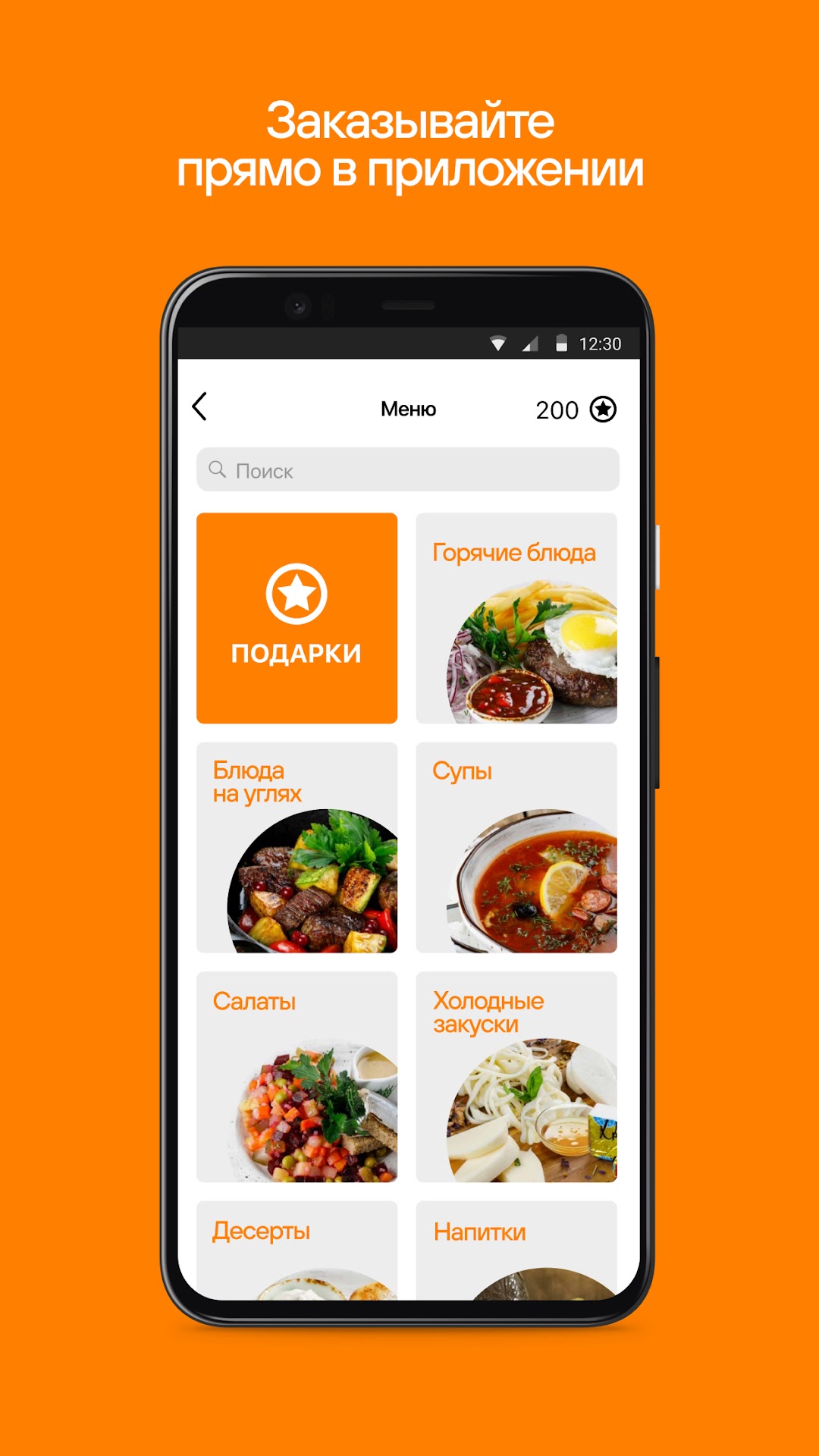
Become a member of the ReCa loyalty system using our mobile application!GIFTS FOR ORDERS
Present your bonus card with every order in our restaurants and get bonus points that can be spent on gifts.
DELIVERY
Convenient for home and office delivery.
ALWAYS NEAR
Personal offers for each user of the mobile application.
FEEDBACK
Share your impressions about ReCa restaurants and get your questions answered as soon as possible.
ReCa is a brand uniting several dozen restaurants and cafes in St. Petersburg and Moscow.
Under our leadership, completely different concepts are opened and developed: from the Soviet cafe "Kvartirka" and the authentic Kazan-Mangal to the trendy Crazy Wine bar and the informal Punk Brew. You are sure to find a restaurant to your liking, for any occasion, mood and budget. Our geography covers the whole of St. Petersburg, from the center to the sleeping areas of the city.
At the heart of our philosophy is the constant painstaking work on tastes from all over the world and the ongoing creative work to create an interesting, vibrant atmosphere for each of our projects.
In 2019, we launched our own Manneken Pis beer brand and produce 8 different varieties for our guests, combining the best brewing traditions and fresh unusual experiments. You can find a large selection of beer at the BBQ and Manneken Pis restaurants.
We will be glad to see you in ReCa restaurants! Individually. For everybody.