Relive: Run, Ride, Hike & more is a Health&Fitness application developed by Relive B.V., but with the best Android emulator-LDPlayer, you can download and play Relive: Run, Ride, Hike & more on your computer.
Running Relive: Run, Ride, Hike & more on your computer allows you to browse clearly on a large screen, and controlling the application with a mouse and keyboard is much faster than using touchscreen, all while never having to worry about device battery issues.
With multi-instance and synchronization features, you can even run multiple applications and accounts on your PC.
And file sharing makes sharing images, videos, and files incredibly easy.
Download Relive: Run, Ride, Hike & more and run it on your PC. Enjoy the large screen and high-definition quality on your PC!
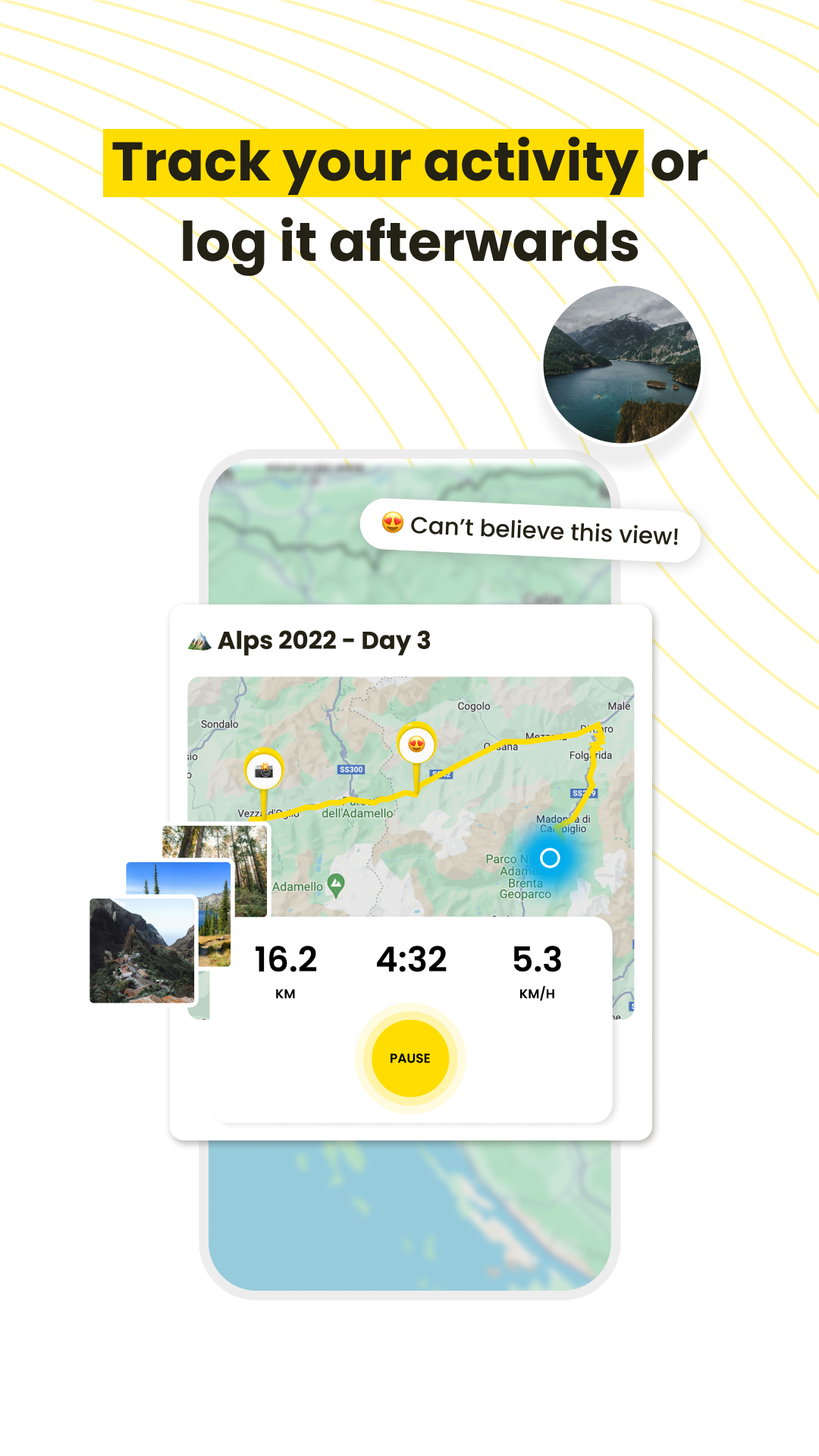
If you like to go out for a run, ride, hike or any adventure outside, you’ll love Relive. And it’s free!Millions of runners, cyclists, hikers, skiers, snowboarders and other adventurers are using Relive to share their activities with 3D video stories.
Show what it was like out there, create amazing stories and share your passion with friends!
Just go out, track your activity, take some photos and enjoy the moment. Finished? Time to create your video! Your outdoor activities have never looked so cool.
Relive works with just your phone, as well as with many other tracker apps (like Suunto, Garmin, etc.).
Free version
- Create a 3D video one time per activity (no edit)
- Create a Horizontal or Vertical video
- See your route in a 3D landscape
- Tag your friends
- See your highlights (like max. speed)
- See your journeys as a living, shareable timeline on an interactive memory map
- Share your videos with your friends on Facebook, Instagram, Twitter and more
- Works with Apple Health, Garmin, and other tools you already use
Relive Plus
- Add up to 100 photos to your video
- Add music to your videos
- Edit and create customized videos as many times as you wish
- Longer activities: Relive activities over 12 hours
- Change the title and activity type of the video
- Control video speed, watch at your own pace
- Extend the photo display in your video
- Choose from 12 color themes
- Remove end credits
- Get your videos in HD
Enjoy Relive for free! Want to Relive to the fullest? Get Relive Plus. This is available through in-app purchasing with a monthly or yearly subscription. You can subscribe and pay through your Google account. Your subscription will automatically renew unless cancelled at least 24 hours before the end of the current period. Auto-renew may be turned off after purchase by going to the ‘Manage Subscription’ page in settings.
Terms of use: https://www.relive.com/terms