ReSound Tinnitus Relief is a Health&Fitness application developed by GN Resound, but with the best Android emulator-LDPlayer, you can download and play ReSound Tinnitus Relief on your computer.
Running ReSound Tinnitus Relief on your computer allows you to browse clearly on a large screen, and controlling the application with a mouse and keyboard is much faster than using touchscreen, all while never having to worry about device battery issues.
With multi-instance and synchronization features, you can even run multiple applications and accounts on your PC.
And file sharing makes sharing images, videos, and files incredibly easy.
Download ReSound Tinnitus Relief and run it on your PC. Enjoy the large screen and high-definition quality on your PC!
The ReSound Tinnitus Relief™ app uses a combination of sounds and relaxing exercises that aim to distract your brain from focusing on tinnitus.Sound exercises are one of the most common therapies to minimize the effects of tinnitus.
The app lets you manage your personal library of soundscapes to be used as part of your tinnitus management.
Either listen to the default soundscapes or create your own from a collection of environmental sounds and small pieces of music.
To help you cope with your tinnitus, Relief also provides different activities to relax through guided meditations, breathing exercises, and imagery.
The Learn section will teach you more about what tinnitus is, what the causes are, as well as tips to help you better deal with the effects of your tinnitus.
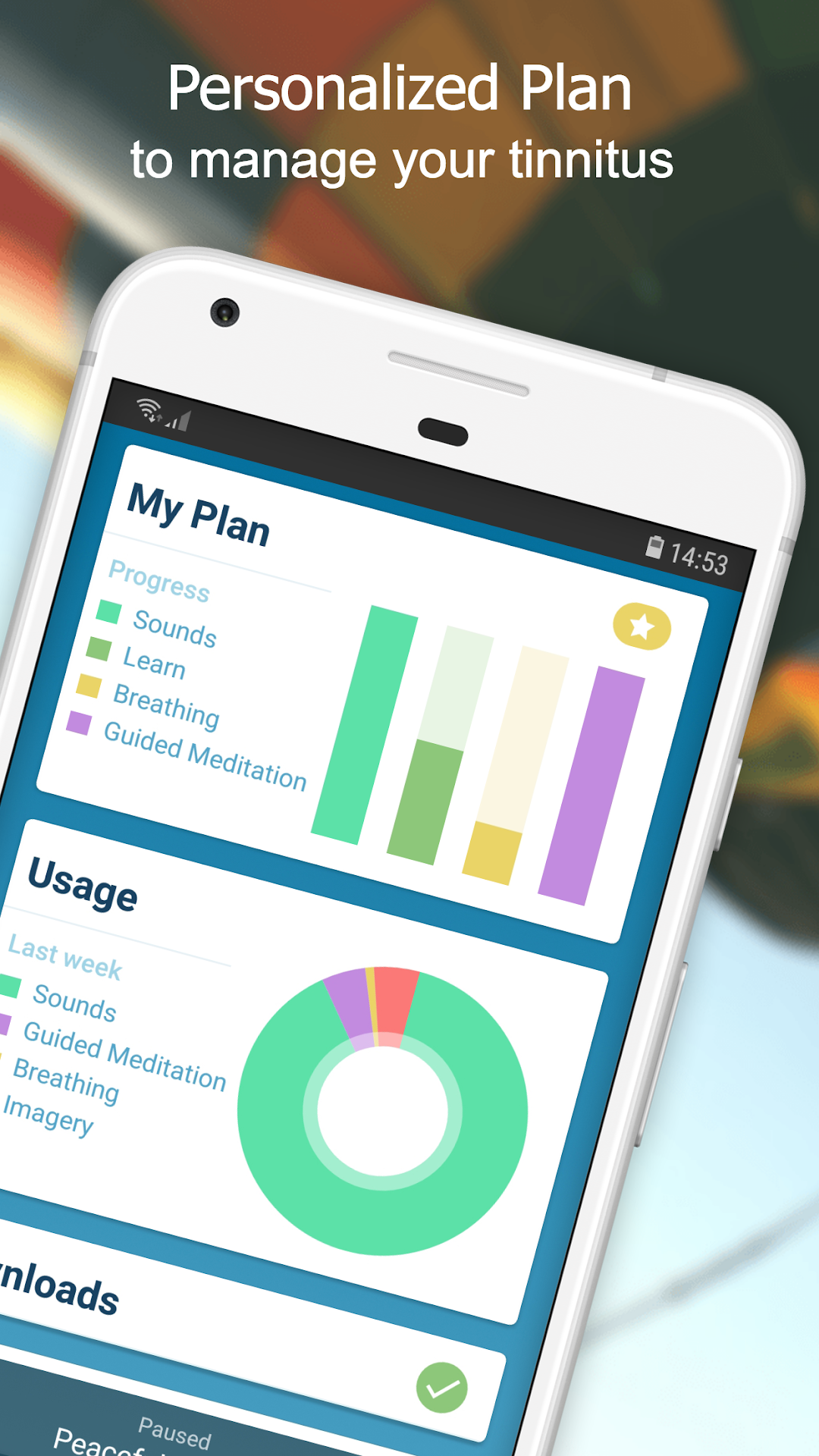
My Relief will help you to create a personalized plan to teach you to manage your tinnitus.
Simply answer a few questions about your tinnitus and the issues that bother you the most and ReSound Tinnitus Relief will create a weekly plan to support your tinnitus management.
People with tinnitus can also have hearing loss to some degree, therefore, we added a hearing test for all users to get quick inside into a potential hearing loss.
This is not a formal hearing test and does not provide you with an audiogram.
The app is a tool for anyone who has tinnitus. It should be used in combination with a tinnitus management program or plan set up by a hearing care professional.
SUBSCRIPTION PRICING AND TERMS
ReSound Tinnitus Relief offers two auto-renewing subscription options for My Plan:
$6.99 USD per month
$69.99 USD per year
These prices are for United States customers. Pricing in other countries may vary and actual charges may be converted to your local currency depending on the country of residence.
The subscription will automatically renew unless auto-renew is turned off at least 24 hours before the end of the current period. To manage your subscription, go to Subscriptions menu inside Google Playstore app. Your account will be charged when the purchase is confirmed. Unused portion of the free trial is forfeited after purchase. All purchases are final.
Read more about our privacy policy and terms of use:
https://www.resound.com/privacy-policy