Retro Rádió Országos HU is a Music&Audio application developed by HerGarApps, but with the best Android emulator-LDPlayer, you can download and play Retro Rádió Országos HU on your computer.
Running Retro Rádió Országos HU on your computer allows you to browse clearly on a large screen, and controlling the application with a mouse and keyboard is much faster than using touchscreen, all while never having to worry about device battery issues.
With multi-instance and synchronization features, you can even run multiple applications and accounts on your PC.
And file sharing makes sharing images, videos, and files incredibly easy.
Download Retro Rádió Országos HU and run it on your PC. Enjoy the large screen and high-definition quality on your PC!
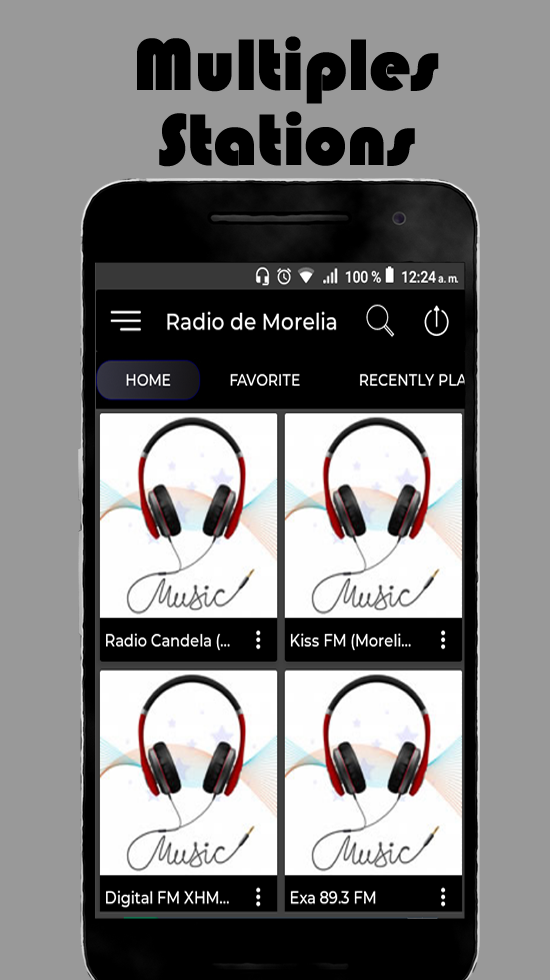
Retro Radio Nationwide HU is the best music app where you can listen to your favorite stations in the city, anywhere in the world.Retro Radio contains National HU radio stations that broadcast various music genres at any time of the day and live.
The Retro Radio Nationwide HU application brings a very friendly and easy to use interface for higher speed and user convenience.
Retro Radio National HU functions
• Listen to your favorite stations in the city.
• Record what you listen to live and use it as a sound.
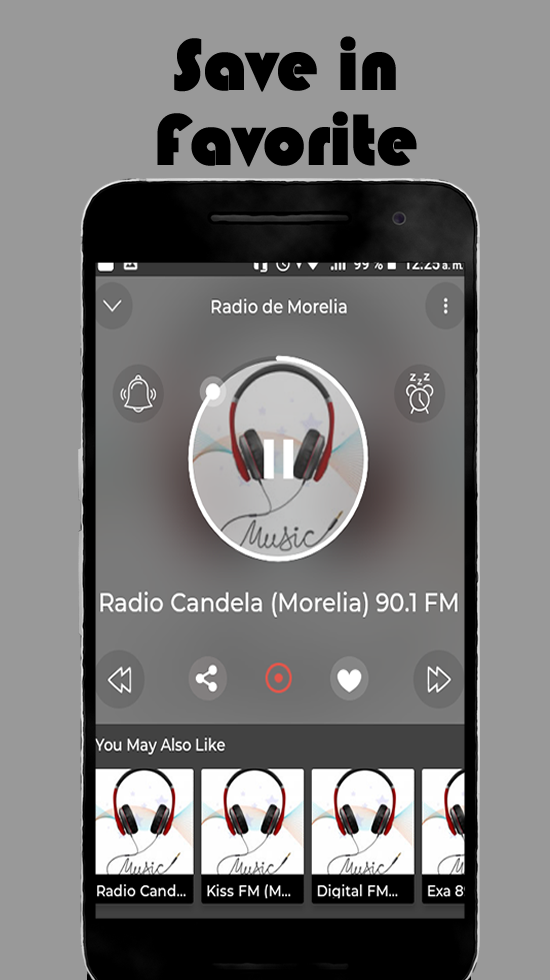
• Save the stations you like best as favorites.
• You can activate the timer for automatic disconnection.
• Set alarms to wake you up on your favorite station of the week.
• High quality transmission
• Nice user interface.
• Share your app with friends.
• The correct operation of the Retro Radio National HU application requires an internet connection, it does not work 100% without internet.
Our online radio application allows you to:
Listen to the best free radio stations (FM and AM radio) Get to know the music played on the radio (depending on the station).
Follow your favorite shows and podcasts, sports, news, music, comedy, and more while you play or use other apps.
Listen to all Retro Radio National HU radio, even if you are abroad (live radio) use the search to find a radio station or podcast, add a radio station to your favorites list
Set a timer to turn off the app automatically.
Share with others on Facebook, Twitter, WhatsApp, SMS or email.