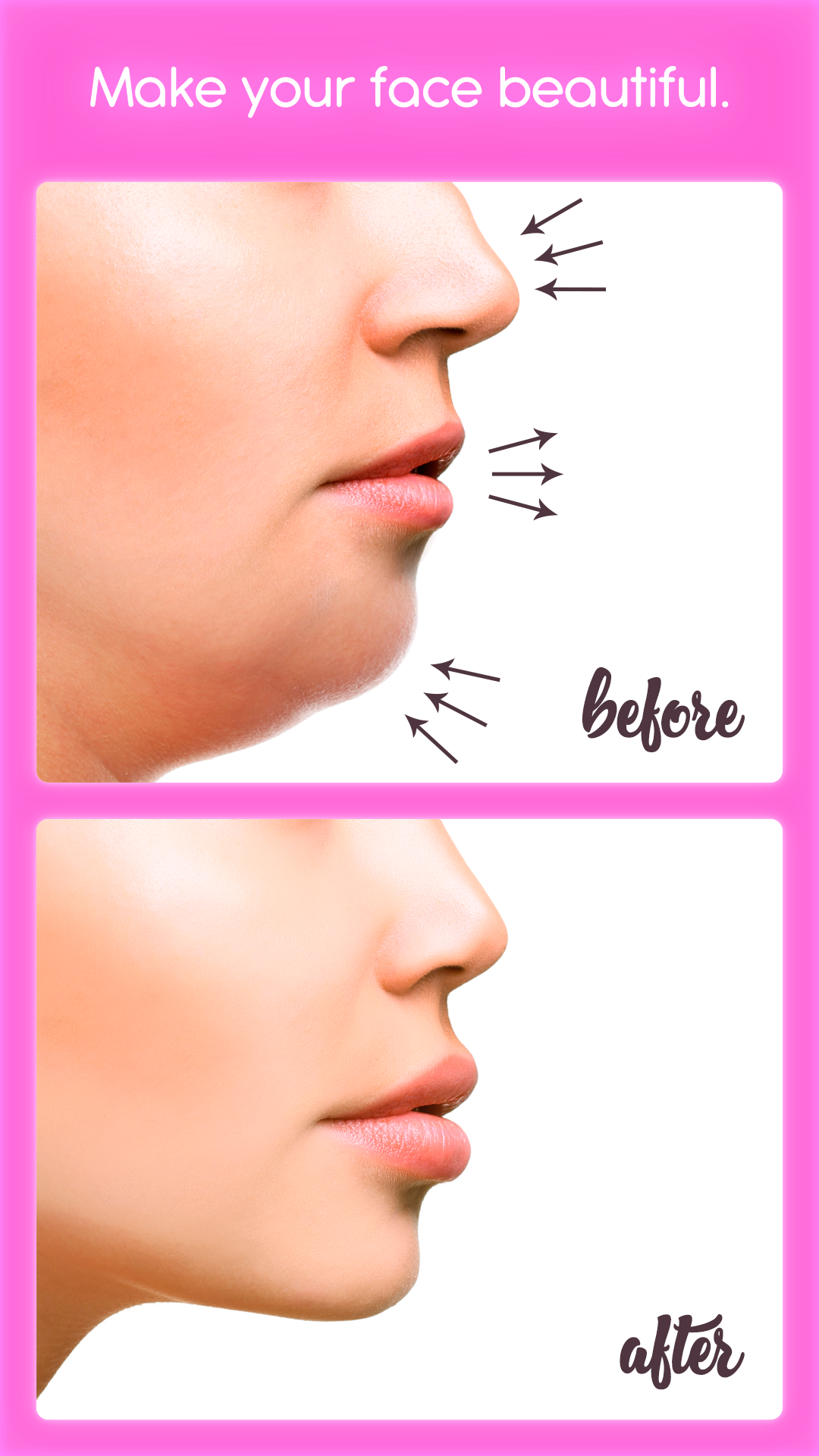
Rhinoplasty is a Beauty application developed by Selfie Photo Apps, but with the best Android emulator-LDPlayer, you can download and play Rhinoplasty on your computer.
Running Rhinoplasty on your computer allows you to browse clearly on a large screen, and controlling the application with a mouse and keyboard is much faster than using touchscreen, all while never having to worry about device battery issues.
With multi-instance and synchronization features, you can even run multiple applications and accounts on your PC.
And file sharing makes sharing images, videos, and files incredibly easy.
Download Rhinoplasty and run it on your PC. Enjoy the large screen and high-definition quality on your PC!
Want to have a small and beautiful nose without the intervention of plastic surgeons? Our app is an excellent and professional tool for reducing nose, ears, lip augmentation, cheekbones and other parts of the body. With the help of our photo editor, you can make yourself slimmer and shed those extra pounds from any parts of the body or increase your muscles without plastic surgery.Features of our photo editor:
- Deformation tool. (moves pixels along a selected area.)
- Unique brushes. (Gradually makes a convex or hollow selected area of the photo)
- A large number of fantastic nose stickers!