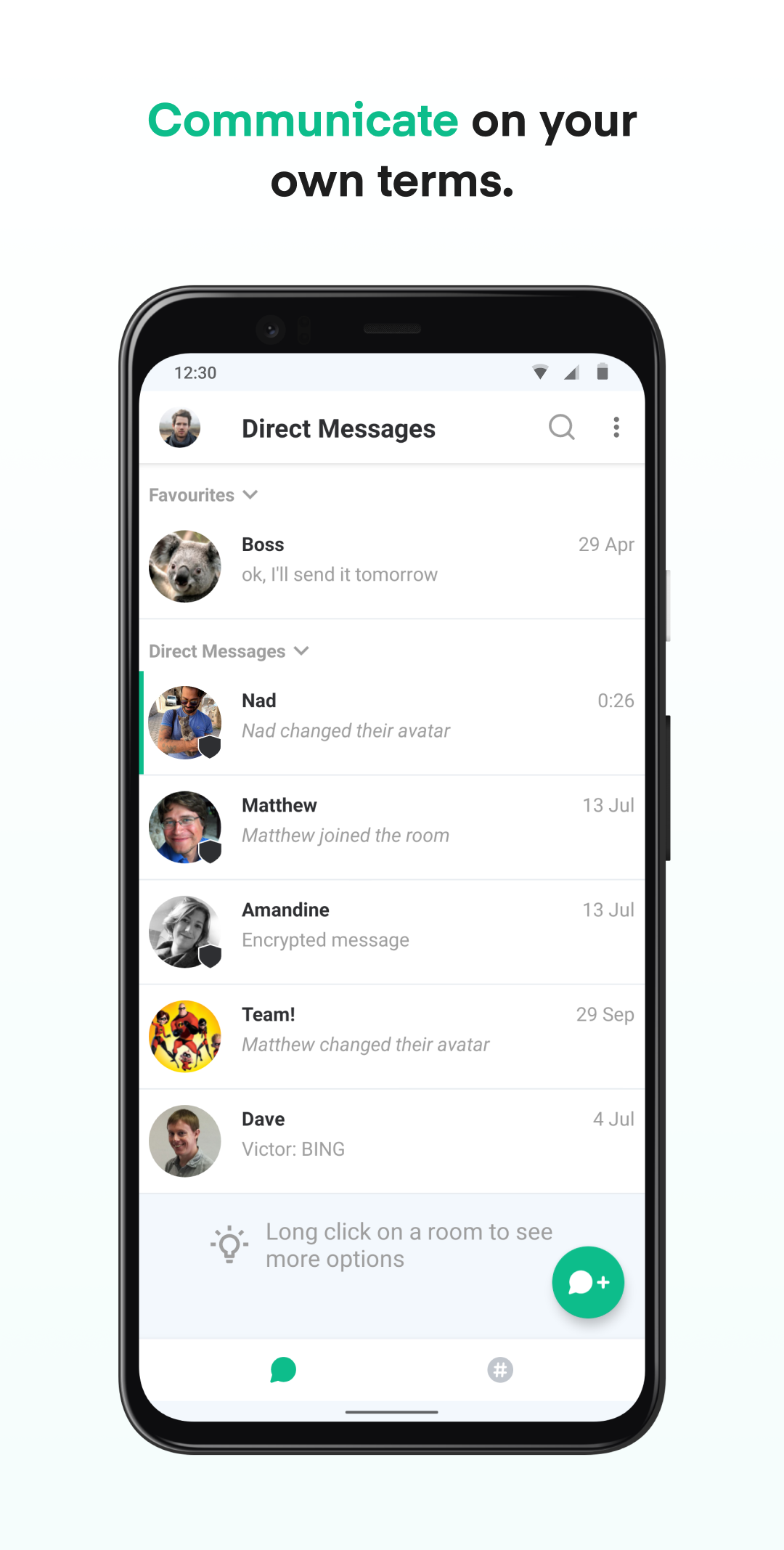


Element Classic is a Communication application developed by Element Creations Limited, but with the best Android emulator-LDPlayer, you can download and play Element Classic on your computer.
Running Element Classic on your computer allows you to browse clearly on a large screen, and controlling the application with a mouse and keyboard is much faster than using touchscreen, all while never having to worry about device battery issues.
With multi-instance and synchronization features, you can even run multiple applications and accounts on your PC.
And file sharing makes sharing images, videos, and files incredibly easy.
Download Element Classic and run it on your PC. Enjoy the large screen and high-definition quality on your PC!
Element Classic is the previous-generation of Element mobile app. Friends, family and communities should use the free and open source Element X app which is faster, easier to use, and more powerful. New users of public sector organisations, enterprises and professional teams users should use the Element Pro app that is built for work and organisations. Element Classic is available at least until the end of 2025 and will receive critical security updates but no further enhancements or new features.The application requires the android.permission.REQUEST_INSTALL_PACKAGES permission to enable the installation of applications received as attachments, ensuring seamless and convenient access to new software within the app.
The application requires the USE_FULL_SCREEN_INTENT permission to ensure our users can effectively receive call notifications even when their devices are locked.