Russian Tajik Translator is a Books&Reference application developed by GK Apps, but with the best Android emulator-LDPlayer, you can download and play Russian Tajik Translator on your computer.
Running Russian Tajik Translator on your computer allows you to browse clearly on a large screen, and controlling the application with a mouse and keyboard is much faster than using touchscreen, all while never having to worry about device battery issues.
With multi-instance and synchronization features, you can even run multiple applications and accounts on your PC.
And file sharing makes sharing images, videos, and files incredibly easy.
Download Russian Tajik Translator and run it on your PC. Enjoy the large screen and high-definition quality on your PC!
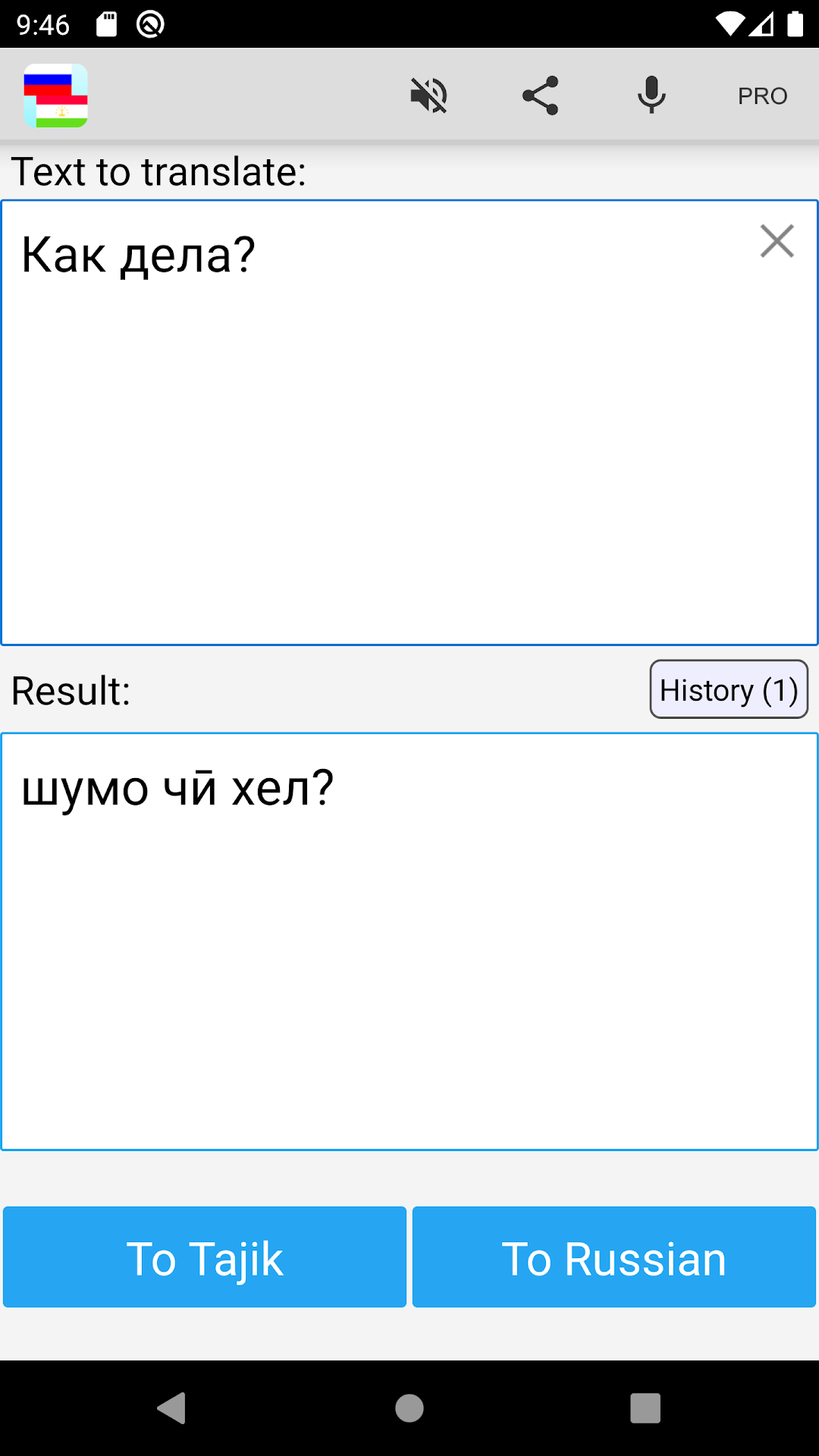
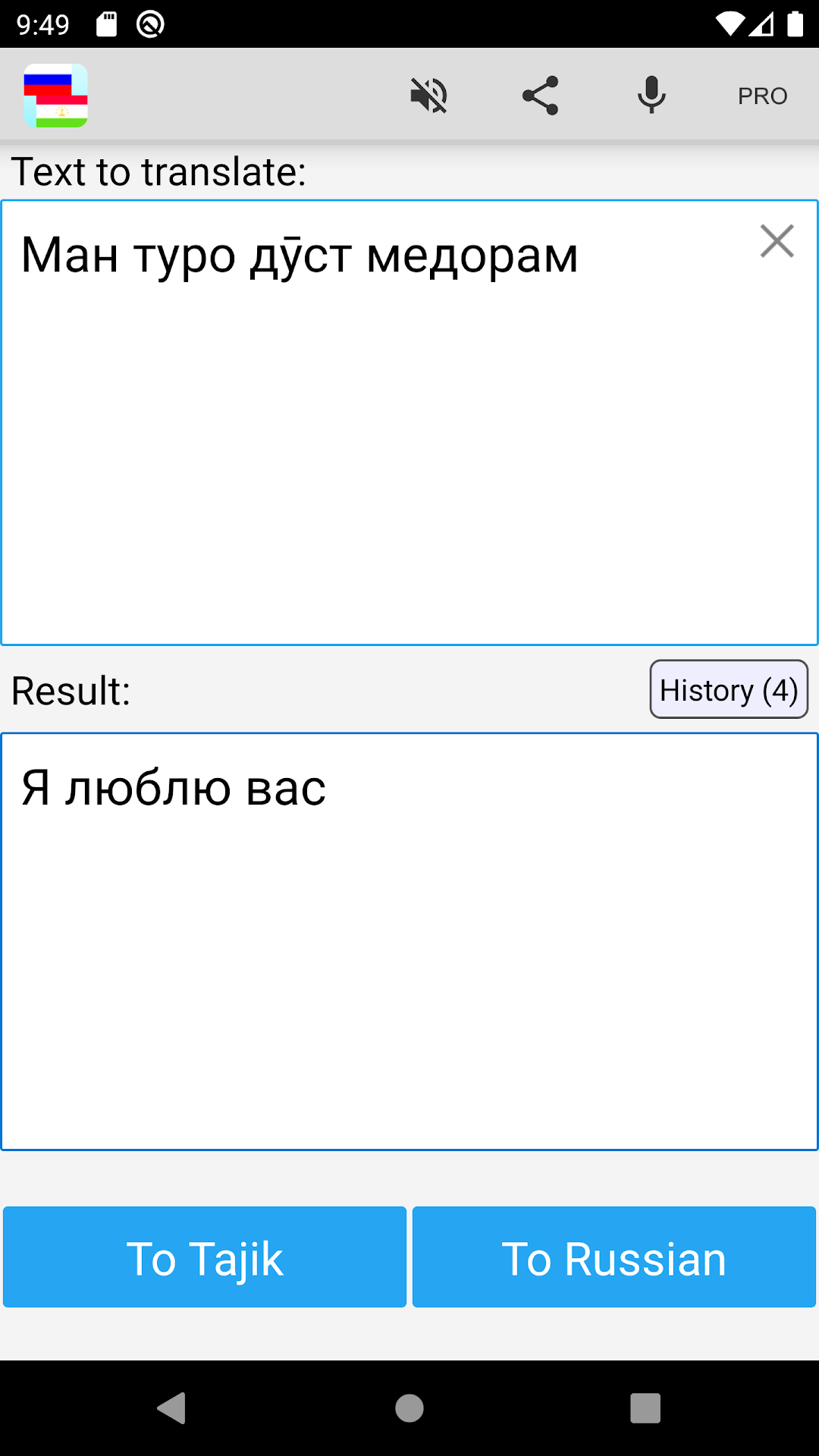
This app is able to translate words and text from russian to tajik, and from tajik to russian. Best app for easy and fast translations, which can be used like a dictionary.If you are a student, tourist or traveler (in Russia or Tajikistan), it will helps you to learn the language!
Disclaimer: This service may contain translations powered by Google. Google disclaims all warranties related to the translations, express or implied, including any warranties of accuracy, reliability, and any implied warranties of merchantability, fitness for a particular purpose and noninfringement.
Google Translate link: http://translate.google.com