S25 / S7 Launcher for Galaxy S is a Personalization application developed by N Dev Team, but with the best Android emulator-LDPlayer, you can download and play S25 / S7 Launcher for Galaxy S on your computer.
Running S25 / S7 Launcher for Galaxy S on your computer allows you to browse clearly on a large screen, and controlling the application with a mouse and keyboard is much faster than using touchscreen, all while never having to worry about device battery issues.
With multi-instance and synchronization features, you can even run multiple applications and accounts on your PC.
And file sharing makes sharing images, videos, and files incredibly easy.
Download S25 / S7 Launcher for Galaxy S and run it on your PC. Enjoy the large screen and high-definition quality on your PC!
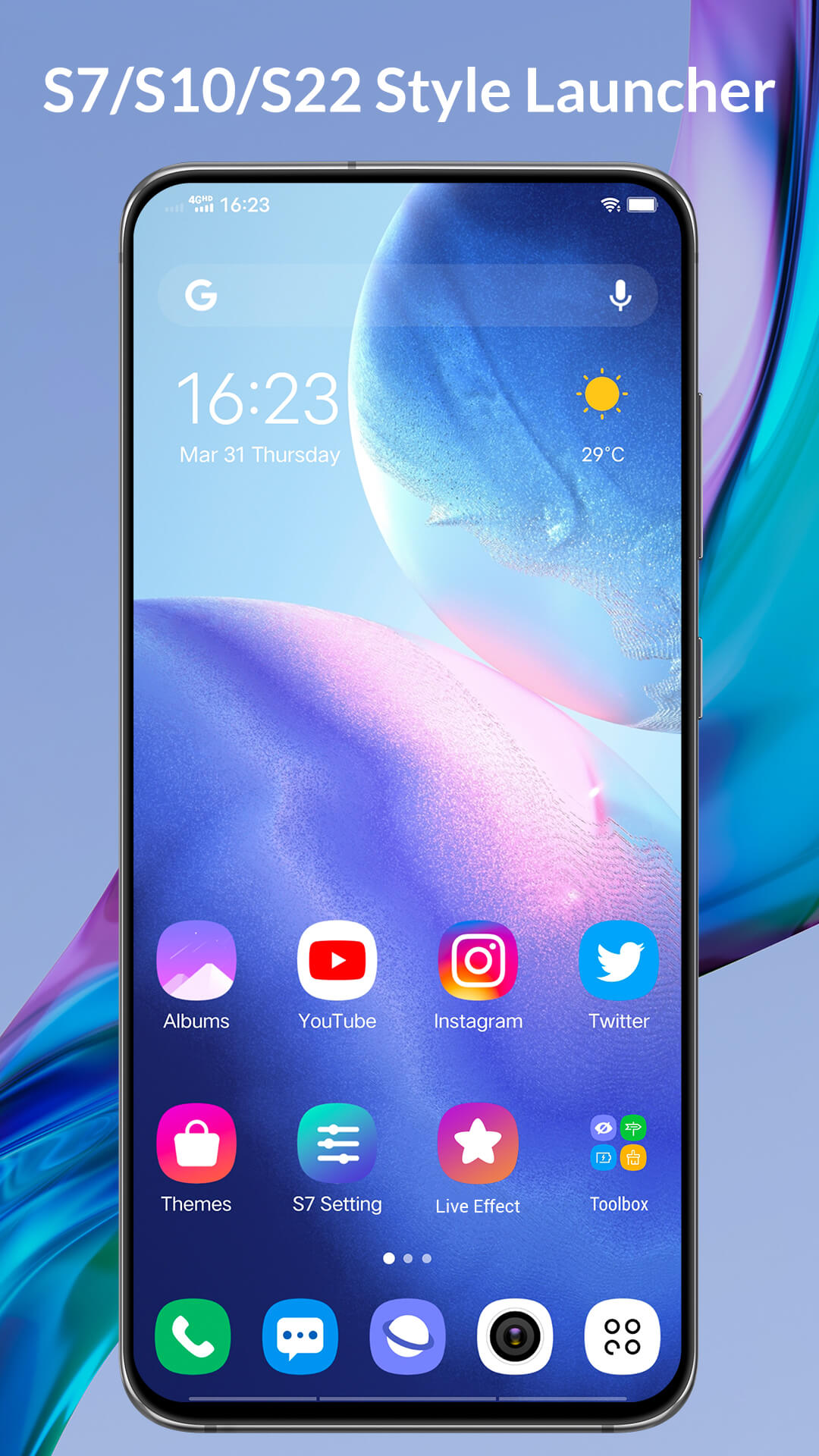
S25 / S7 Launcher is Galaxy S25 / S7 style launcher with many useful features, S25 / S7 Launcher run for Galaxy S/A/M/Note and ALL Android™ 5.0+ phones, it make your phone new & cool like a GalaxyS25 / S7 phones💛 Please be noted:
- Android is a trademark of Google Inc.
- Samsung and Galaxy S are registered trademarks of Samsung Electronics Co., Ltd. This app is inspired by Galaxy One UI Launcher, but please be noted that it is NOT official Samsung Galaxy launcher app.
💚💛 S25 / S7 Launcher features:
1. Cool launcher with all Galaxy S25 / S7 launcher features and many value-added features
2. Support 5000+ themes and almost all third-party launcher icon packs
3. Galaxy S25 / S7 icon pack build-in, support shape ALL icons to Galaxy icon style
4. Galaxy S25 / S7 wallpapers
5. Hide app and lock app
6. Lock launcher desktop
7. Support change launcher icon size
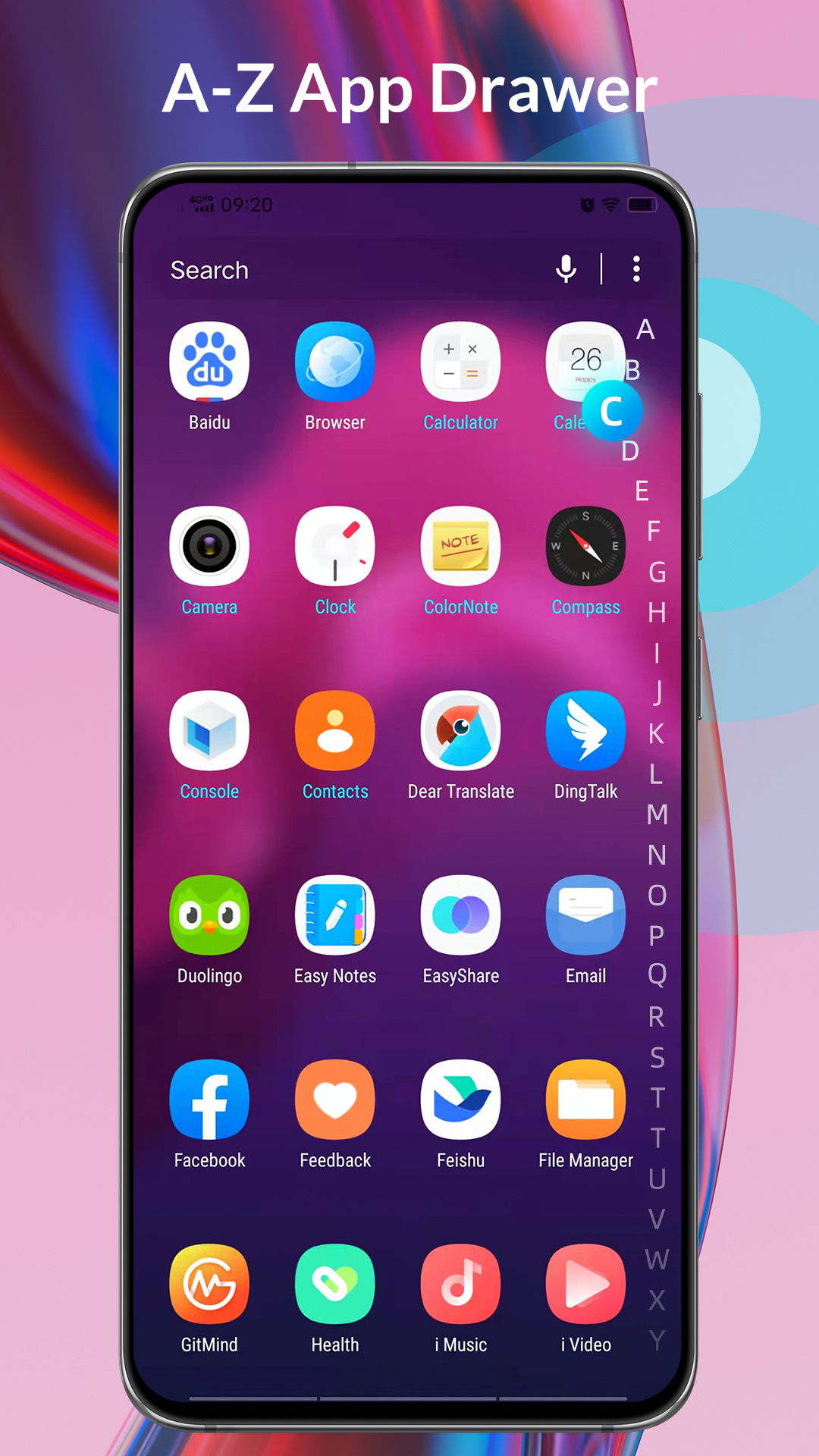
8. S25 / S7 Launcher support Horizontal drawer or Vertical drawer
9. Support launcher desktop notification dot, unread reminder
10. Gestures support: swipe up/down, pinch in/out, double tap
11. Many cool live desktop effects: sunflower, cosmos, rose, sakura, etc.
12. Config launcher desktop search bar style
13. Launcher icon grid size option
14. Launcher's drawer background color option
15. Hide app label
16. Launcher Dock background configuration
17. Font change support
💜💙 Hope you will like S25 / S7 Launcher, your rating and comments are encouraging to us, thanks a lot !