

Sahih Al-Bukhari (Melayu) is a Books&Reference application developed by AndSouls Islamic Apps, but with the best Android emulator-LDPlayer, you can download and play Sahih Al-Bukhari (Melayu) on your computer.
Running Sahih Al-Bukhari (Melayu) on your computer allows you to browse clearly on a large screen, and controlling the application with a mouse and keyboard is much faster than using touchscreen, all while never having to worry about device battery issues.
With multi-instance and synchronization features, you can even run multiple applications and accounts on your PC.
And file sharing makes sharing images, videos, and files incredibly easy.
Download Sahih Al-Bukhari (Melayu) and run it on your PC. Enjoy the large screen and high-definition quality on your PC!
Religion Islam is a complete guide line for Muslims (Followers of the Holy Prophet Muhammad P.B.U.H). Quran is our Holy Quran through which we get guidance for us, which tell us how to spend our life on every step, after the Holy Book Quran, Hadiths of our Holy Prophet Muhammad S.A.W show us how we have to spend our life, and other small and big matters of our life, how to worship Allah, How to spend our extra time and etc. All these things we can study and learn from the Hadith Collections.We are presenting Hadith Collection of Sahih Al-Bukhari Translation into Melayu Language for our Android Users. Now no matter where are you, do you have hadith book or not? you are in trouble and whan to get the solution from Hadith or anything else. So, just download and use it on the move.
Use this free book and share with your friends and family (Jazakallah)
Features:
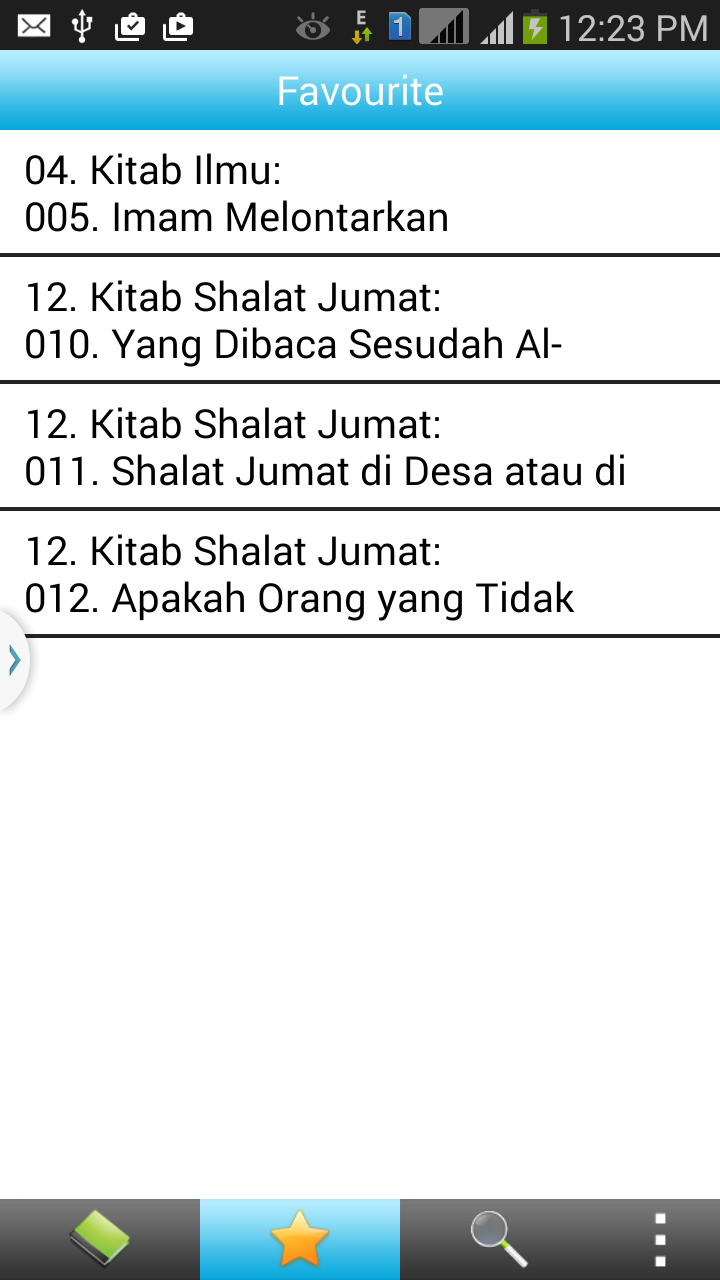
• Last Read Bookmark Auto Save
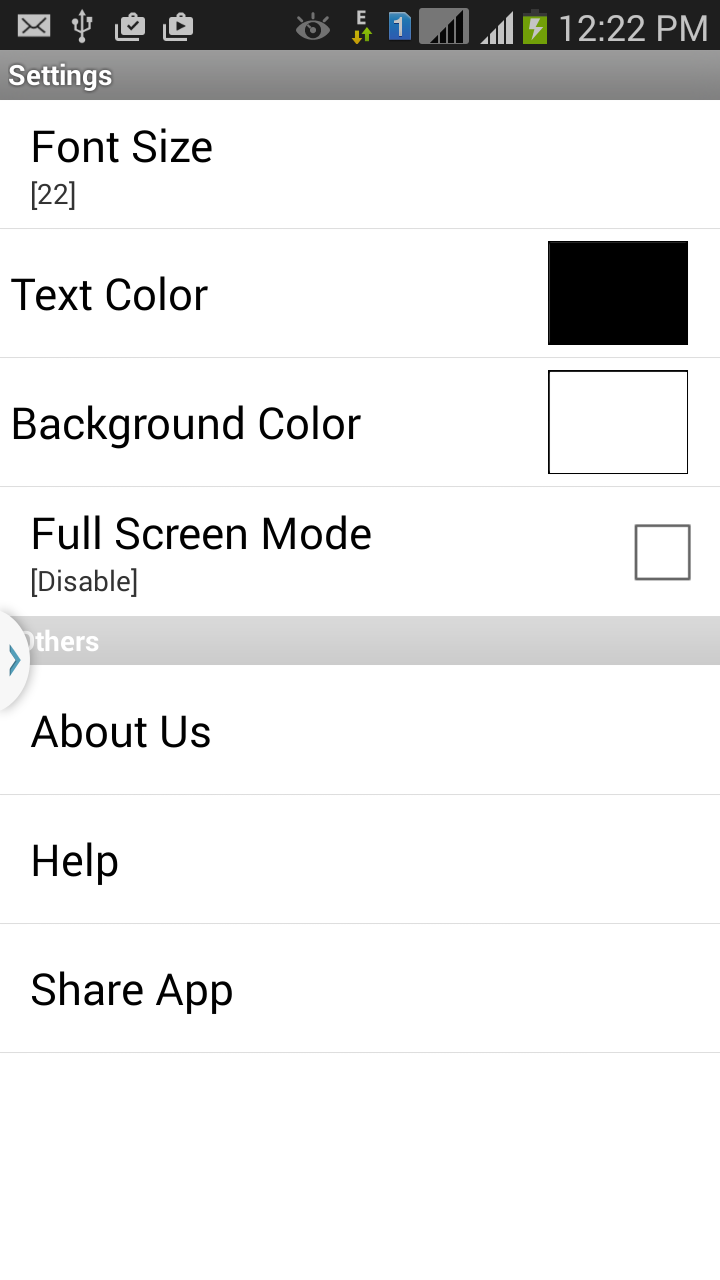
• Font Size Increase/Decrease Option
• Search Hadith Feature
• Sorted by Topics
• Text Color Adjustments
• Melayu Translation
• Free of Cost
• Best Default Setting of Font Size, Background and Text Color for Better Reading Experience
• Easy to Use
• Jump to Next and Previous Topic and Chapter
Note: This Application is free with advertisement.