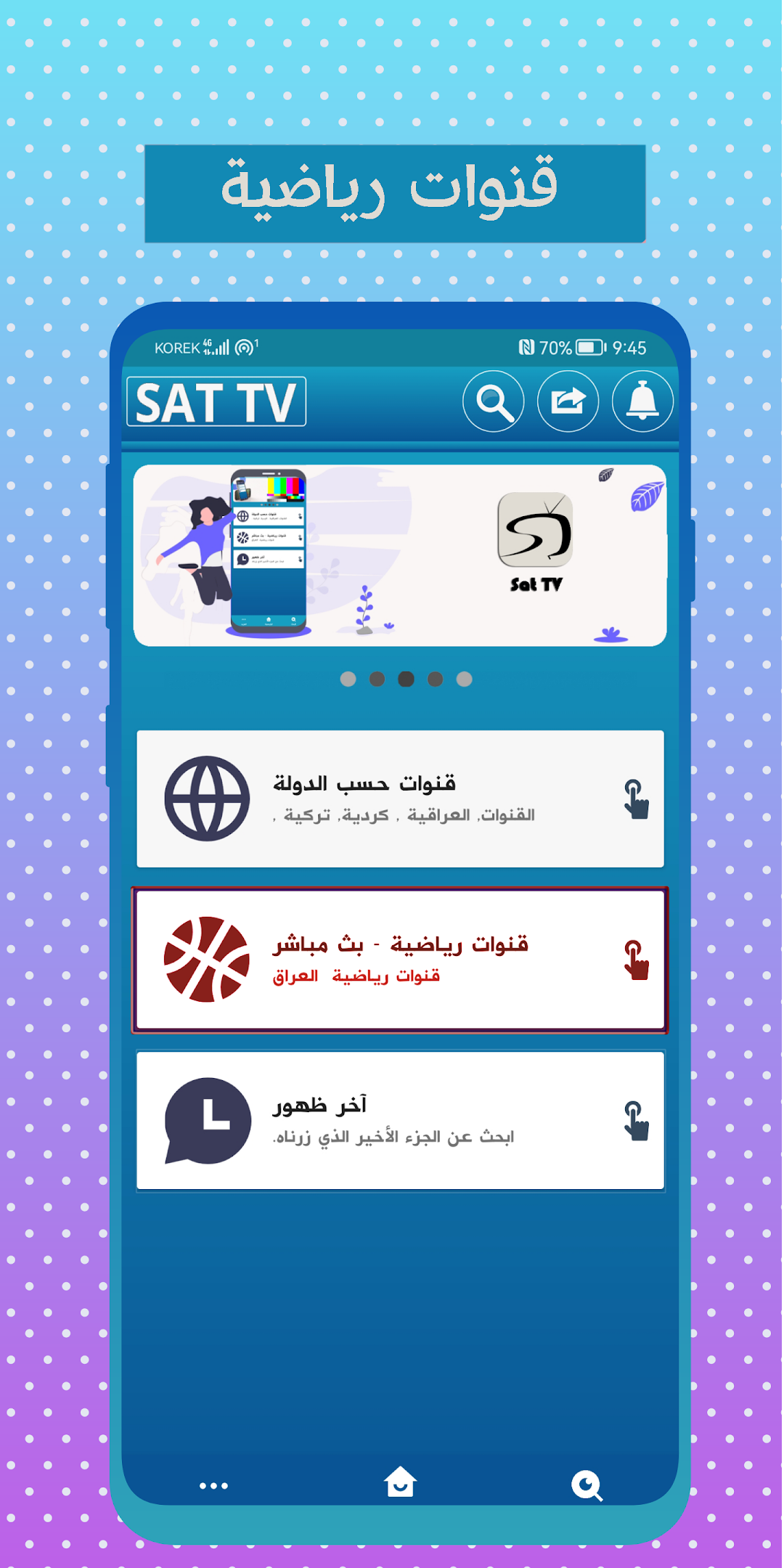
Sat TV is a Video Players&Editors application developed by Belal Iessa, but with the best Android emulator-LDPlayer, you can download and play Sat TV on your computer.
Running Sat TV on your computer allows you to browse clearly on a large screen, and controlling the application with a mouse and keyboard is much faster than using touchscreen, all while never having to worry about device battery issues.
With multi-instance and synchronization features, you can even run multiple applications and accounts on your PC.
And file sharing makes sharing images, videos, and files incredibly easy.
Download Sat TV and run it on your PC. Enjoy the large screen and high-definition quality on your PC!
Watch TV all Arabic, Kurdish and Turkish channels live without interruption and in high quality , wherever you are and anytime you want.Watch all Arab and international satellite channels live streaming without cutting and wherever you are in the easiest way, a TV application that enables you to watch your favorite channels, movie series and programs without cutting and wherever you are. A TV in a wonderful and elegant design that facilitates the process of watching and enjoying the live broadcast.
Perhaps watching TV channels TV without cutting all channels in our time has become more enjoyable through the mobile TV phone because of its many positives: Live channels. Universal TV and free movies easy to choose a channel.
Live TV is a global news that you want in just a few seconds and commute wherever you want you don't need to be near the TV that's streaming at home. A TV application with you in your hand wherever it goes allows you to watch the world of drama and action live.
Live TV in the form of a mobile TV Watch today with us in the application Live TV without chopping and all channels via TV, which offers you our live viewers of all channels and TV in your hands a powerful broadcast to you Dear TV viewer for every immigrant in European countries We provide you with immigrant TV.
Follow the most famous and best Arabic and international channels in one application, TV in your hands all channels gives you the pleasure of live streaming channels without interruption and wherever you are. To enjoy watching your favorite channels on the Live TV app. The app also supports providing streaming even to the weak internet to watch.
Now it's possible to have a pocket TV, wherever you analyze and travel, just be connected to the internet and the TV is running in your hands.
What are you waiting for, download the app now.