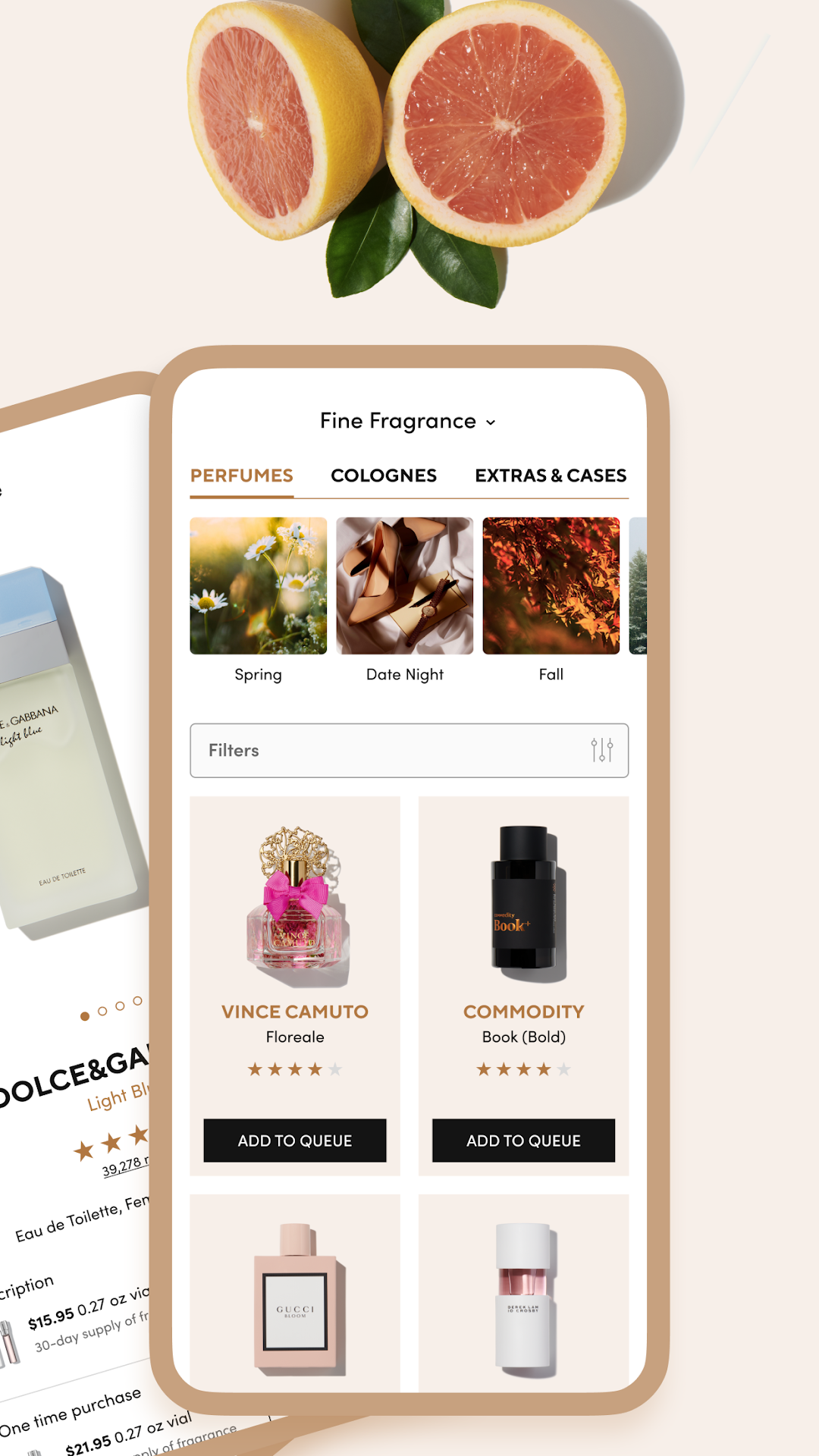
Scentbird Monthly Perfume Box is a Beauty application developed by Scentbird, Inc., but with the best Android emulator-LDPlayer, you can download and play Scentbird Monthly Perfume Box on your computer.
Running Scentbird Monthly Perfume Box on your computer allows you to browse clearly on a large screen, and controlling the application with a mouse and keyboard is much faster than using touchscreen, all while never having to worry about device battery issues.
With multi-instance and synchronization features, you can even run multiple applications and accounts on your PC.
And file sharing makes sharing images, videos, and files incredibly easy.
Download Scentbird Monthly Perfume Box and run it on your PC. Enjoy the large screen and high-definition quality on your PC!
A single tap on the Scentbird app unlocks a world of fragrance at your fingertips. Indulge in a monthly perfume subscription plan, offering over 600 fragrances to choose from. Take 50% off your first month and receive a 30-day supply of fragrance for only $8.47. Indulge in a new designer scent every 30 days and continually explore a wide library of scents suitable for every mood, occasion, and season. Discover various scented luxuries, including full-size bottles, discovery sets, luxe car fresheners, candles, and more – ideal for gifting or treating yourself.Unlock the full potential of the Scentbird app and experience a range of exciting features:
• Browse through our vast collection of artisan and designer scents, easily filtering by brand, category, scent profile, rating, or individual notes.
• Be the first in line to access exclusive sales.
• Seamlessly manage your queue by adding, removing, or rearranging products.
• Stay updated with new arrivals, best-sellers, and featured fragrances of the month.
• Track your orders and receive shipping updates.
• Share your valuable feedback by rating and reviewing your past purchases.