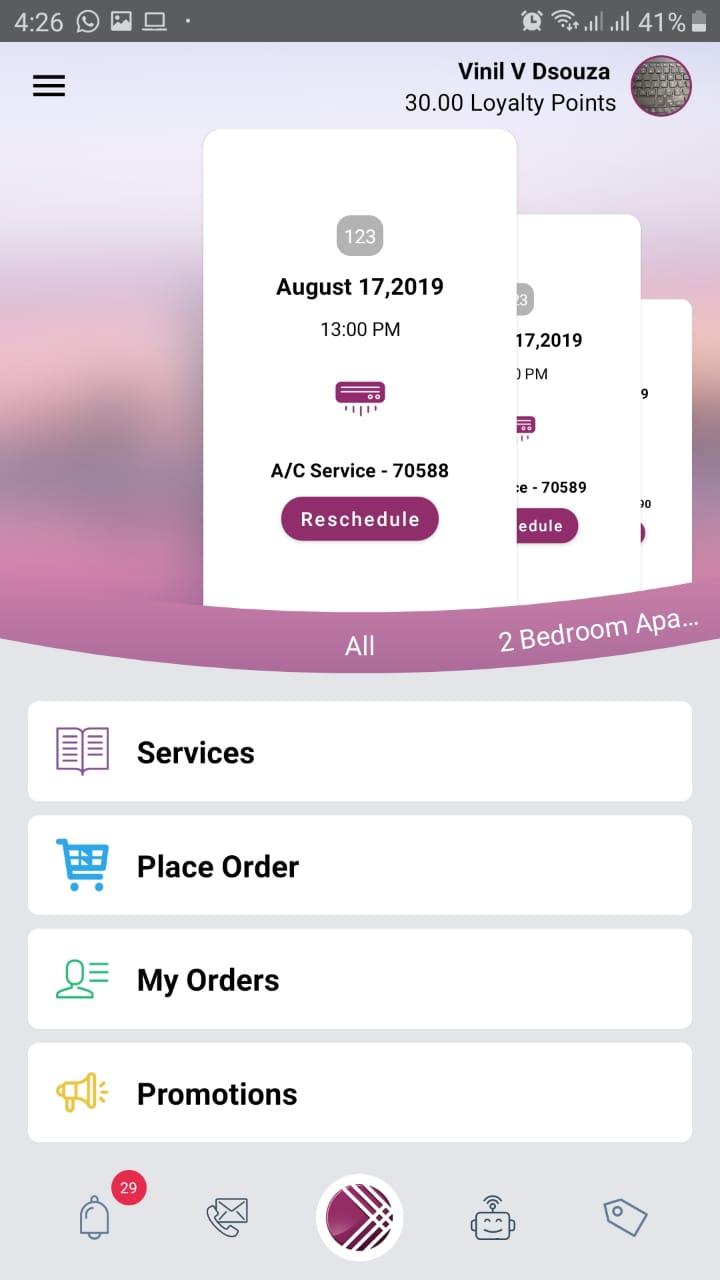
Shabaka is a House&Home application developed by Ejadah Asset Management, but with the best Android emulator-LDPlayer, you can download and play Shabaka on your computer.
Running Shabaka on your computer allows you to browse clearly on a large screen, and controlling the application with a mouse and keyboard is much faster than using touchscreen, all while never having to worry about device battery issues.
With multi-instance and synchronization features, you can even run multiple applications and accounts on your PC.
And file sharing makes sharing images, videos, and files incredibly easy.
Download Shabaka and run it on your PC. Enjoy the large screen and high-definition quality on your PC!
Shabaka is an innovative online marketplace that connects you to our comprehensive range of home maintenance services including mechanical, electrical and others delivered across the region. We provide the right combination of technical and trained staff, supported by the correct equipment and technology.With our app, you can find and book any of our fully qualified and trained cleaners or technicians and manage your bookings at your finger-tips.
Steps for an easier day:
- Download the Shabaka app on your smartphone
- Create an account and personal details
- Choose your service and favorite time of day
- Pay
- Relax and leave the hard work to us!