ShutEye®: Sleep Tracker is a Health&Fitness application developed by ENERJOY PTE. LTD., but with the best Android emulator-LDPlayer, you can download and play ShutEye®: Sleep Tracker on your computer.
Running ShutEye®: Sleep Tracker on your computer allows you to browse clearly on a large screen, and controlling the application with a mouse and keyboard is much faster than using touchscreen, all while never having to worry about device battery issues.
With multi-instance and synchronization features, you can even run multiple applications and accounts on your PC.
And file sharing makes sharing images, videos, and files incredibly easy.
Download ShutEye®: Sleep Tracker and run it on your PC. Enjoy the large screen and high-definition quality on your PC!
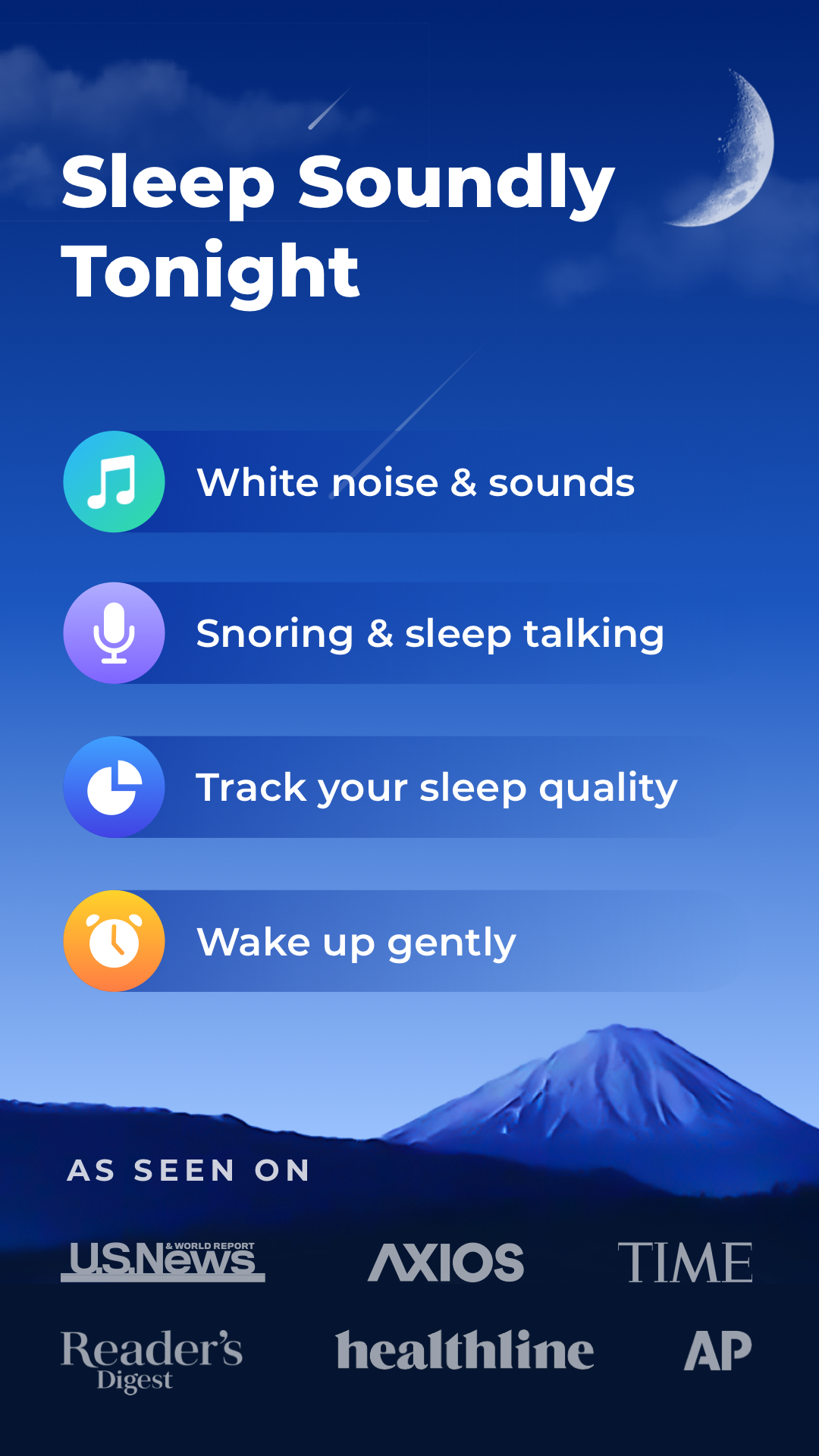
Embark on a journey into the realm of serene slumber and tranquility, guided by the captivating melodies of ShutEye's innovative sleep sounds. Welcome to the world of ShutEye: the ultimate sleep-tracking app that empowers you to take control of your sleep like never before.Elevate Your Sleep Quality:
ShutEye is tailored to enhance your sleep quality. Amid its array of functionalities, the brilliance of the sleep sounds feature stands out, offering an auditory escape into dreamscapes crafted to whisk you away from daily stresses and guide you into restful slumber.
Unveil Sleep Patterns:
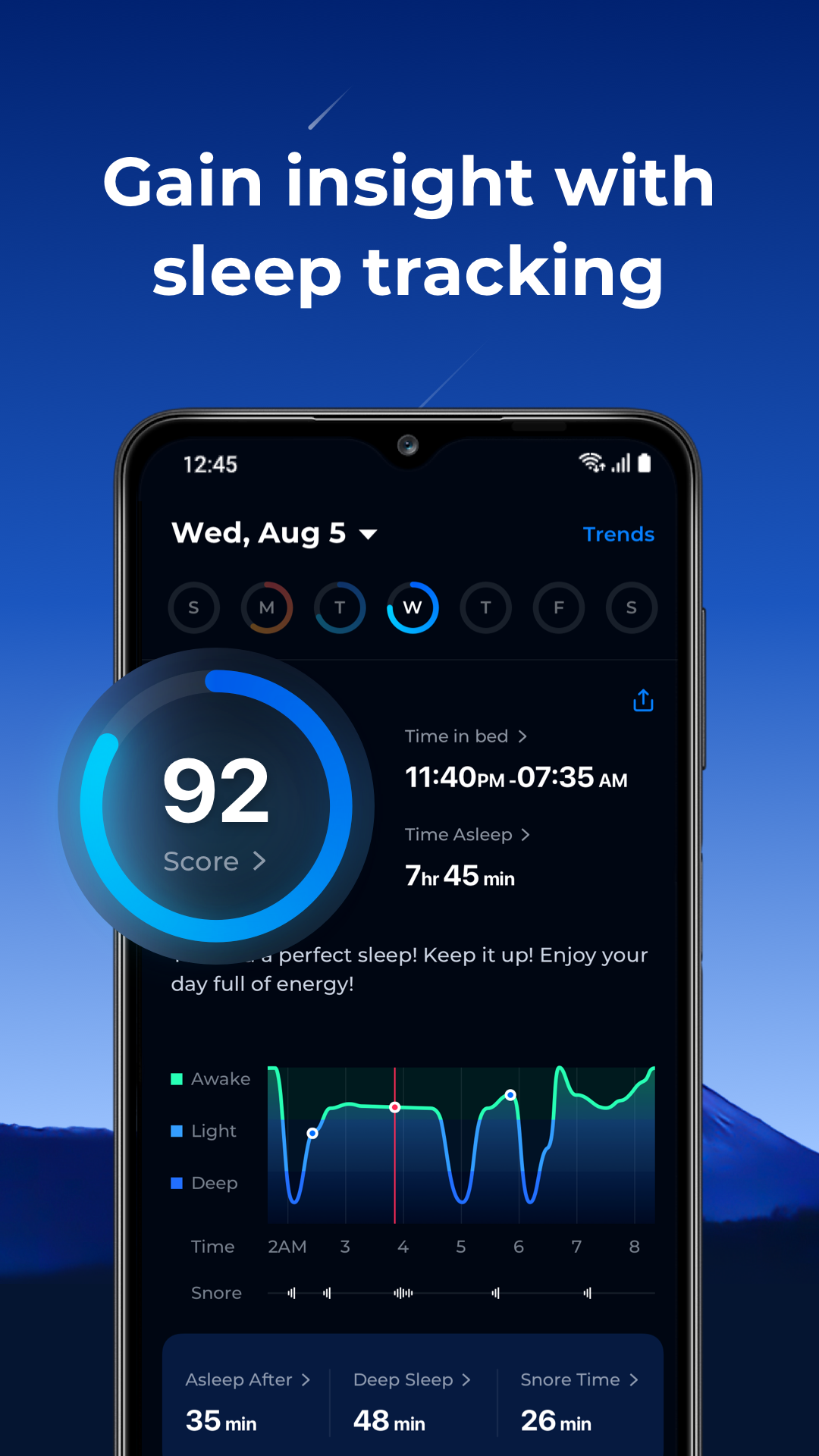
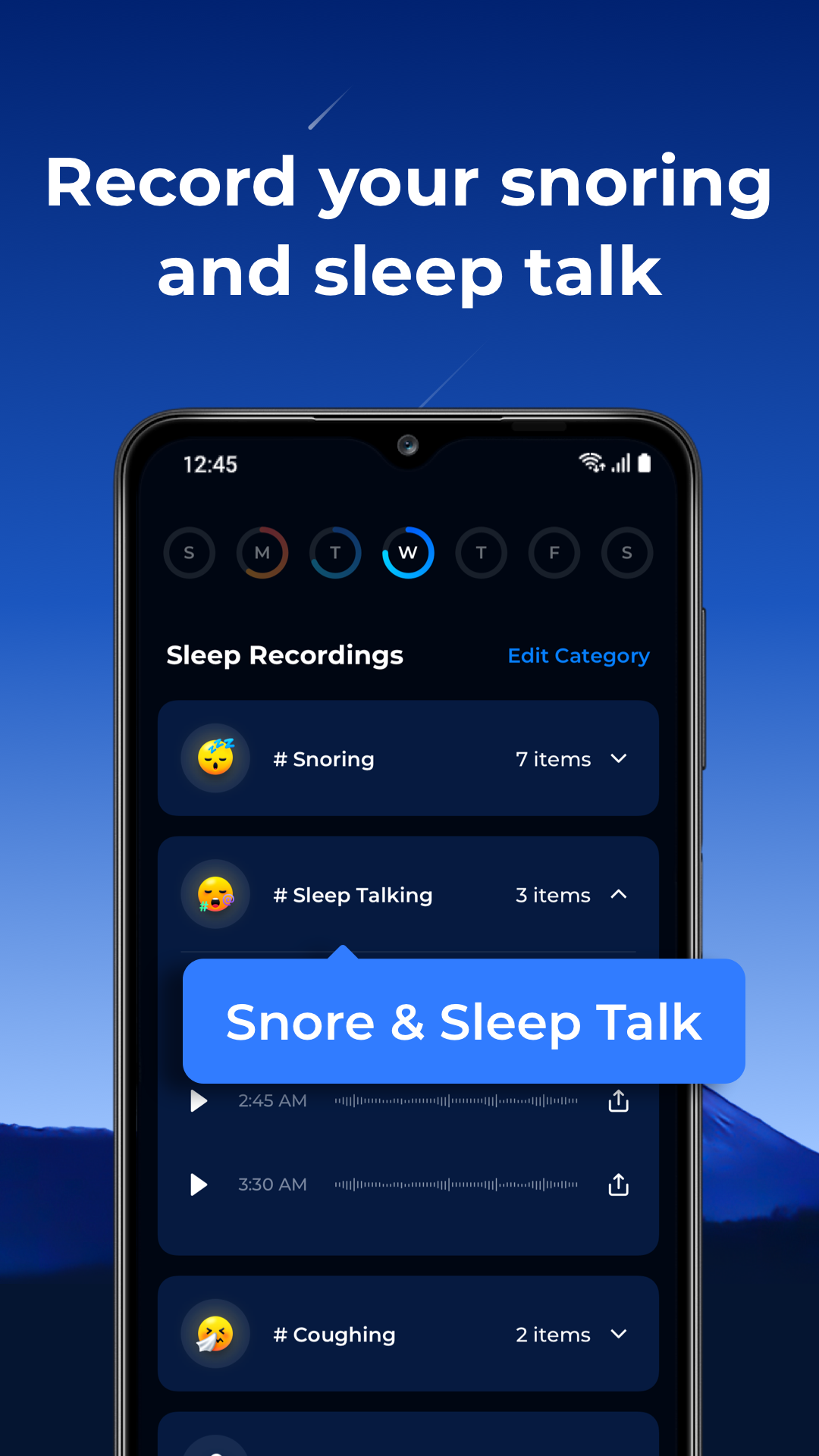
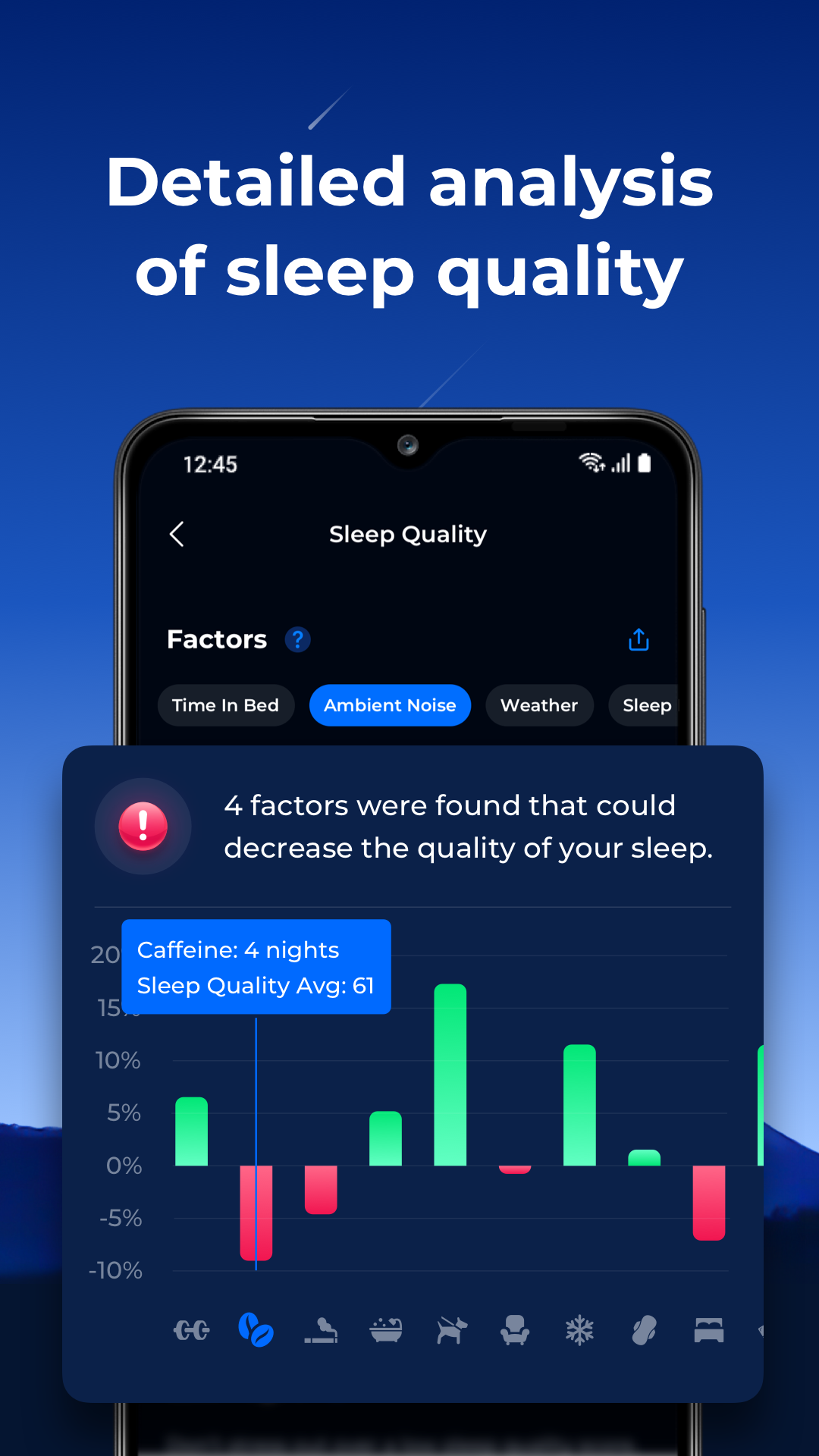
Uncover the mysteries of your sleep patterns and decode the intricate nuances influencing your sleep cycle with our state-of-the-art sleep-tracking technology. Our innovative sleep recorder enables you to capture moments of nighttime whispers and laughter, allowing you to share these cherished memories with loved ones.
Wake Refreshed:
Arise from slumber revitalized and invigorated with the groundbreaking alarm feature. Moreover, the snore detector keeps you informed about your sleep quality, ensuring you're always in the know about your nighttime habits.
Universally Embracing:
ShutEye is designed to be inclusive, catering to a diverse range of individuals seeking improved sleep quality. Craft your personalized symphony of white noise and nature's melodies to create a sleep environment that aligns perfectly with your preferences.
Seize Better Sleep:
The significance of quality sleep cannot be overstated. Don't let sleep troubles hinder your overall well-being. Seize the opportunity today to download the ShutEye sleep tracker and embark on your journey towards profound, rejuvenating rest, harmonized by the soothing embrace of sleep sounds.
Embrace Sweet Dreams:
With the promise of sweet dreams and a brighter tomorrow, it's time to embrace a new chapter of restful sleep. Allow the symphony of ShutEye's sleep sounds to guide you into tranquil slumber and experience the transformation firsthand.
Welcome to a world where your sleep takes center stage. Welcome to ShutEye.
ShutEye is registered trademark of Enerjoy. (Reg. No.6463393)