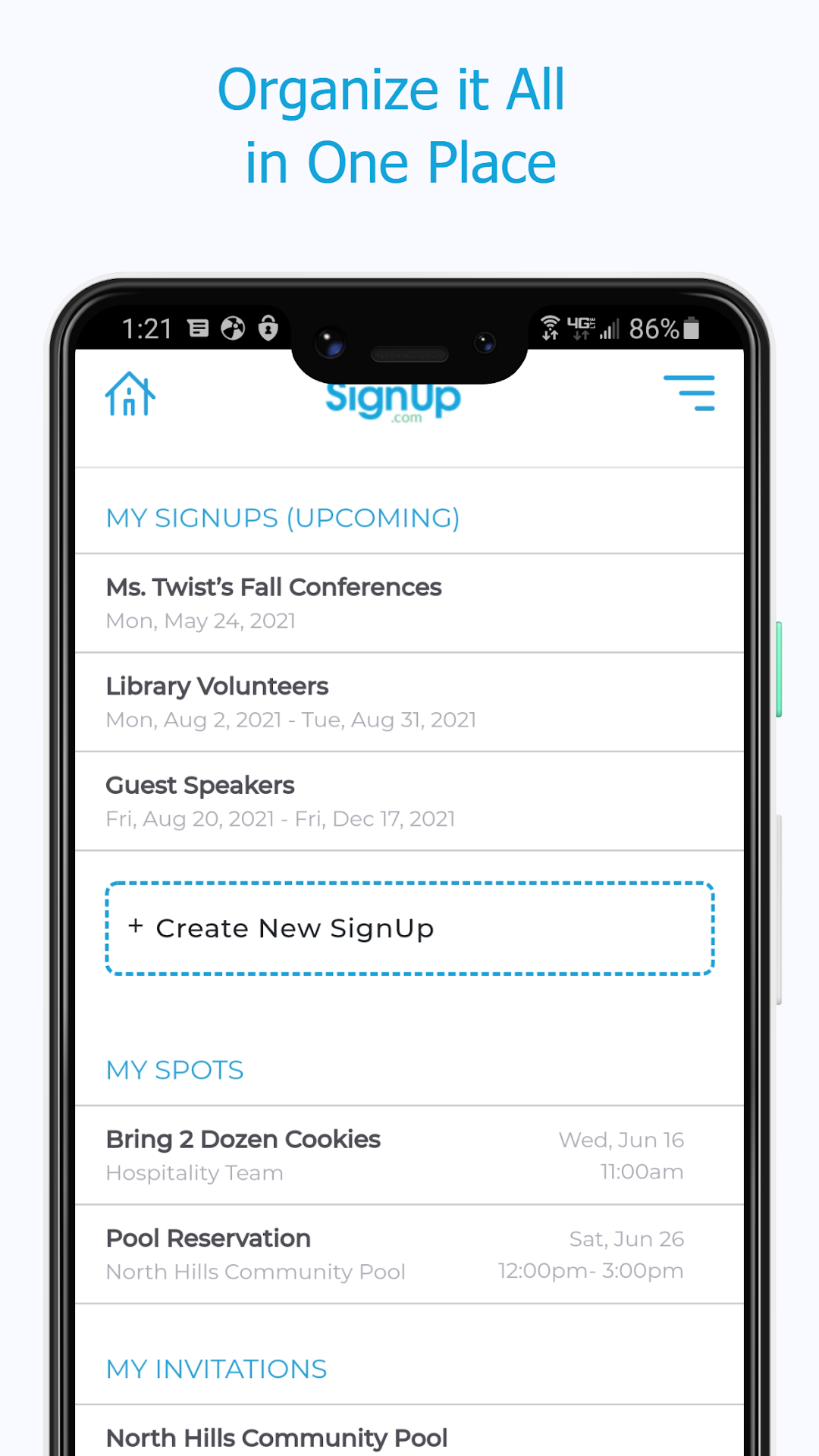
Sign Up by SignUp.com is a Productivity application developed by VolunteerSpot, but with the best Android emulator-LDPlayer, you can download and play Sign Up by SignUp.com on your computer.
Running Sign Up by SignUp.com on your computer allows you to browse clearly on a large screen, and controlling the application with a mouse and keyboard is much faster than using touchscreen, all while never having to worry about device battery issues.
With multi-instance and synchronization features, you can even run multiple applications and accounts on your PC.
And file sharing makes sharing images, videos, and files incredibly easy.
Download Sign Up by SignUp.com and run it on your PC. Enjoy the large screen and high-definition quality on your PC!
The easiest way to organize group events, activities & conferences! This ad-free companion to SignUp.com makes planning and managing SignUps a breeze. Join 22 million teachers and parents, business and nonprofit leaders, community and church members, coaches and teams, volunteers, friends and coworkers who trust SignUp to save time and achieve remarkable outcomes.Organizers, you can schedule and manage all the people and things you care about: volunteer calendars, parent-teacher conferences, event registration, potlucks, office hours, mutual aid, snack duty, tournaments, festivals, giving trees, cookie booths, classes, prayer circles, ushers, greeters, vaccination clinics and more.
If you’ve been invited to participate, you can quickly sign up, pay dues and fees, track volunteer hours, get automated reminders, sync to your phone calendar and more! (Invitation link required to participate.)
During the pandemic, SignUp supports safe occupancy management, social distancing and contact tracing at your workplace, house of worship, school, HOA and municipality.
Easiest way to Plan your Events & Activities! Easiest Way to Sign Up!
💖 Organizers LOVE that they can easily:
· Manage volunteers and events in real-time
· Plan new SignUps on-the-go
· Set up a series of shifts or conference appointments
· Invite participants to sign up (text, email, Social Media, Remind)
·See all their SignUps in one place
· Check status to see where there are openings
· Search for a participant assignments
· Make new assignments and remove participants
· Message participants (text, phone, email)
· Edit Spot details (assignment/shift/what to bring)
· Edit participant contact information
· Run reports
· Check-in participants at events (Premium feature)
💖 Participants LOVE that they can easily:
· Sign up quickly and choose assignments with a few taps
· View all their assignments & invitations in one place
· Message the activity organizer (text, phone, email)
· Check activity location
· Make a payment or contribution
· Receive automated confirmations & reminders
· Sync assignments to their calendars
· Invite others to join*
· Accept a waiver*
· Join a waitlist*
· Sign up family members*
· Add their own Spots to the SignUp*
DOWNLOAD Sign Up by SignUp.com Today!
NO APP is required to organize or participate on a SignUp
If you need us, you can always find us at support@signup.com
* Organizer enabled