Signia App is a Medical application developed by Sivantos Pte. Ltd., but with the best Android emulator-LDPlayer, you can download and play Signia App on your computer.
Running Signia App on your computer allows you to browse clearly on a large screen, and controlling the application with a mouse and keyboard is much faster than using touchscreen, all while never having to worry about device battery issues.
With multi-instance and synchronization features, you can even run multiple applications and accounts on your PC.
And file sharing makes sharing images, videos, and files incredibly easy.
Download Signia App and run it on your PC. Enjoy the large screen and high-definition quality on your PC!
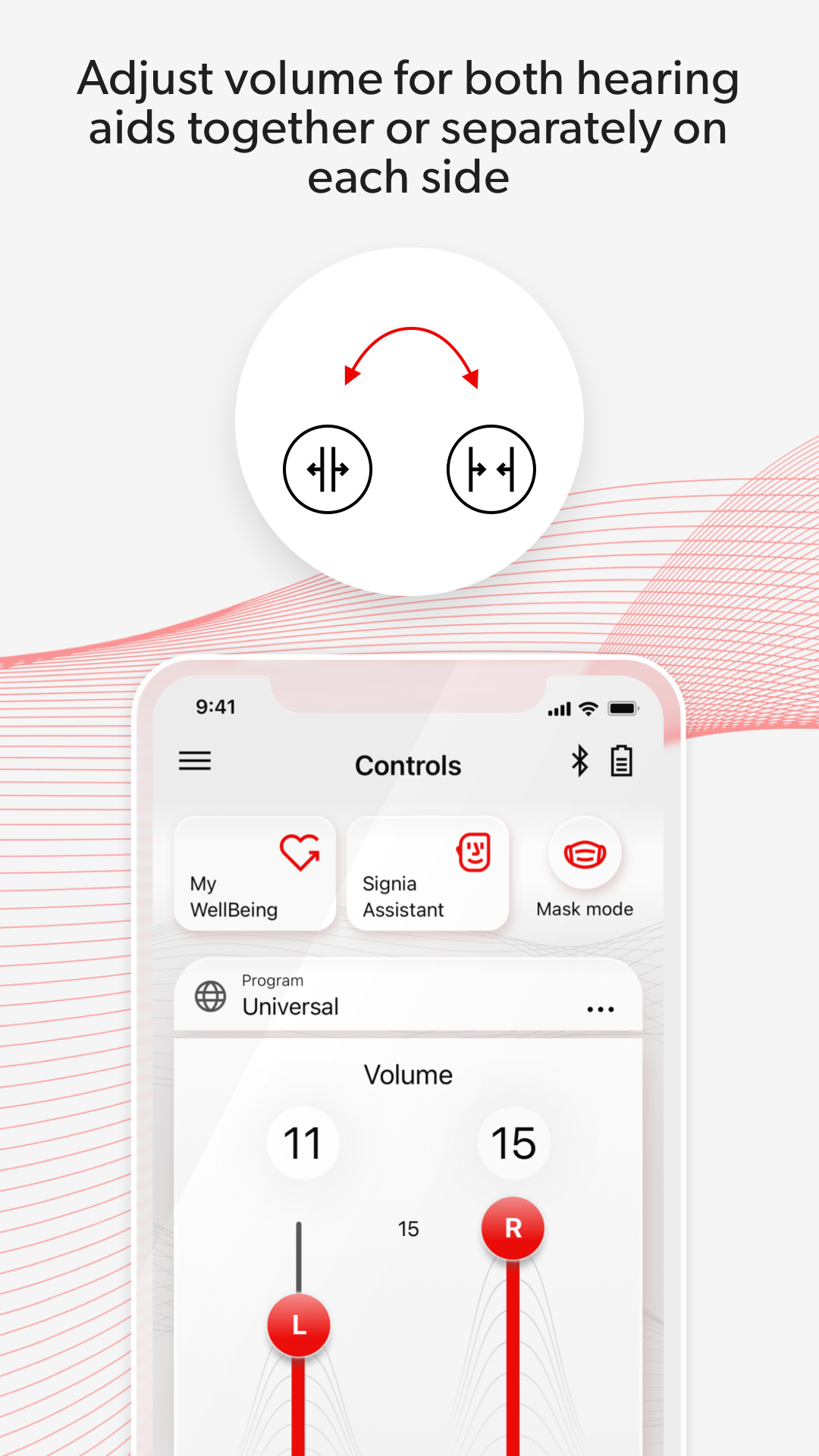
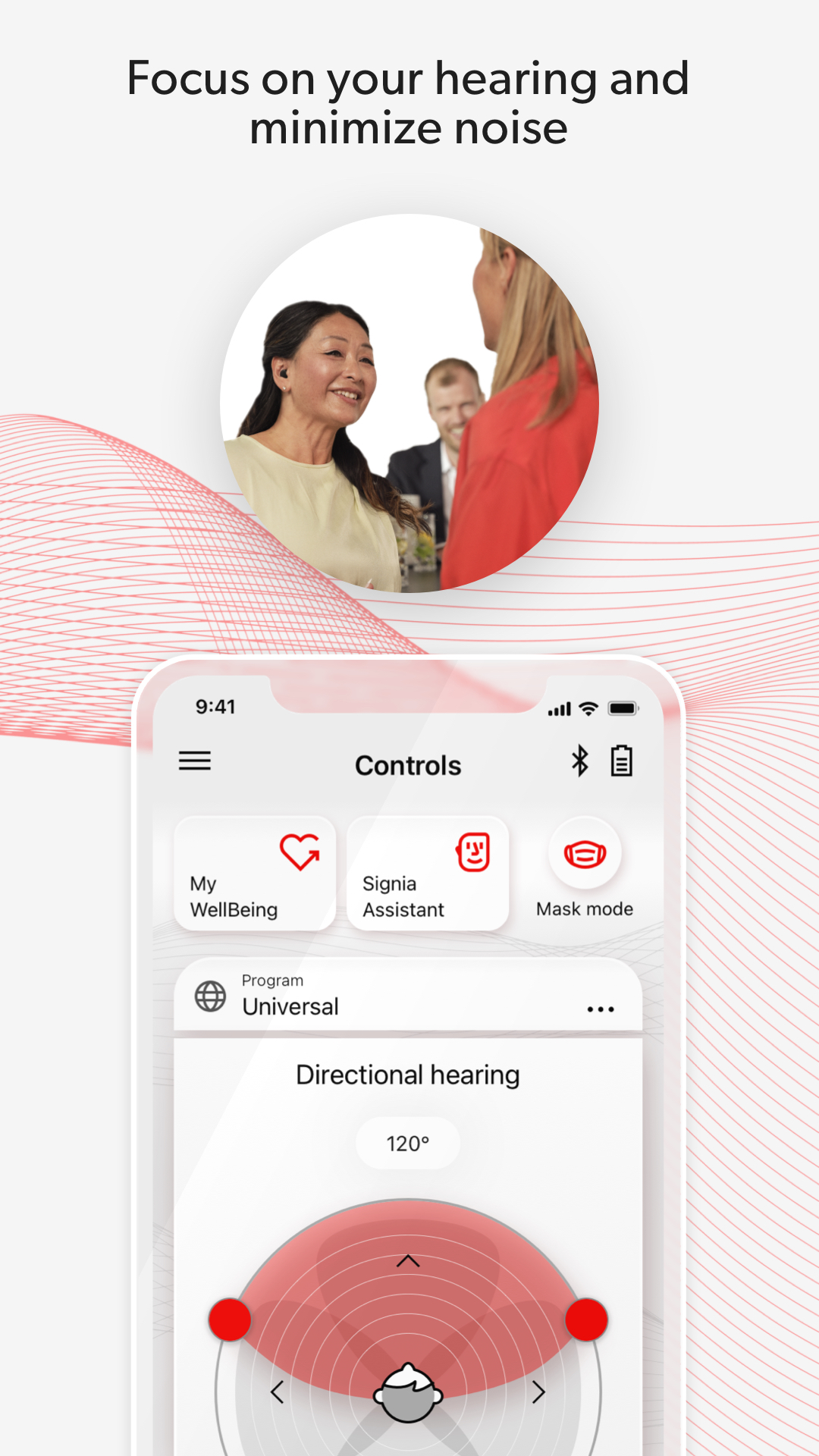
Let the easy-to-use Signia app empower you on your hearing journey:• Be in control – Adjust the volume via remote control and tailor settings to your personal preferences with the Signia Assistant*.
• Be confident – Connect with your hearing professional via TeleCare* and rely on quick answers in easy how-to videos.
• Be healthy – Keep track of your physical fitness and hearing activity with My WellBeing*.
*feature availability may vary according to e.g. hearing aid model, firmware version and TeleCare availability in your country.
The user guide for the app can be accessed from the app settings menu. Alternatively, you can download the user guide in electronic form from www.wsaud.com or order a printed version from the same address. The printed version will be made available to you free of charge within 7 working days.
Manufactured by
WSAUD A/S
Nymøllevej 6
3540 Lynge
Denmark
UDI-DI (01)05714880113167
PLEASE READ THE USER GUIDE OF YOUR HEARING AIDS BEFORE USING THIS APP.