Skiplagged - Exclusive Flights is a Travel&Local application developed by Skiplagged, but with the best Android emulator-LDPlayer, you can download and play Skiplagged - Exclusive Flights on your computer.
Running Skiplagged - Exclusive Flights on your computer allows you to browse clearly on a large screen, and controlling the application with a mouse and keyboard is much faster than using touchscreen, all while never having to worry about device battery issues.
With multi-instance and synchronization features, you can even run multiple applications and accounts on your PC.
And file sharing makes sharing images, videos, and files incredibly easy.
Download Skiplagged - Exclusive Flights and run it on your PC. Enjoy the large screen and high-definition quality on your PC!
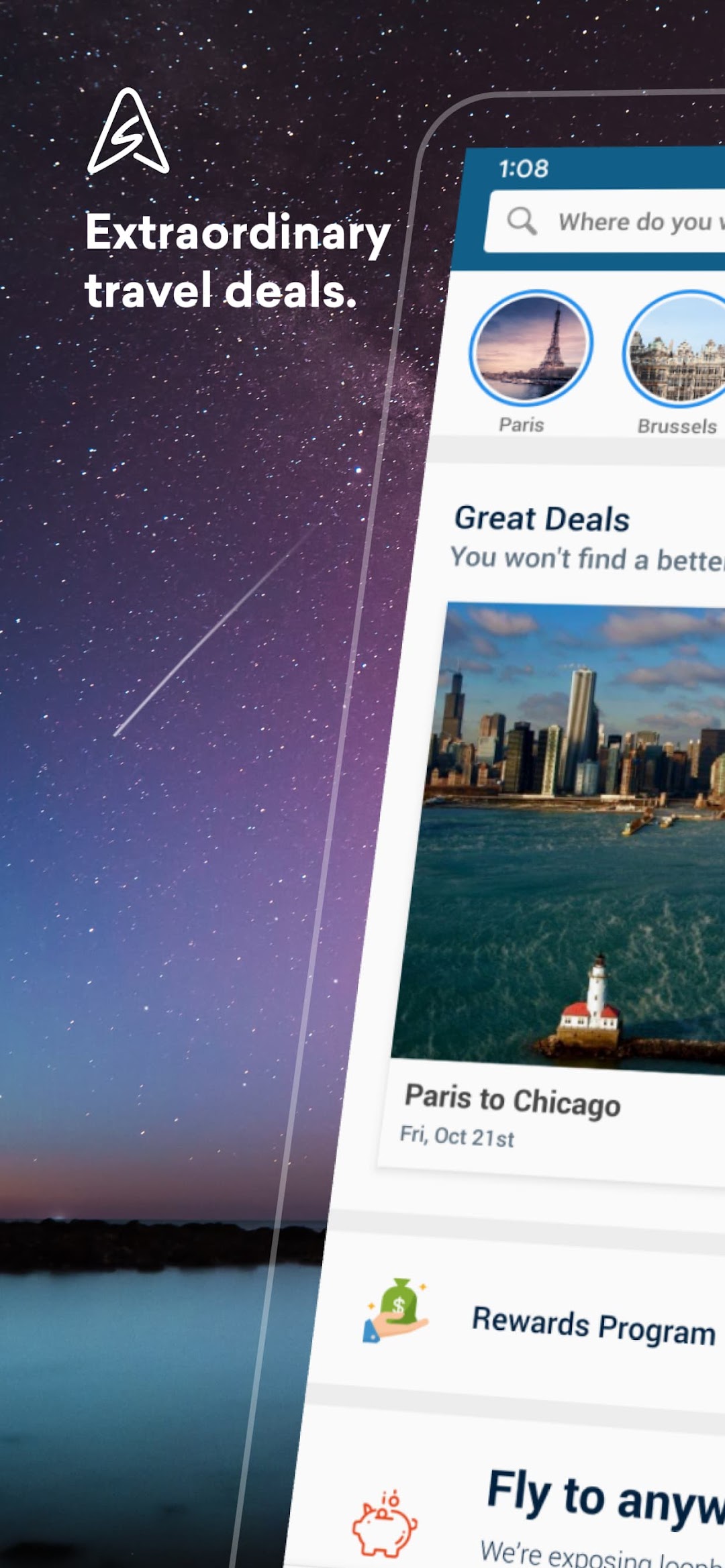
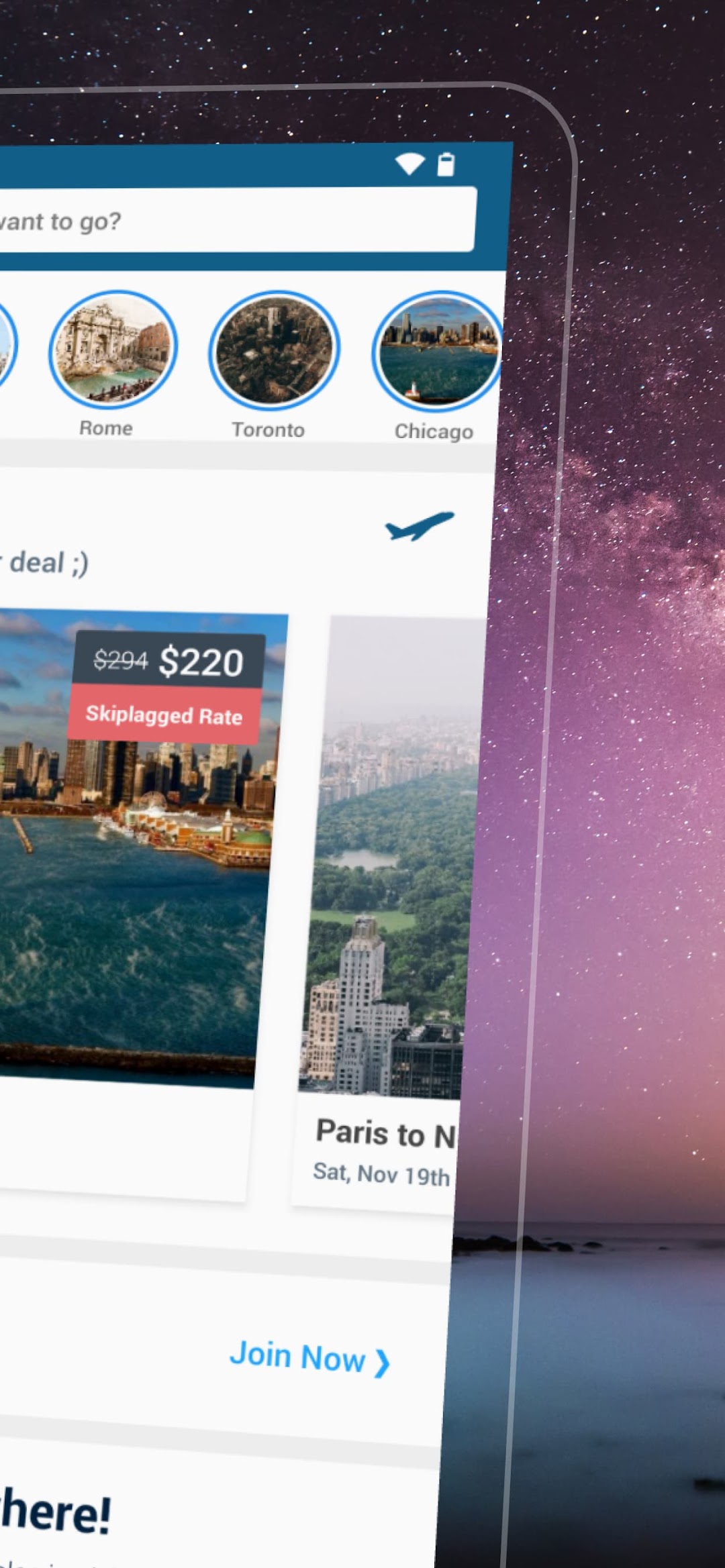
Find cheap flights and hotel rates you won’t see anywhere else. Save hundreds of dollars compared to other travel sites.Discover extraordinary travel deals, set fare alerts, and uncover great hotel rates.
We’re so good, United Airlines actually sued us for it!
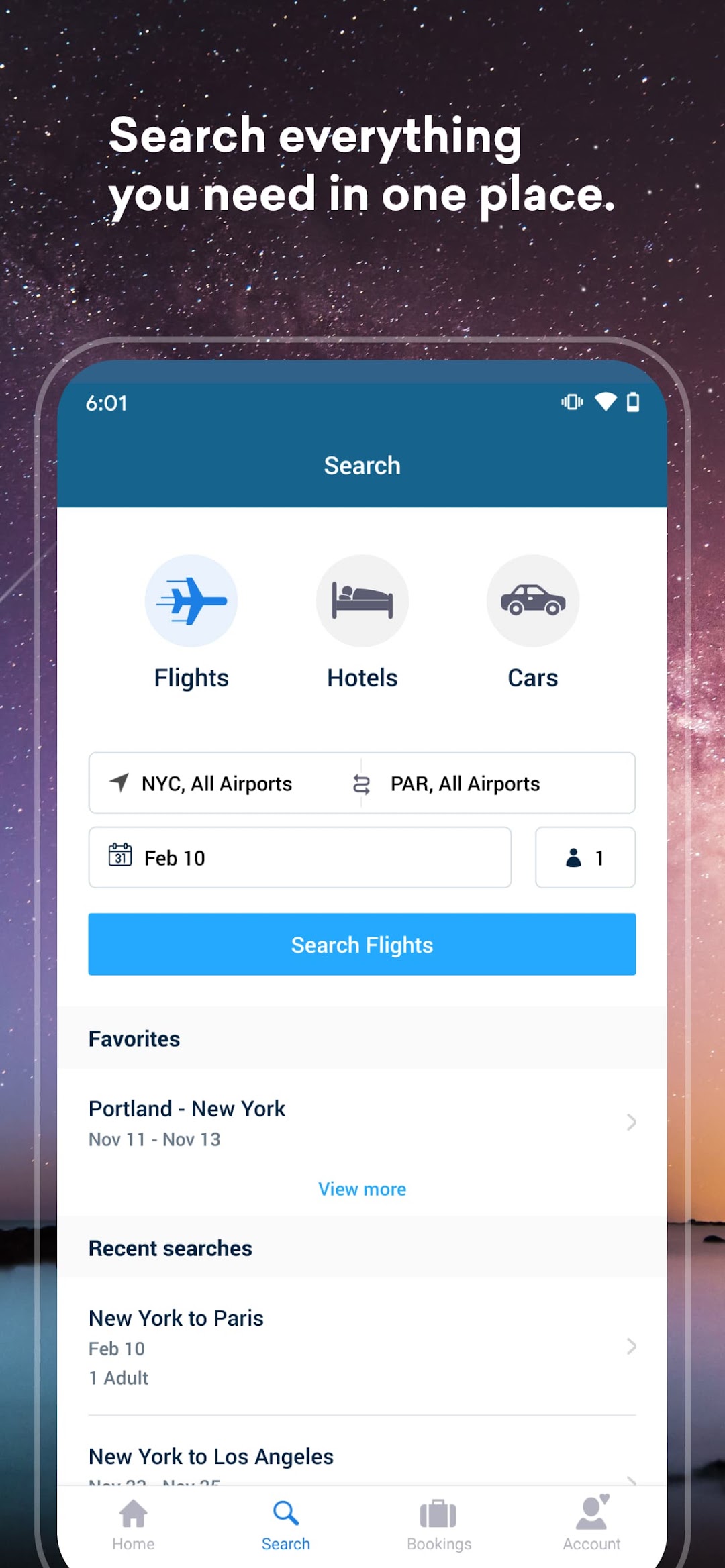
• Find flights other search engines won’t show you -- including HIDDEN-CITY flights and arbitrary round-trips
• Filter flights by duration, number of layovers, takeoff/landing time and more
• Our powerful search engine pulls in the best deals to save you from having to google flights and check multiple sites
• Monitor prices for trips you have in the hopper and let us alert you when the best deal is available
• Book hotels as well, including last-minute hotels and special deals
• Filter hotels, read reviews and view traveler ratings
• We now offer car rental as well, so you can use one app as your complete trip planner
• Our new Stories feature lets you book activities for your vacation - take a brewery tour, rent a kayak, or buy tickets in advance and get your guide to museums and exhibits
The fine print: a HIDDEN-CITY flight is a flight where you get off at the layover rather than the final destination. For example, a flight from New York to San Francisco might be $300, but a similar flight from New York to Seattle with a layover in San Francisco might be $200. If you’re going to San Francisco we’ll show you both flights, and if you choose the cheaper one, you get off the plane at the layover (San Francisco) rather than going to the final destination (Seattle).
This is perfectly legal and the savings can be significant, but if you’ve never traveled like this before, you should read our HIDDEN-CITY FAQ at http://skiplagged.com/faq
We’ll always show you all the options, so YOU can pick the deal you want!