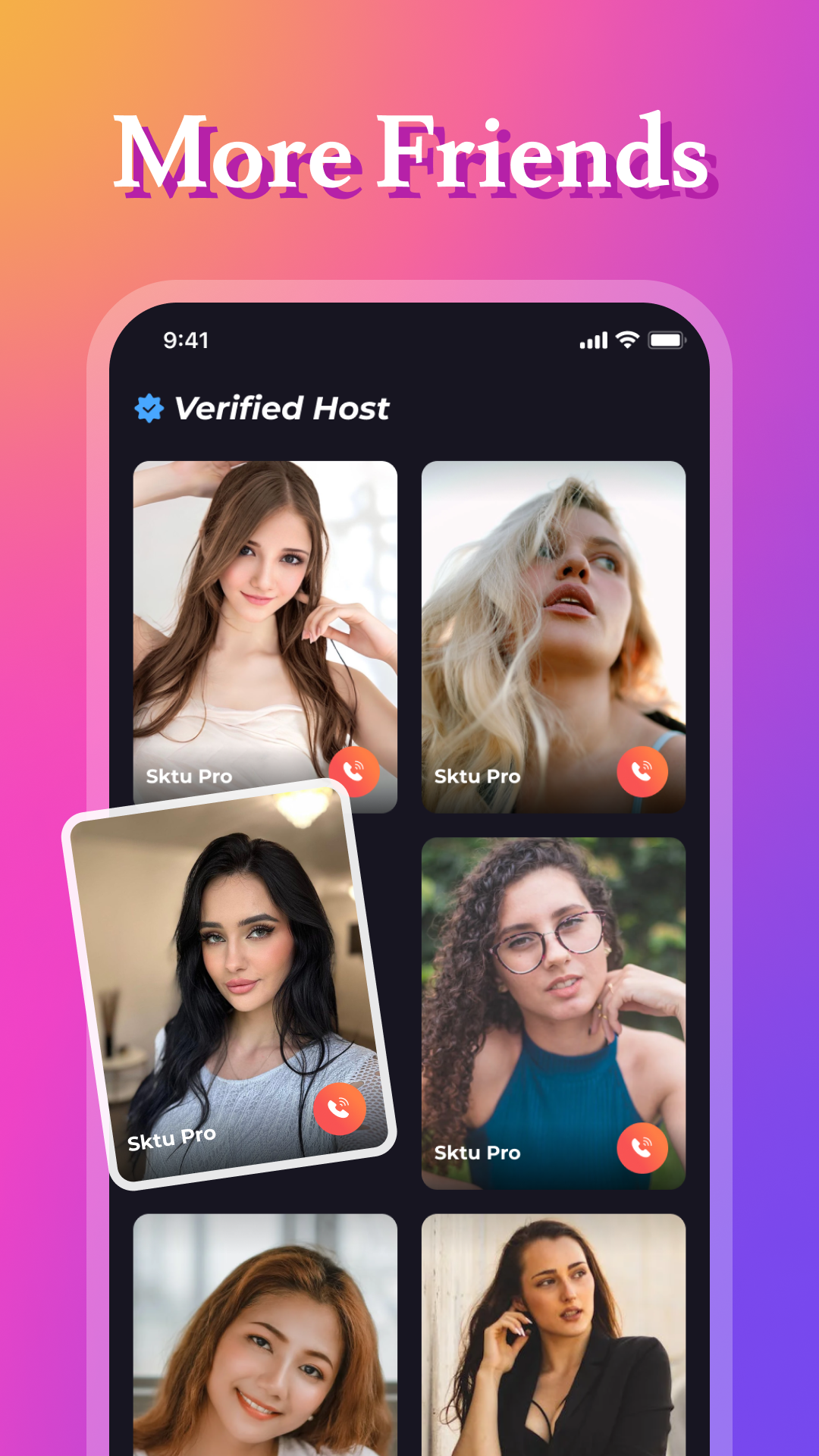
Sktu pro- 18+ live video chat is a Social application developed by sktU Inc., but with the best Android emulator-LDPlayer, you can download and play Sktu pro- 18+ live video chat on your computer.
Running Sktu pro- 18+ live video chat on your computer allows you to browse clearly on a large screen, and controlling the application with a mouse and keyboard is much faster than using touchscreen, all while never having to worry about device battery issues.
With multi-instance and synchronization features, you can even run multiple applications and accounts on your PC.
And file sharing makes sharing images, videos, and files incredibly easy.
Download Sktu pro- 18+ live video chat and run it on your PC. Enjoy the large screen and high-definition quality on your PC!
Welcome to Sktu Pro! 🚀 An elite 1v1 social app designed to elevate your social interactions to the next level.Instant Connections: 🌟 Experience instant connections as you engage in seamless 1v1 video chats with people from around the world.
Private & Secure: 🔒 Rest assured with Sktu Pro's state-of-the-art security features, providing private, encrypted video calls for your peace of mind.
Express Yourself: 🎨 Share your personality with the world by expressing yourself through photos, messages, and more, fostering genuine connections with every interaction.
Stay Connected: 📱 Stay connected with your favorite users by following them, enabling you to stay updated on their latest activities and continue building meaningful relationships.
Privacy & Safety: 🛡️ Your privacy and safety are our top priorities. Sktu Pro is committed to providing a safe and secure environment for all users, ensuring a worry-free social experience.
Join Sktu Pro today and discover a new era of elite 1v1 socializing! 🌟🚀