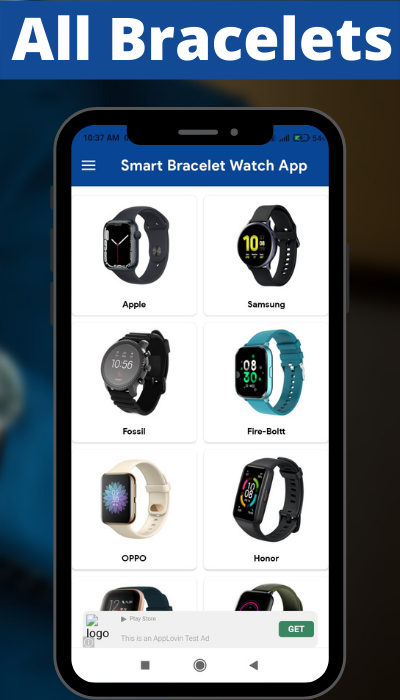


Smart Bracelet Watch App is a Shopping application developed by Niru Apps, but with the best Android emulator-LDPlayer, you can download and play Smart Bracelet Watch App on your computer.
Running Smart Bracelet Watch App on your computer allows you to browse clearly on a large screen, and controlling the application with a mouse and keyboard is much faster than using touchscreen, all while never having to worry about device battery issues.
With multi-instance and synchronization features, you can even run multiple applications and accounts on your PC.
And file sharing makes sharing images, videos, and files incredibly easy.
Download Smart Bracelet Watch App and run it on your PC. Enjoy the large screen and high-definition quality on your PC!
Bracelet is something accessories commonly used on the hands to look more attractive Jewelry Bracelet this Stylish name is perfect as a special gift for lovers. By wearing the Bracelet jewelry of the name you give, they will always remember you, as the giver.Let’s start Decorate Bracelet with your family or friends name on the Bracelet and decorates by various fonts, colors and shapes.
At the same time, Smart Wristband also develops many auxiliary functions, such as call reminder, SMS reminder, APP reminder, alarm reminder and other functions to provide more convenient services for your life, come and use it!