Smart Office convert is a Tools application developed by Michelle Eden, but with the best Android emulator-LDPlayer, you can download and play Smart Office convert on your computer.
Running Smart Office convert on your computer allows you to browse clearly on a large screen, and controlling the application with a mouse and keyboard is much faster than using touchscreen, all while never having to worry about device battery issues.
With multi-instance and synchronization features, you can even run multiple applications and accounts on your PC.
And file sharing makes sharing images, videos, and files incredibly easy.
Download Smart Office convert and run it on your PC. Enjoy the large screen and high-definition quality on your PC!
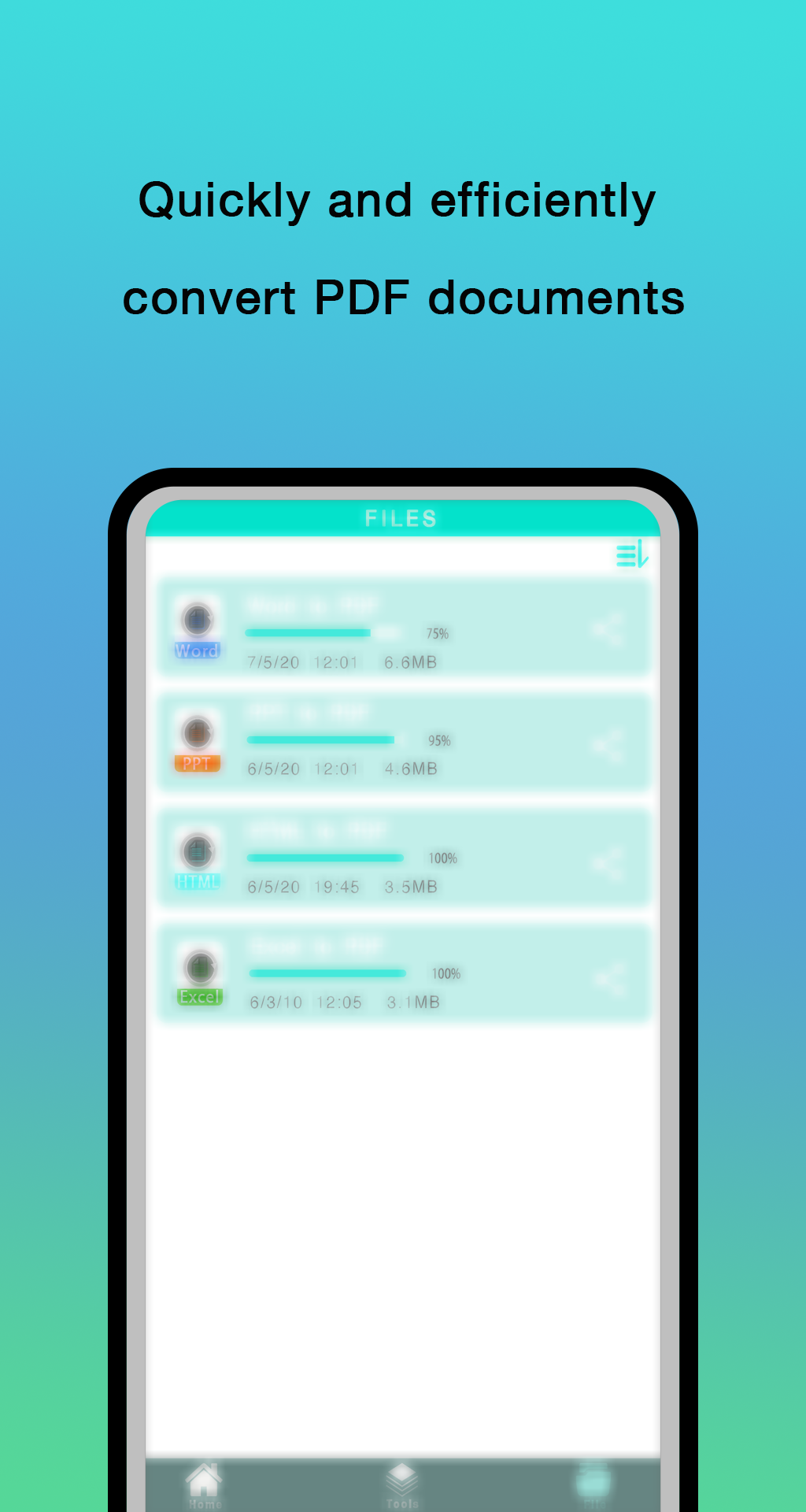
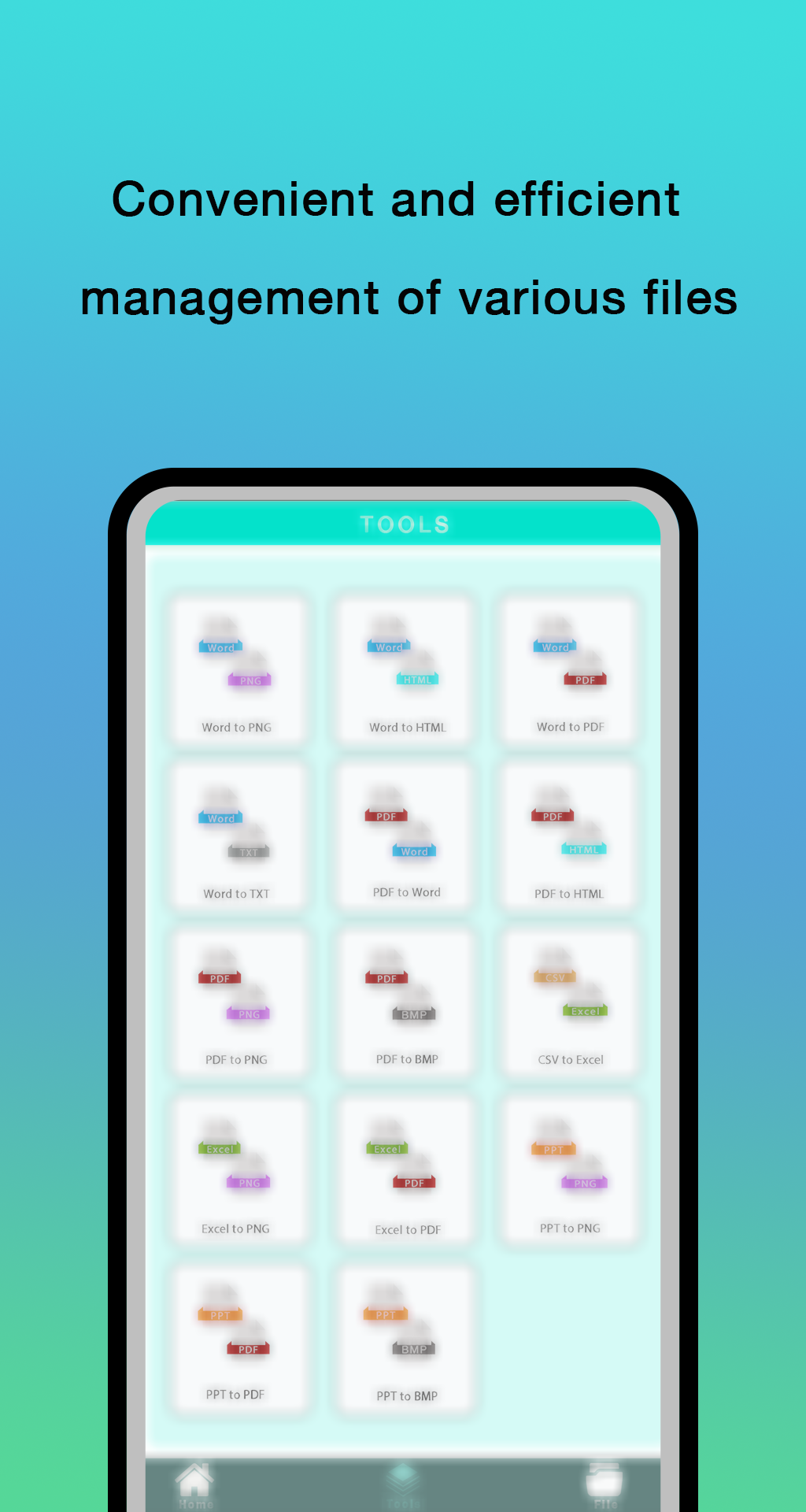
Smart Office convert is a free app for working with office documents. Sign, fill in, read, scan, and convert PDF documents wherever and whenever. PDF Reader and Editor lets you convert Microsoft, Libra Office, HTML, and images to PDF files with ease. Great for sending CVs, presentations, graphic files, and other documents.- Share & grant different access rights
Choose your collaboration level. Smart Office convert allows you to share files to your teammates granting different types of access rights: read only, review or full access. Provide external access to files via links.
- Co-edit documents in real time
With Smart Office convert multiple users can edit the same doc simultaneously. You will see changes appear as your co-authors are typing.
- Work locally
Edit text documents and spreadsheets, view presentations, PDFs, photo and video files. Sort, rename, move and copy files, create folders. Convert files for export.
- View and edit online Office documents
With Smart Office convert you will be able to create and edit all kinds of office documents - text documents, spreadsheets and presentations. The basic formats are DOCX, XLSX ans PPTX. All the other popular formats (DOC, XLS, PPT, ODT, ODS, ODP, DOTX) supported as well.
PDF files are available for viewing. You can also save and download files as PDF, TXT, CSV, HTML.