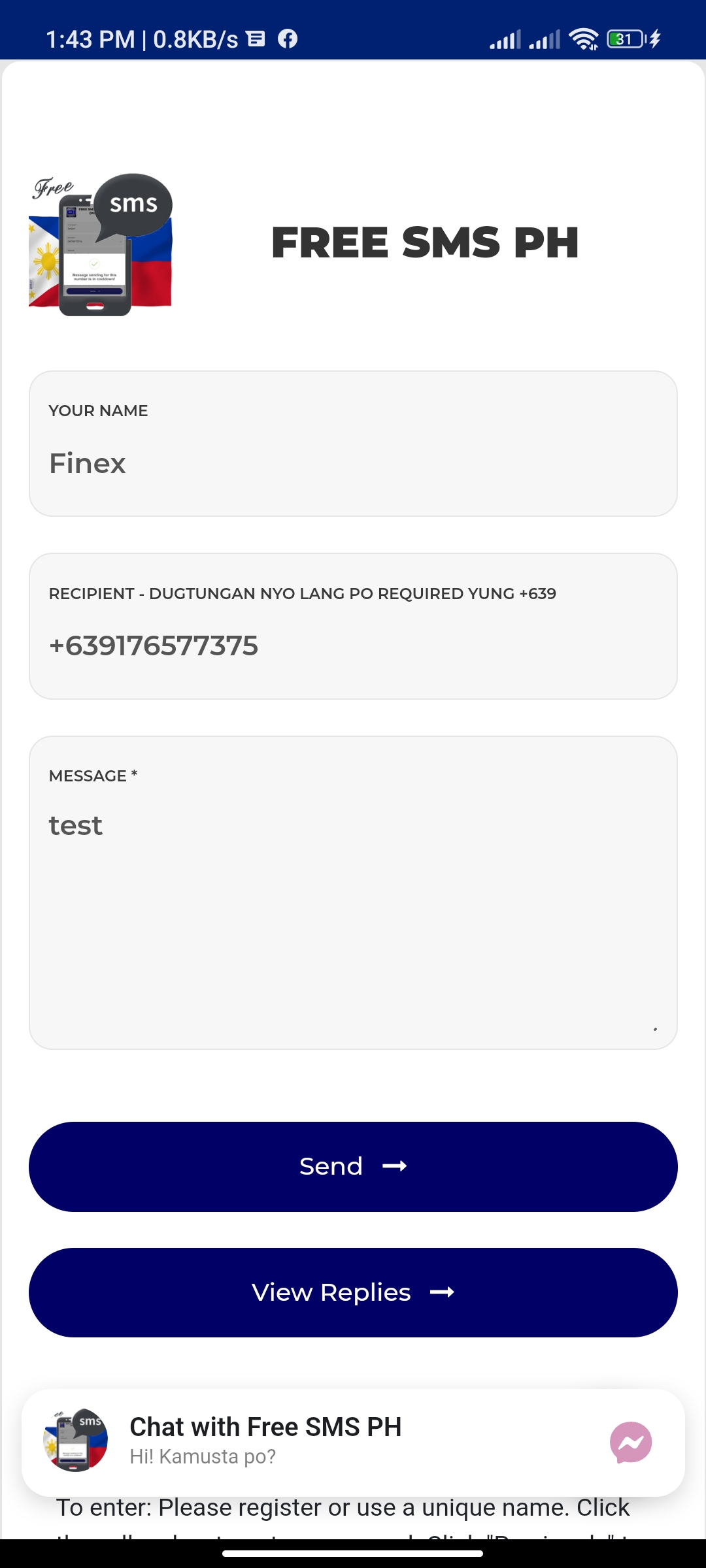
SMS PH v2 is a Communication application developed by FiNEX, but with the best Android emulator-LDPlayer, you can download and play SMS PH v2 on your computer.
Running SMS PH v2 on your computer allows you to browse clearly on a large screen, and controlling the application with a mouse and keyboard is much faster than using touchscreen, all while never having to worry about device battery issues.
With multi-instance and synchronization features, you can even run multiple applications and accounts on your PC.
And file sharing makes sharing images, videos, and files incredibly easy.
Download SMS PH v2 and run it on your PC. Enjoy the large screen and high-definition quality on your PC!
This is a free service to send SMS to your loved ones in the Philippines for FREE.If you are abroad and you cannot contact your loved ones here in the Philippines via messenger or etc ..
If you don't have a load to text on another network ..
If you have a business that requires some SMS notifications.
Requires internet, no interval send unlimited SMS.
Unlimited. All network.