Solar Energy Cloud is a Tools application developed by Sea Speed, but with the best Android emulator-LDPlayer, you can download and play Solar Energy Cloud on your computer.
Running Solar Energy Cloud on your computer allows you to browse clearly on a large screen, and controlling the application with a mouse and keyboard is much faster than using touchscreen, all while never having to worry about device battery issues.
With multi-instance and synchronization features, you can even run multiple applications and accounts on your PC.
And file sharing makes sharing images, videos, and files incredibly easy.
Download Solar Energy Cloud and run it on your PC. Enjoy the large screen and high-definition quality on your PC!
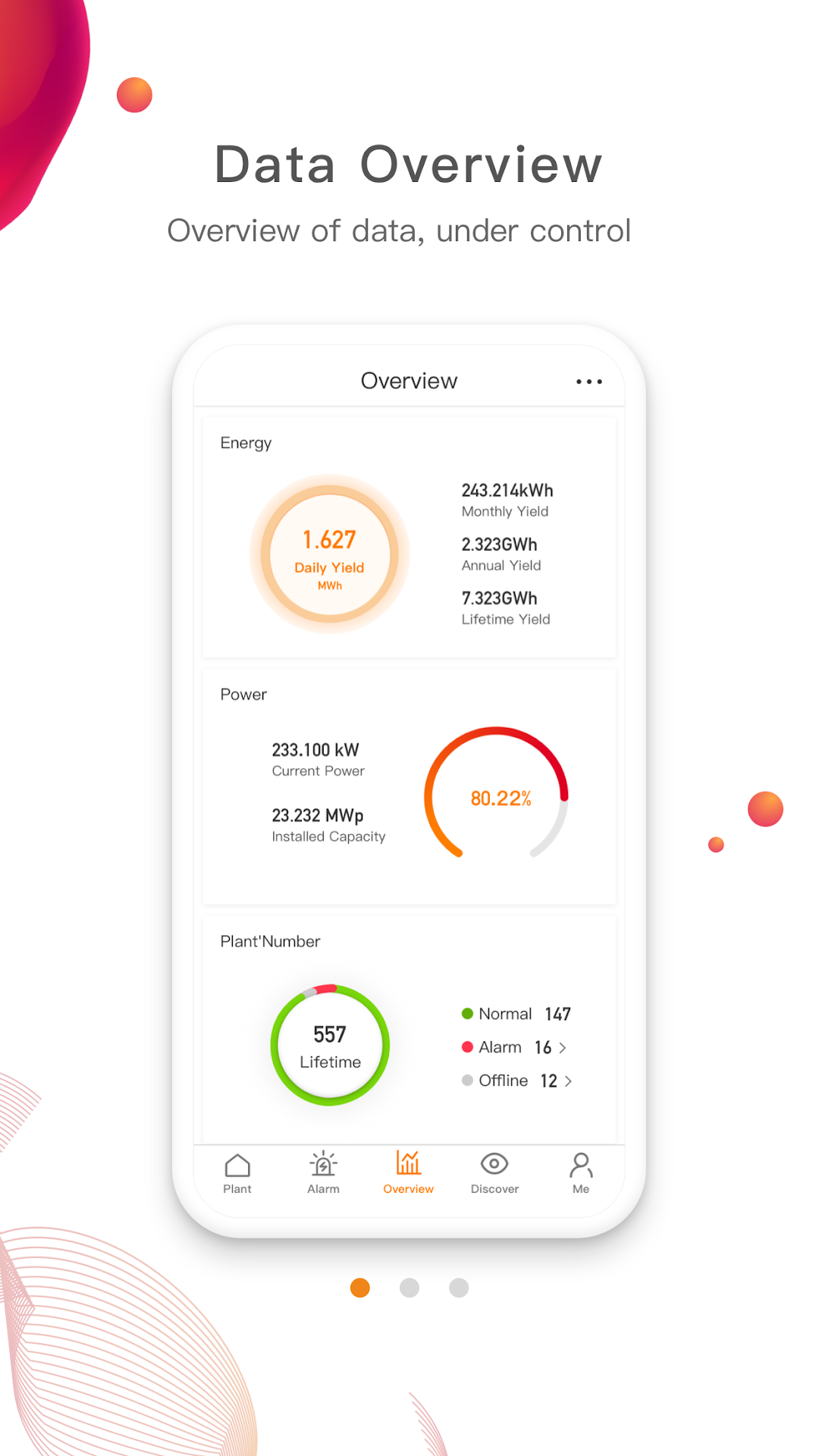
Introducing Solar Energy Cloud's top-of-the-line PV Power Manager App, the ultimate solution for managing your solar power plant! With this innovative application, you can effortlessly monitor real-time data, access equipment status updates, and keep track of your solar production from anytime, anywhere.The Solar Energy Cloud application helps you manage your PV plant by
1. View real-time data of your PV plant and get information about the controlled status of your equipment anytime and anywhere.
2. View the total data of the PV plant (daily, monthly, yearly, total power generation, etc.).
3. Equipment failure can be notified and troubleshoot in time.
4.Use closely linked dealer/installer organization types: set up permissions quickly and easily for easier data updates and maintenance.