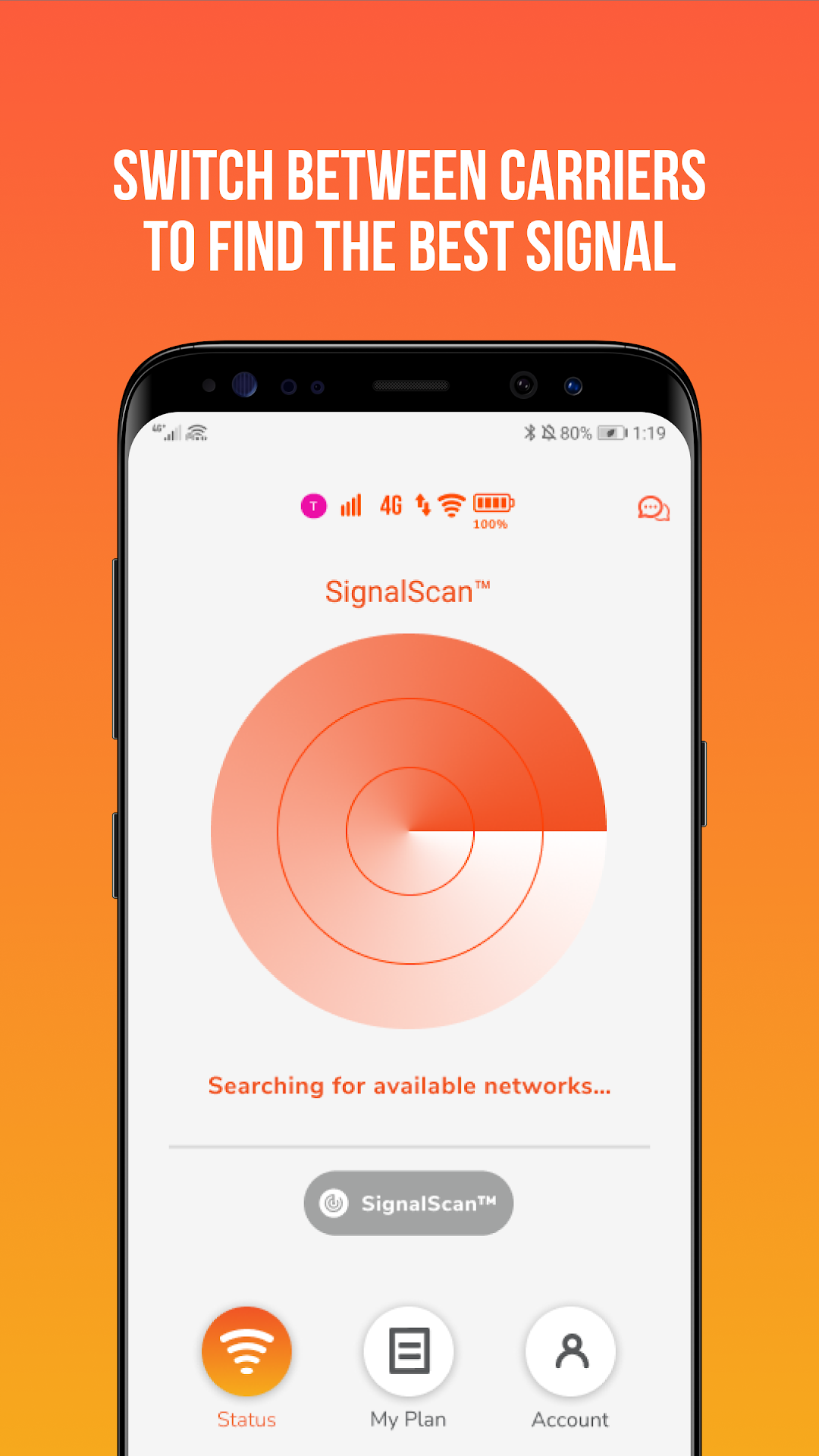
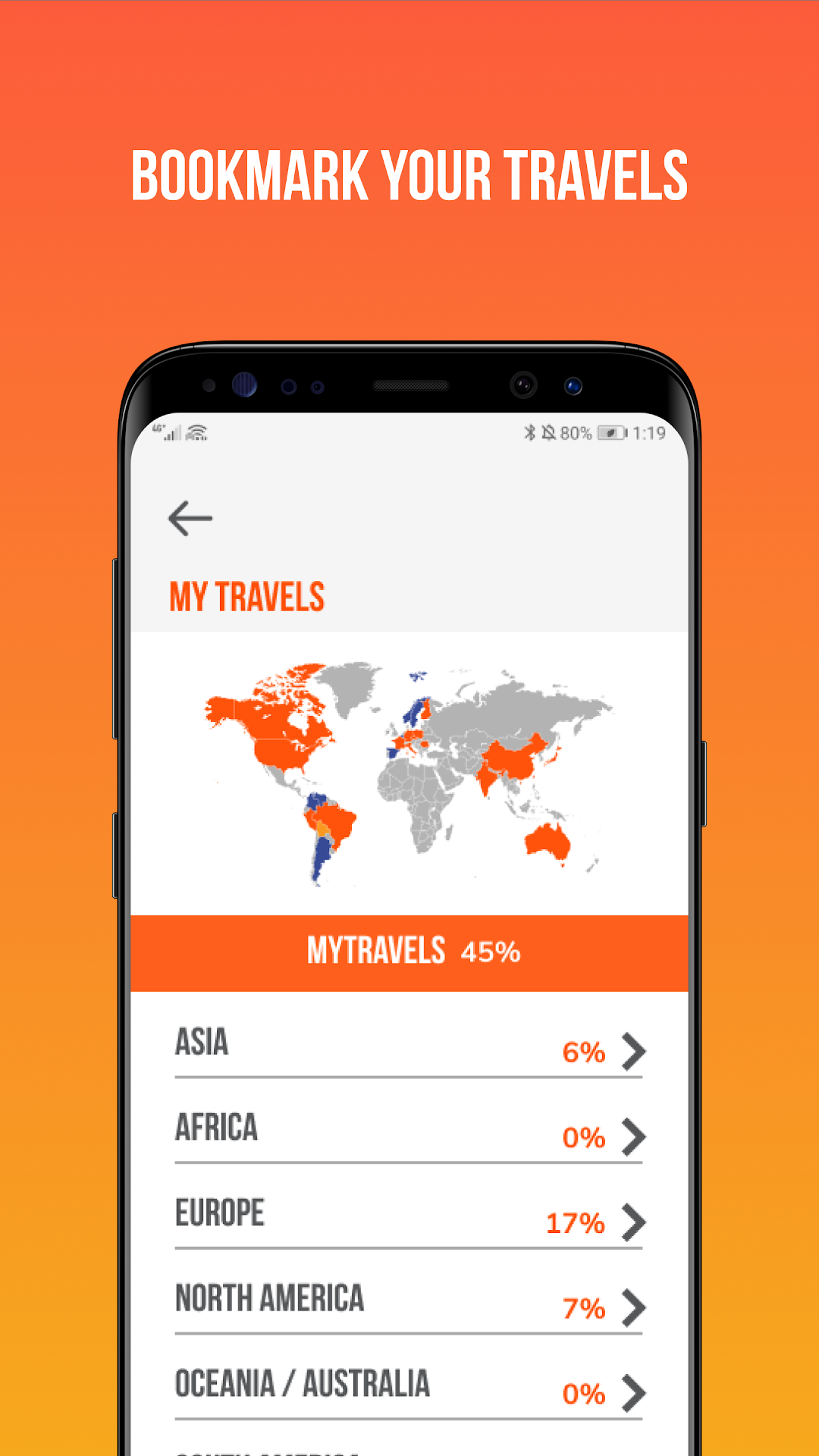
Solis WiFi is a Travel&Local application developed by Skyroam, but with the best Android emulator-LDPlayer, you can download and play Solis WiFi on your computer.
Running Solis WiFi on your computer allows you to browse clearly on a large screen, and controlling the application with a mouse and keyboard is much faster than using touchscreen, all while never having to worry about device battery issues.
With multi-instance and synchronization features, you can even run multiple applications and accounts on your PC.
And file sharing makes sharing images, videos, and files incredibly easy.
Download Solis WiFi and run it on your PC. Enjoy the large screen and high-definition quality on your PC!
Skyroam makes it easy for travelers to connect around the world, with the portable global WiFi hotspot & power bank. Enjoy secure, shareable and unlimited connectivity on-the-go without SIM swapping or roaming charges.The Solis app helps you manage your hotspot account, buy service, check data usage, and status. Get access to enhanced features such smart troubleshooting, more product information and the ability to get online faster.
Why travelers love Skyroam:
Coverage in over 130+ countries worldwide
Travel the globe and always be connected.
Share among multiple devices
Connect multiple devices at once to Skyroam WiFi simultaneously. Share with your friends, family, or colleagues at no extra cost!
Pay only for what you use
Only pay $9 per 24-hour pass as needed or opt into our Unlimited Monthly Subscription at $99/mo. Never pay an overage or roaming fee again.
Fast data
Get on-demand access to the best available speeds up to 4G LTE mobile WiFi worldwide.
Easy and secure
One-touch access to unlimited WiFi, SIM-free and hassle-free.
16+ hour battery life
Charge your gadgets on-the-go with embedded 6000 mAh power bank and latest USB-C connection
A Skyroam Solis hotspot is needed in order to get unlimited global WiFi through this app. If you do not have a Skyroam Solis hotspot yet, visit www.skyroam.com/solis to purchase!
Happy Traveling!
Visit us at www.skyroam.com
Like us on Facebook: www.facebook.com/myskyroam
Follow us on Twitter: www.twitter.com/MySkyroam