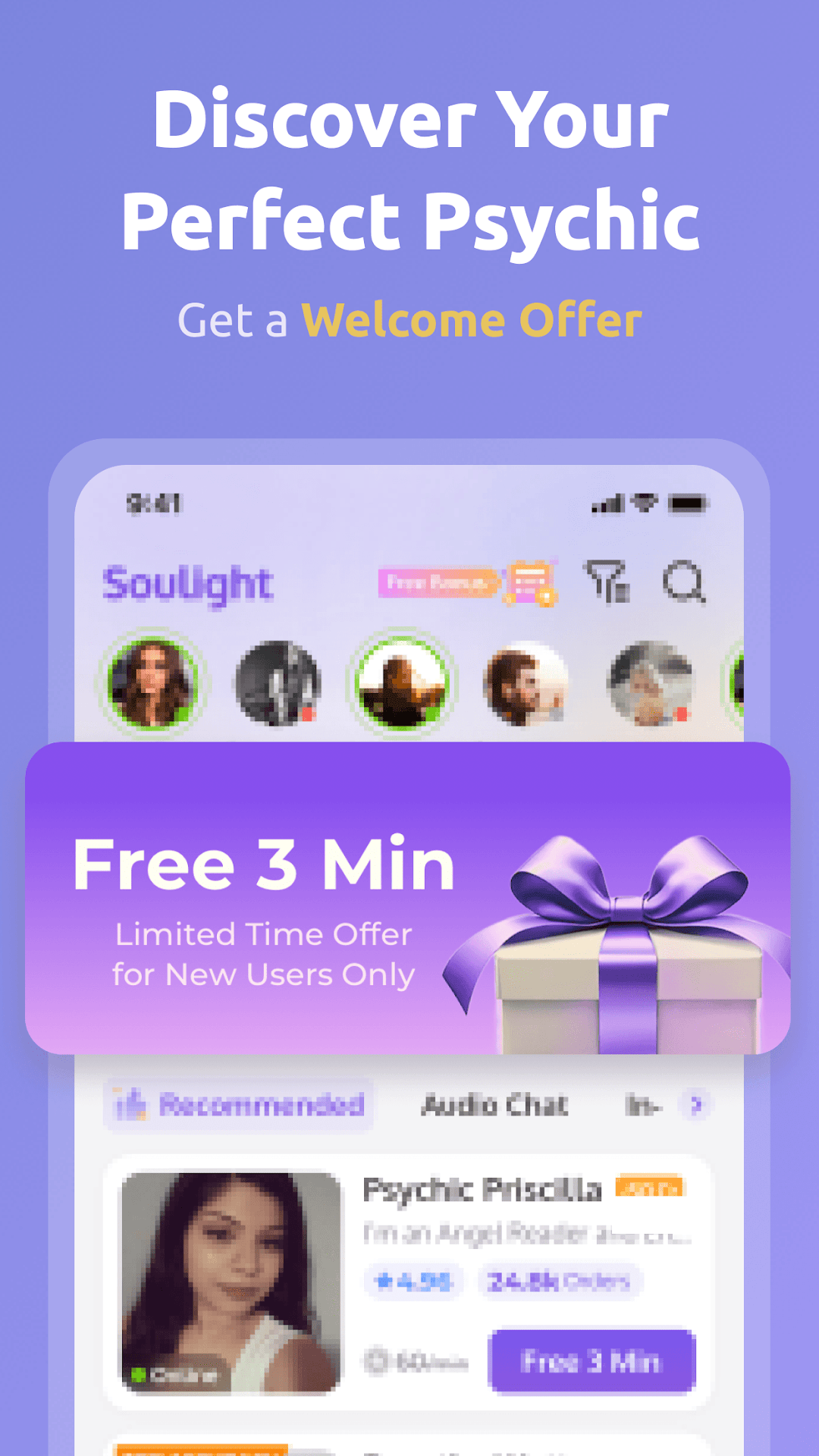
Soulight - Psychic Reading is a Lifestyle application developed by Soulight Psychic, but with the best Android emulator-LDPlayer, you can download and play Soulight - Psychic Reading on your computer.
Running Soulight - Psychic Reading on your computer allows you to browse clearly on a large screen, and controlling the application with a mouse and keyboard is much faster than using touchscreen, all while never having to worry about device battery issues.
With multi-instance and synchronization features, you can even run multiple applications and accounts on your PC.
And file sharing makes sharing images, videos, and files incredibly easy.
Download Soulight - Psychic Reading and run it on your PC. Enjoy the large screen and high-definition quality on your PC!
**Your Personal Psychic App: Free 3 Minutes Just for You!**TRUE ADVISORS. TRUE LISTENINGS.
Soulight by the Numbers:
>>50k+ Satisfied long-term customers
>>300k+ Valuable conversations
>>40k+ Genuine reviews with a 98% positive rating
>>1000+ advisors with extensive experience
>>24/7/365 Availability
>>100% Confidentiality Guaranteed
Start your first reading now for just $0.99/min and get 3 minutes free!
WHY CHOOSE SOULIGHT?
-EXCLUSIVE PROMOTIONS:
>>3-minute free chat & $0.99/min for newcomers
>>50% off your first reading
>>Daily check-in rewards
-DIVERSE READING OPTIONS:
>>Live 1-on-1 chat
>>1-hour speed readings & premium services
-TRANSPARENT ADVISOR RATINGS:
>>Choose with confidence based on experience, punctuality, total readings, and user reviews
-REAL-TIME SUPPORT:
>>Get timely help from our customer support team
-ENGAGING COMMUNITY:
>>Explore FREE insights from our advisors
Discover why Soulight stands out. Start your journey with us today!