Meme Soundboard Studio is a Entertainment application developed by Hansoftware, but with the best Android emulator-LDPlayer, you can download and play Meme Soundboard Studio on your computer.
Running Meme Soundboard Studio on your computer allows you to browse clearly on a large screen, and controlling the application with a mouse and keyboard is much faster than using touchscreen, all while never having to worry about device battery issues.
With multi-instance and synchronization features, you can even run multiple applications and accounts on your PC.
And file sharing makes sharing images, videos, and files incredibly easy.
Download Meme Soundboard Studio and run it on your PC. Enjoy the large screen and high-definition quality on your PC!
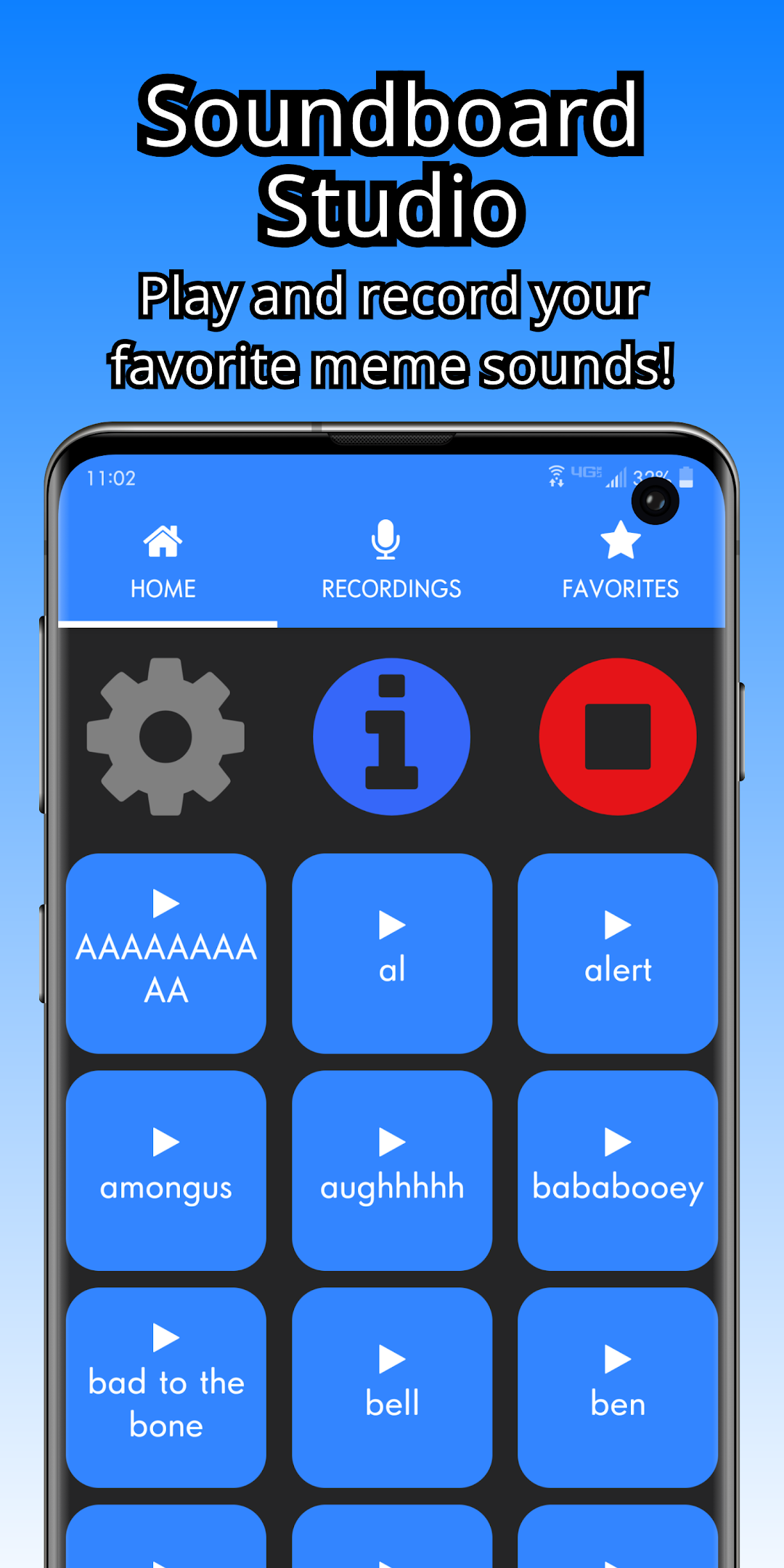
Looking to hear your favorite funny meme sounds? Maybe use them on your friends or family, or even during a Discord call? Soundboard Studio is the app for you! On top of that, create your own funny meme sound effects by Recording them! The possibilities are endless!HOW-TO SOUNDBOARD:
From the Home screen, you'll see all of our provided sound effects. Tap on any of them to play them! You can play many at once, or sequence them to create some interesting effects. Tap and hold any of the sounds to add them to your Favorites! Want to change the colors of the buttons or background? Click the Gear icon to edit most of the colors of the app!
We are adding more sound effects in the future, so be sure to check back regularly for updates!
The Recording screen is where you'll have the most fun. Hit the green plus button, and click "Start Recording" to begin recording your sound effect. You have 5 recordings available from the start, but you can watch an Ad to earn 5 more recordings, up to an unlimited amount.
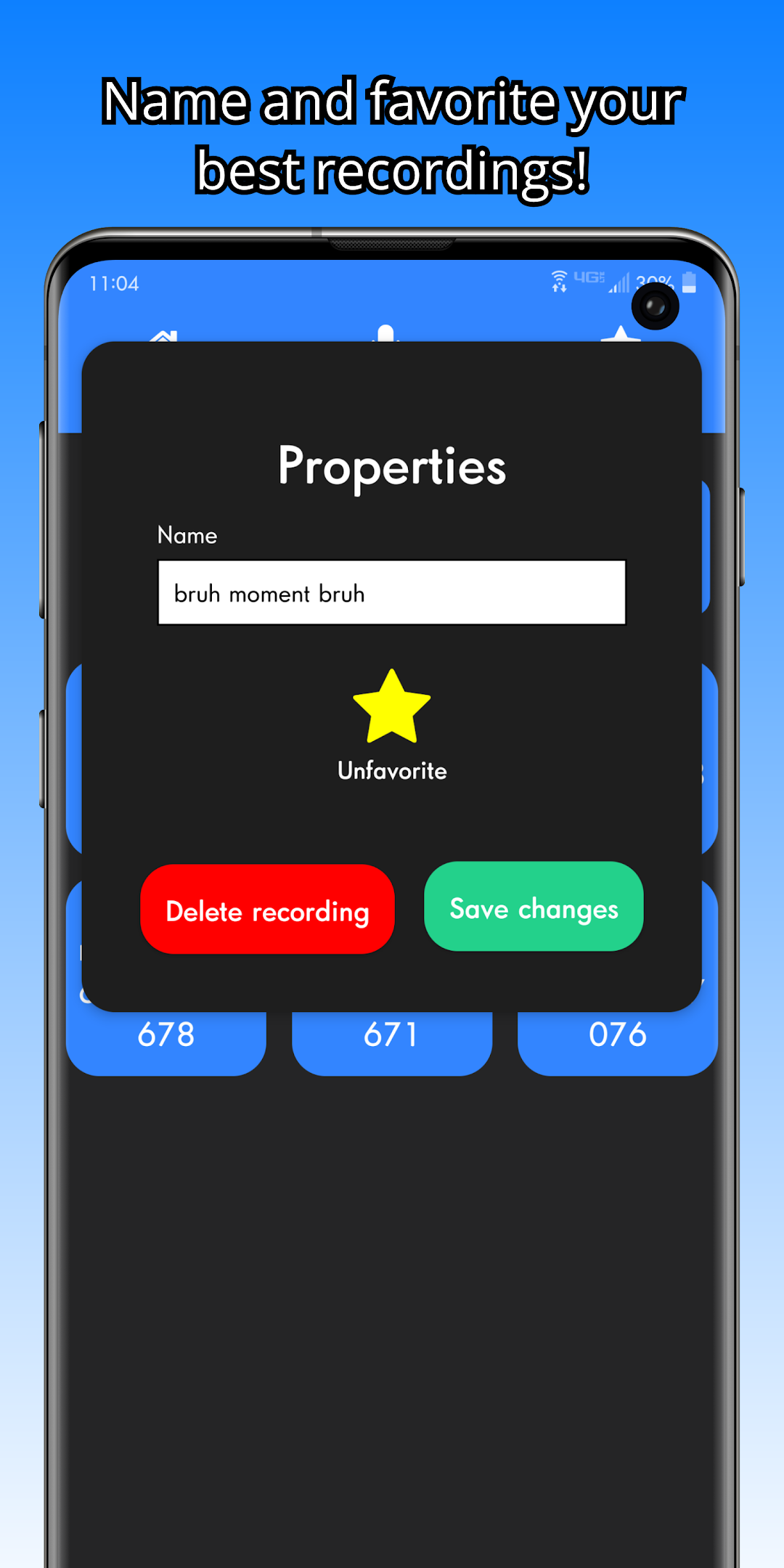
Click and hold any Recording to open the properties. Here you can edit the name of the recording, as well as add it to your favorites.
The Favorite screen shows all of your added favorites. If you click the Gear icon (Settings) you can reorder your favorites. This way you can play your sound effects in a sequence, or just have them rated by your favorite sounds.
What are you waiting for? Download and play now!
If you have any questions, please don't hesitate to contact us at the email provided. If you'd like, we'd very much appreciate a good review to let others know how much you like Soundboard Studio!