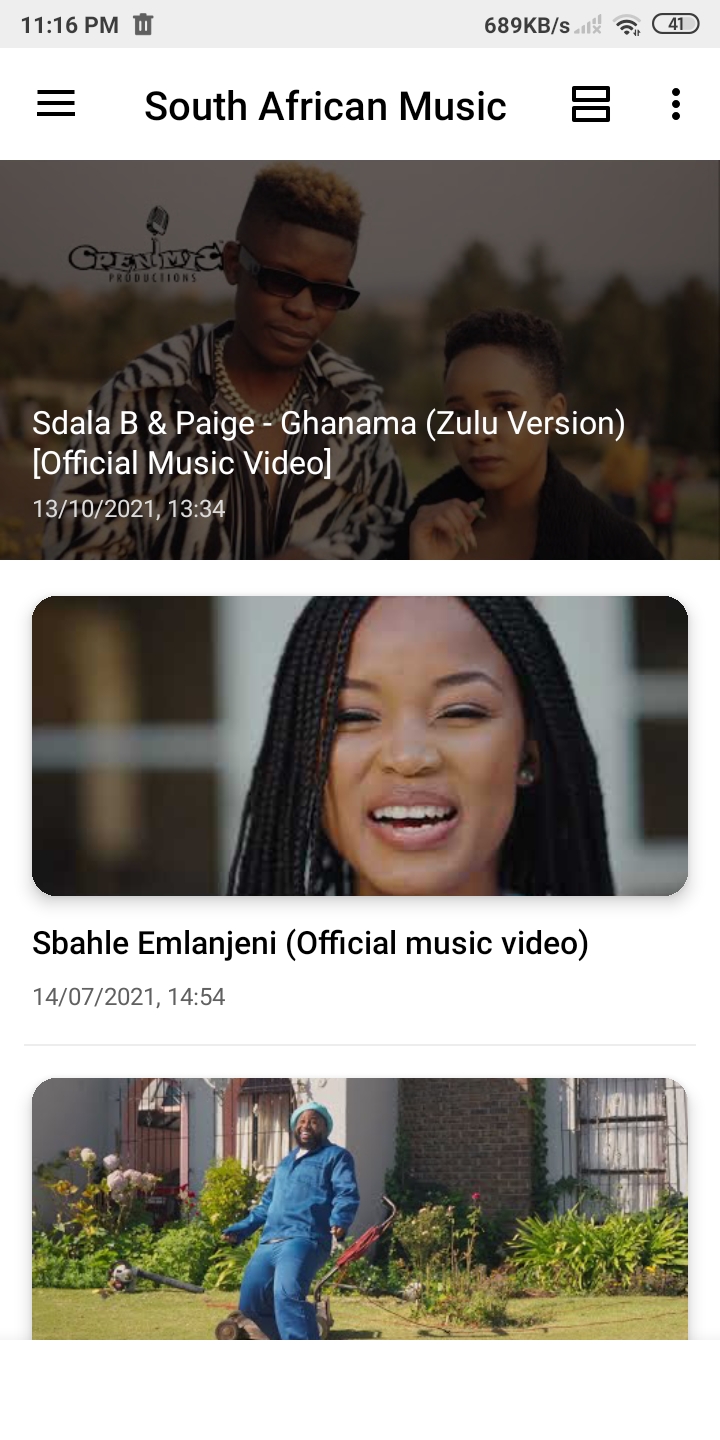
South African Music is a Entertainment application developed by Ohemaa Apps, but with the best Android emulator-LDPlayer, you can download and play South African Music on your computer.
Running South African Music on your computer allows you to browse clearly on a large screen, and controlling the application with a mouse and keyboard is much faster than using touchscreen, all while never having to worry about device battery issues.
With multi-instance and synchronization features, you can even run multiple applications and accounts on your PC.
And file sharing makes sharing images, videos, and files incredibly easy.
Download South African Music and run it on your PC. Enjoy the large screen and high-definition quality on your PC!
Discover your favourite South African artists, music videos & playlists. You can listen to the latest song from Africa, the latest tracks and the best of South African music.WHY YOU’LL LOVE IT
* Listen to all your favourite South African latest music
* Play hundreds of songs anywhere on your phone at anytime.
South African Music
1. Well organized in Music & Videos in your phone.
2. No registration needed!
3. Discover Official Albums, Singles, Remix, Top Charts, and Trending songs updated for you every day
PLEASE NOTE
• South African Music does not let you to download music, download video or stream music in background due to YouTube Terms of Service
• All content is provided by YouTube services. This app does not have control over the content displayed.
==> DISCLAIMER!!!
All of content in this application is not our trademark. We only get the content from search engine and website. The copyright of all content in this application is fully owned by the creators, musicians and music labels are concerned. If you are the copyright holder of the videos contained in this application and are not pleasing your video displayed, please contact us via email developer and tell us about the status of your ownership on the video.
---- IMPORTANT ----
The content provided in this application is available free on public domain. We do not own the copyrights of the video. Copyright of the videos belong to the owners. This application only provides an organized compilation of popular South African music videos. If you are owner of any videos listed in this app and need it to be removed, please send an email to ohemaaapps@gmail.com and we will remove it as soon as possible.
DISCLAIMER
All logos/images are copyright of their respective owners. All images in the app are available on public domains. This image is not endorsed by any of the respective owner and the images are used simply for aesthetic purposes. No copyright infringement is intended, and any request to remove one of the images or logos or names will be honoured.