StepBet: Get Active & Stay Fit is a Health&Fitness application developed by appexgroup, but with the best Android emulator-LDPlayer, you can download and play StepBet: Get Active & Stay Fit on your computer.
Running StepBet: Get Active & Stay Fit on your computer allows you to browse clearly on a large screen, and controlling the application with a mouse and keyboard is much faster than using touchscreen, all while never having to worry about device battery issues.
With multi-instance and synchronization features, you can even run multiple applications and accounts on your PC.
And file sharing makes sharing images, videos, and files incredibly easy.
Download StepBet: Get Active & Stay Fit and run it on your PC. Enjoy the large screen and high-definition quality on your PC!
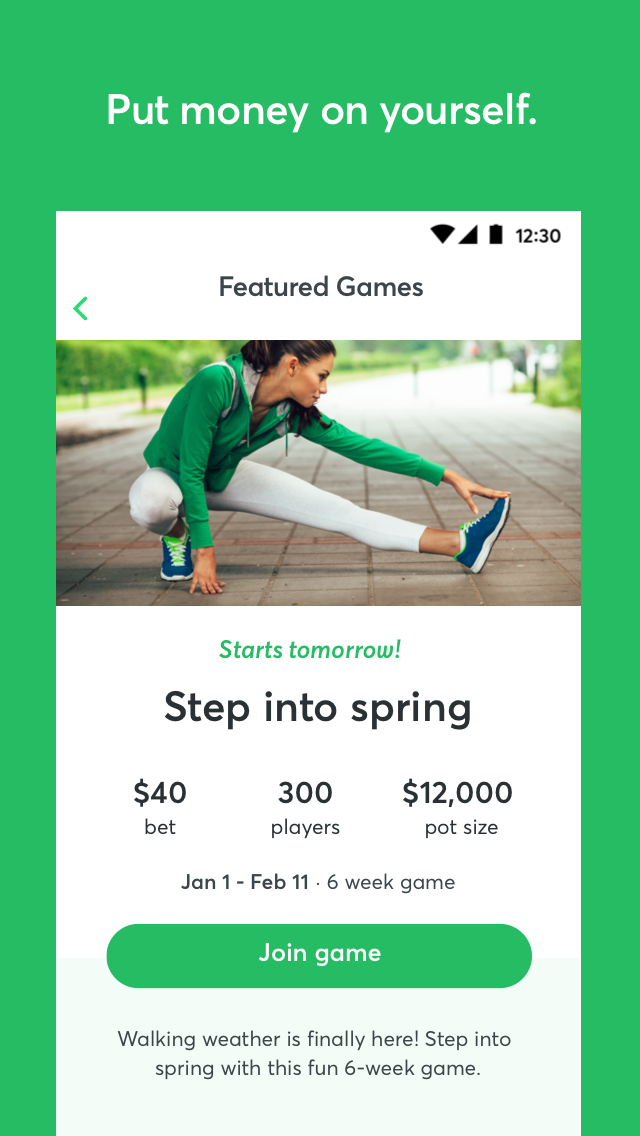
Hit your step goals and get paid for it.StepBet turns walking into a fun, motivating game where you bet on yourself, get personalized step goals based on your tracker history, and win cash when you hit your targets.
How it works:
Download the StepBet app.
Connect your tracker (Fitbit, Garmin, Samsung Health, Google Health Connect, Oura Ring).
Choose a game and place your bet into the pot to join.
Follow your custom step goals each week—walk more, move more, feel better.
Finish strong and split the pot with other winners—so you can earn back your bet and then some.
StepBet works because it combines real stakes, real community, and real support - the kind of accountability that keeps you going even when motivation dips.
Try it risk-free: cancel during Warm-Up Week for a full refund. And with our No-Lose Guarantee, winners always get their full bet back.