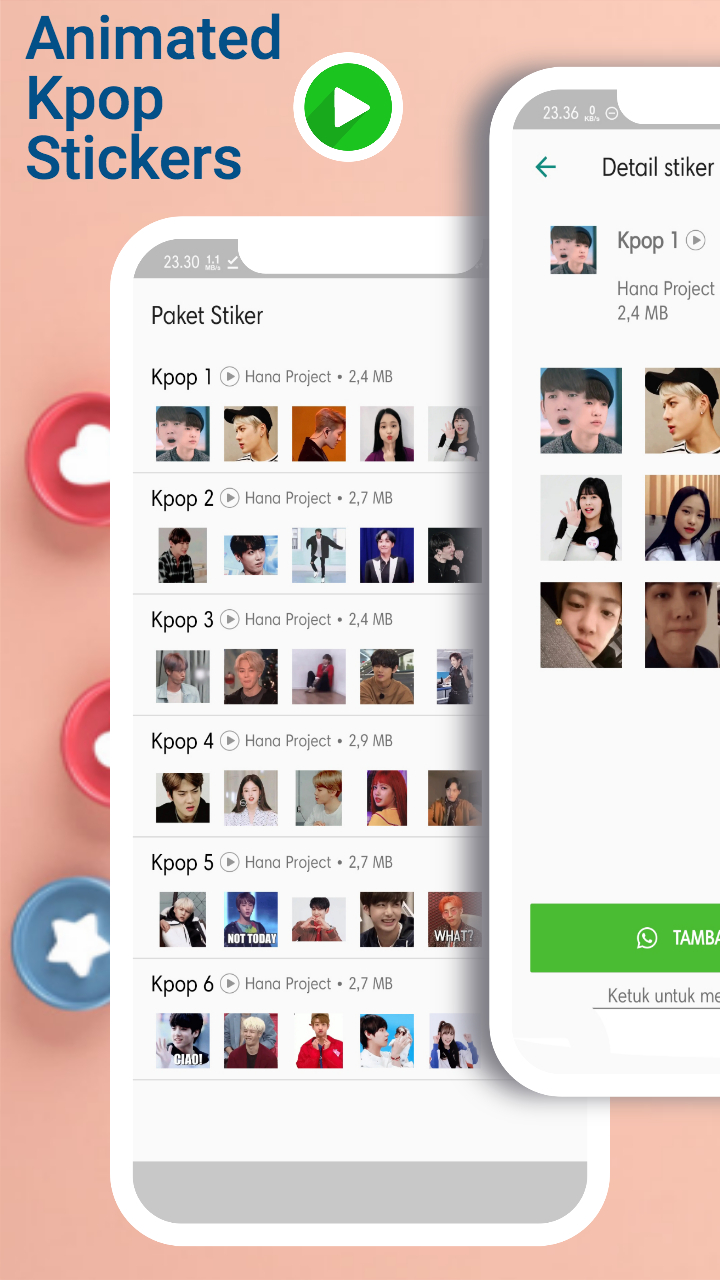


Sticker Animasi Kpop WASticker is a Communication application developed by Hana Project, but with the best Android emulator-LDPlayer, you can download and play Sticker Animasi Kpop WASticker on your computer.
Running Sticker Animasi Kpop WASticker on your computer allows you to browse clearly on a large screen, and controlling the application with a mouse and keyboard is much faster than using touchscreen, all while never having to worry about device battery issues.
With multi-instance and synchronization features, you can even run multiple applications and accounts on your PC.
And file sharing makes sharing images, videos, and files incredibly easy.
Download Sticker Animasi Kpop WASticker and run it on your PC. Enjoy the large screen and high-definition quality on your PC!
Hello guys.. are you bored with the same moving stickers? monotonous eh?? Mimin is also bored with motion sticker apps that are just copied from other apps, or the title moves but when installed it doesn't move, annoying right? that's why now mimin wants to try to make an animated funny sticker that is different from the others, just guaranteed to be different, fresh, contemporary, don't believe it? try itwhat's interesting about this sticker application?
# Collection of cute animated stickers for your kpop idol
# BTS Animation Stickers
# Blackpink Animated Sticker
# EXO Animated Stickers
# and many animated stickers from your favorite idols
So how do you use the sticker? It's not funny, I already installed it but I can't do it
How to use the WAStickerapps Kpop Animated Sticker Application:
1. Make sure you have updated the whatsapp application on the Google Play Store.
2. Install the Kpop Animated Sticker Application and open the Application.
3. Select the Sticker you like, then click the "Add to Whatsapp" button
4. Open your WA application, then select the sticker menu. then you will find some stickers that you just downloaded in your chat application.
what are you waiting for, let's quickly install and use it in chat
this app only works on original whatsapp, it can't be used on fake whatsapp, facebook let alone instagram.
Basically, if the download is busy, Mimin will often update the app. so download it immediately and invite your friends so that the chat in your chat will be more exciting and busy :)
Disclaimer:
Unofficial product. This is only the developer's responsibility. This is an endorsement or affiliation of WhatsApp Inc. WhatsApp Messenger, names, trademarks and other registered trademarks and are the property of their respective owners.