Story & Status Saver App is a Productivity application developed by Story Saver Utility, but with the best Android emulator-LDPlayer, you can download and play Story & Status Saver App on your computer.
Running Story & Status Saver App on your computer allows you to browse clearly on a large screen, and controlling the application with a mouse and keyboard is much faster than using touchscreen, all while never having to worry about device battery issues.
With multi-instance and synchronization features, you can even run multiple applications and accounts on your PC.
And file sharing makes sharing images, videos, and files incredibly easy.
Download Story & Status Saver App and run it on your PC. Enjoy the large screen and high-definition quality on your PC!
Story Saver & Status Saver application lets you download photo images, GIF, Video of the new status feature of whts app Application and it also allows you to share media and repost status from app to your friend.Key Features of Story Saver & Status Saver App
✔ View Saved Stories and status even after 24 hours
✔ User-Friendly Design
✔ App Provide inbuilt image viewer for image
✔ App Provide inbuilt media player for video
✔ Easily Repost status
✔ Download friends' whts app status or story now easily.
✔ Saved status or stories also displayed in the application for future use.
How to Use?
-> Watch the story or status in whts app.
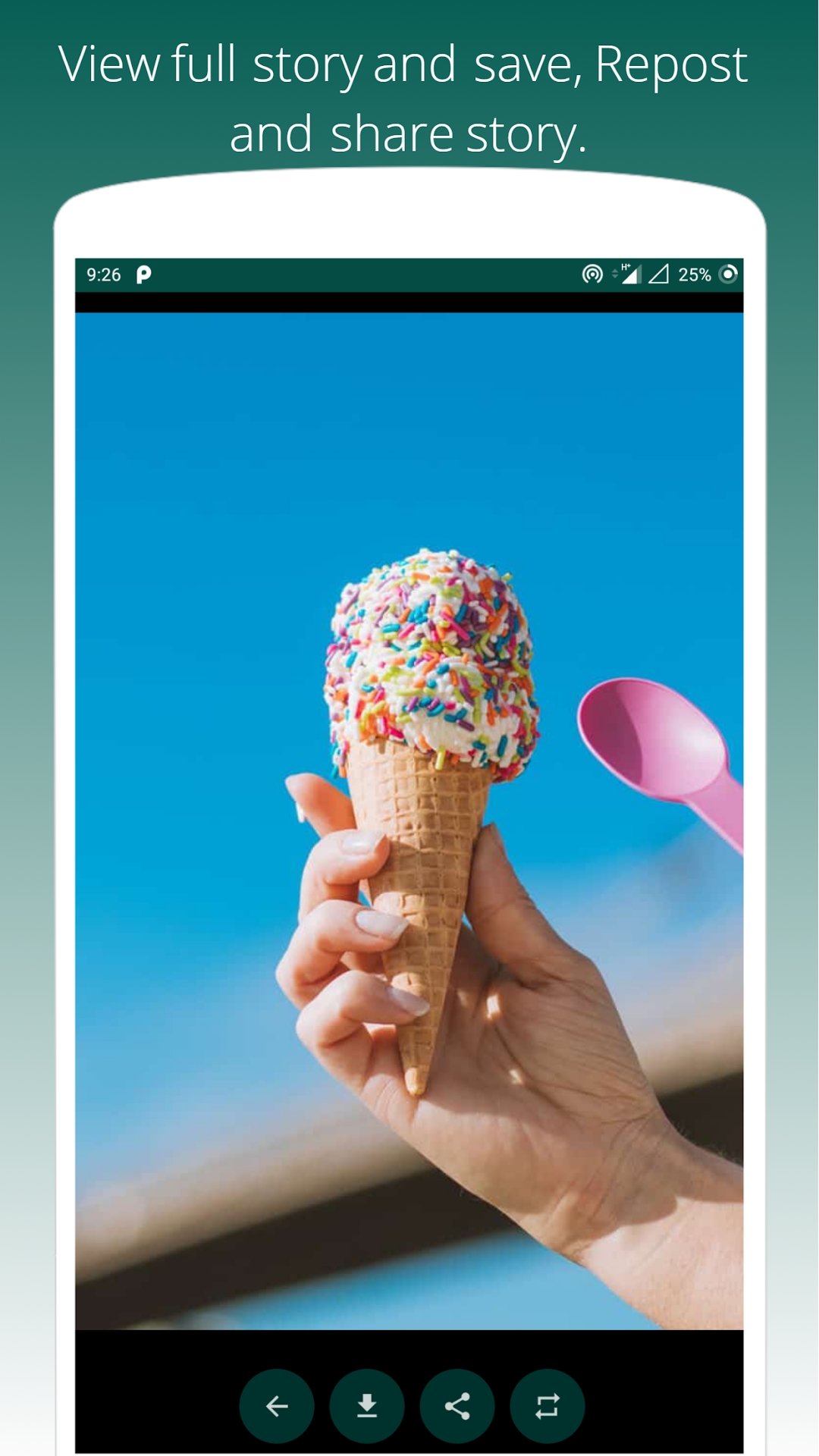
-> Open story saver App, Click on image or video to view in full screen.
-> Click the Download to save whts app story image/video.
-> You can share and repost also your friends whts app story image/video.
The Status is Instantly saved to your Phone or Gallery go and check it out 😉😃
Rate it if you liked the App 😀
Probably a valuable 5 Star Rating 😁😃
Your Feedback is as important as you so we can provide more content to you. 😇
✔ Application is use to save the story or save the status directly from whts app. You can say the Story saver for whts app.
✔ The main focus of the story saver app is to save the story of your friend/family directly from wats app.
✔ story saver app to save your status directly without asking a friend to share it with you.
✔ download a story saver application to download the status of your friend or family member.
✔ download story saver application for free, The story saver application is free to use.
IMPORTANT :
This app is in no way affiliated with, sponsored, or endorsed by anyone. We are not responsible for any kind of re-usage of any media downloaded by the user.
If you find any valuable suggestions or issues regarding this application then reach us via email instead of giving lower ratings.