Sunket-ESS is a Tools application developed by Sunket New Energy, but with the best Android emulator-LDPlayer, you can download and play Sunket-ESS on your computer.
Running Sunket-ESS on your computer allows you to browse clearly on a large screen, and controlling the application with a mouse and keyboard is much faster than using touchscreen, all while never having to worry about device battery issues.
With multi-instance and synchronization features, you can even run multiple applications and accounts on your PC.
And file sharing makes sharing images, videos, and files incredibly easy.
Download Sunket-ESS and run it on your PC. Enjoy the large screen and high-definition quality on your PC!
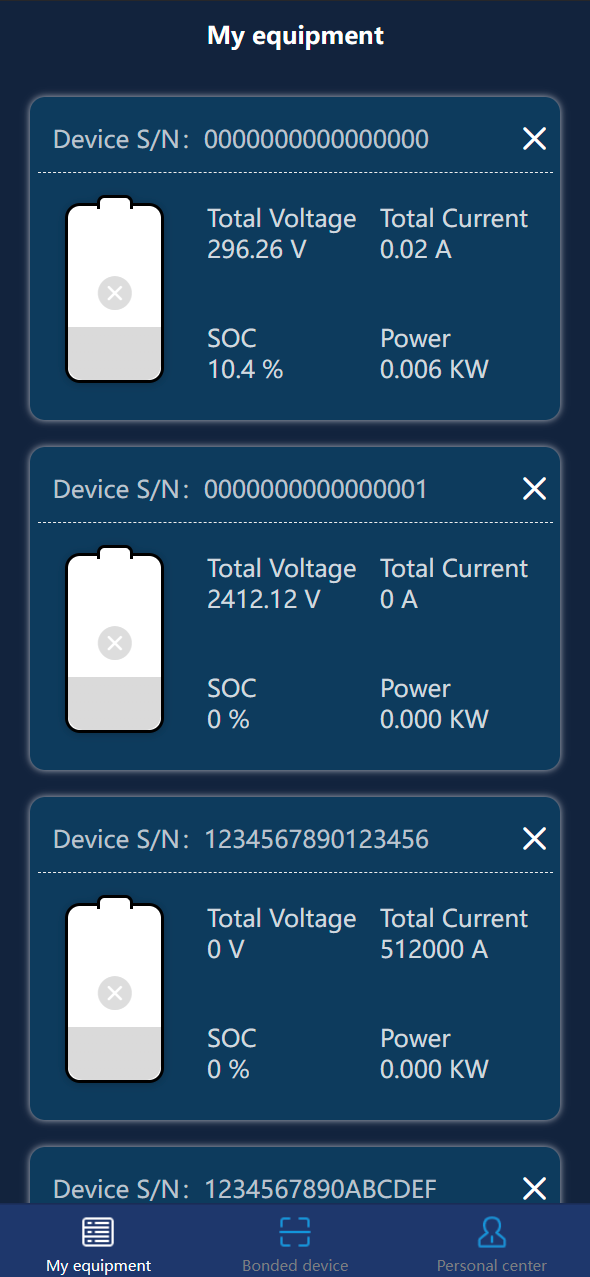
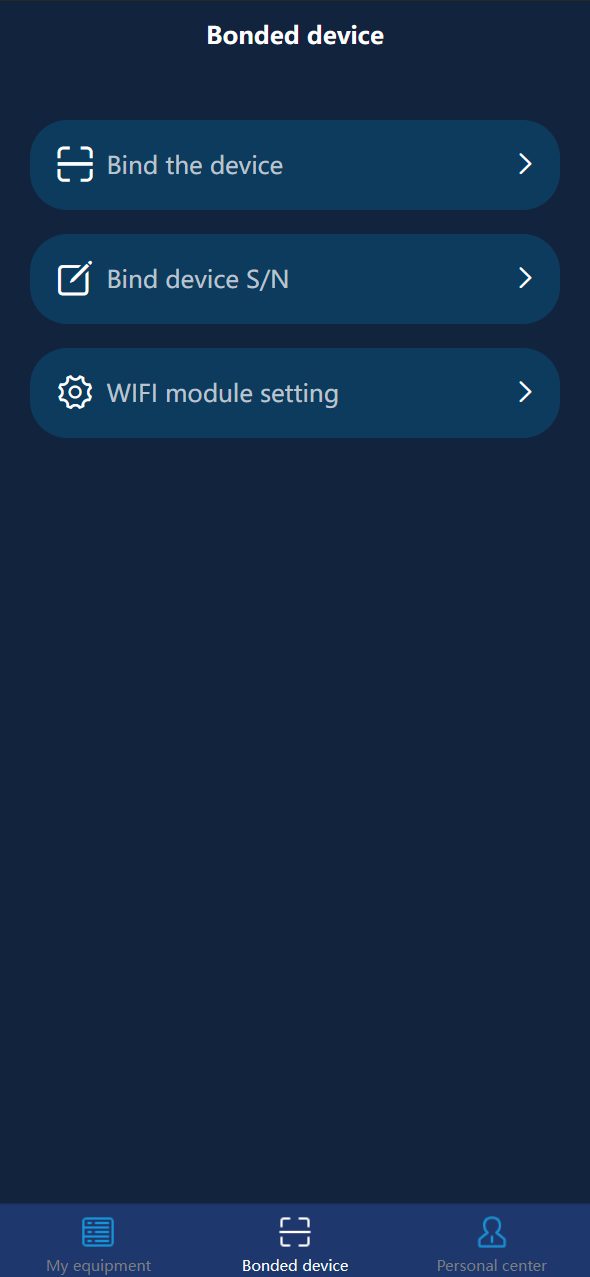
Sunket-ESS is used to check the information of battery devices associated with users. By using Sunket-ESS, the owning device can be bound by scanning codes to monitor the running status of the device. For example: For example, BMS and PCS, you can view the daily charge and discharge amount, number of battery cycles, basic device information, alarm information, and air conditioner operating information, as well as device SOC, power, and temperature statistics.- and more...