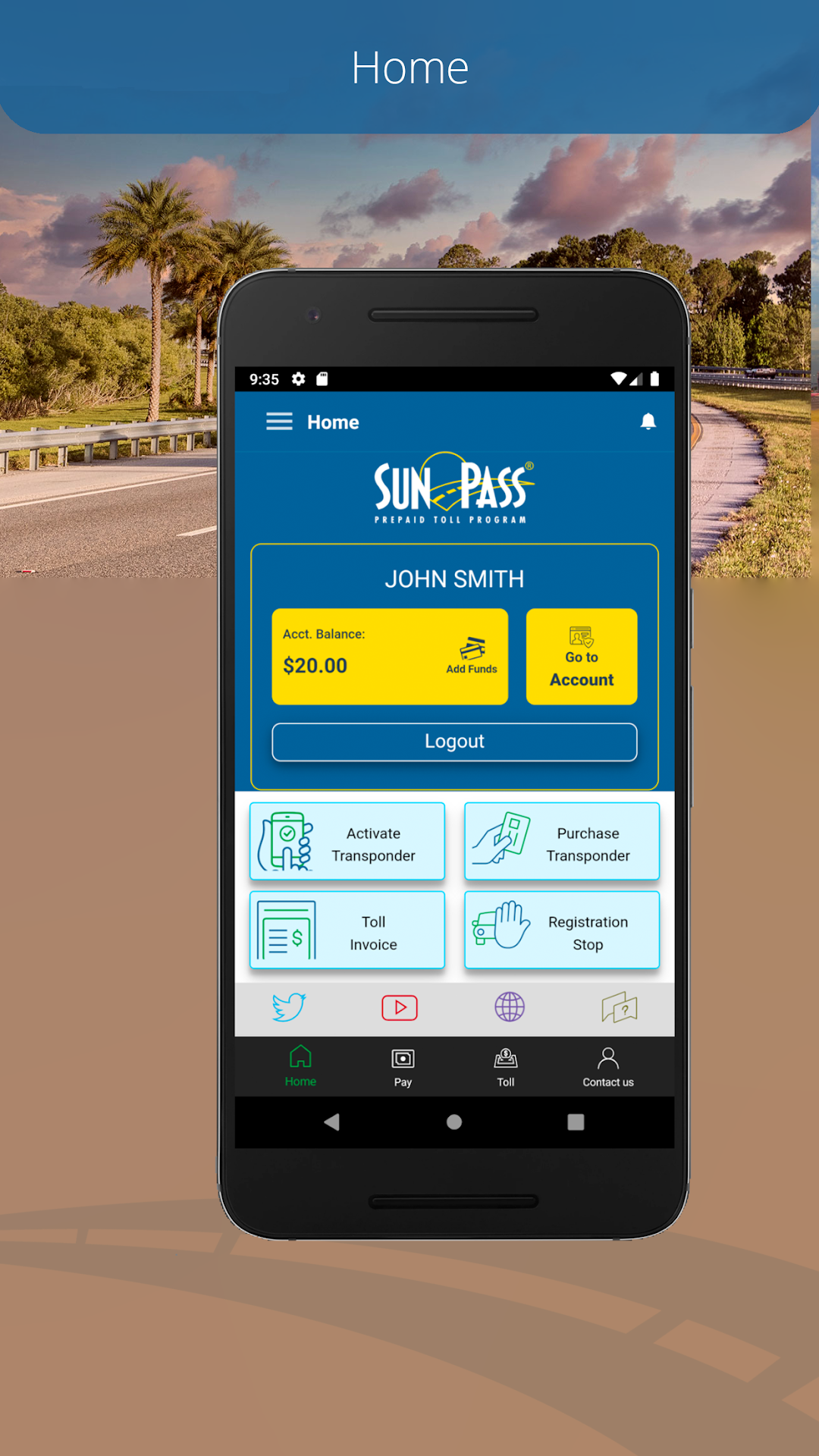
SunPass is a Travel&Local application developed by SunPass/Florida's Turnpike Enterprise, but with the best Android emulator-LDPlayer, you can download and play SunPass on your computer.
Running SunPass on your computer allows you to browse clearly on a large screen, and controlling the application with a mouse and keyboard is much faster than using touchscreen, all while never having to worry about device battery issues.
With multi-instance and synchronization features, you can even run multiple applications and accounts on your PC.
And file sharing makes sharing images, videos, and files incredibly easy.
Download SunPass and run it on your PC. Enjoy the large screen and high-definition quality on your PC!
SunPass is the Florida Department of Transportation's innovative Prepaid Toll Program. Incorporating the latest technology, SunPass can be used on Florida's toll roads and most toll bridges. SunPass customers typically pay less than cash customers at most toll plazas and exits on Turnpike roads.Enjoy the convenience of managing your SunPass account, anytime, just by downloading the app and logging in using the same Account, Transponder Number, or Username and PIN established for online account management.
This is the official SunPass app provided by FDOT.