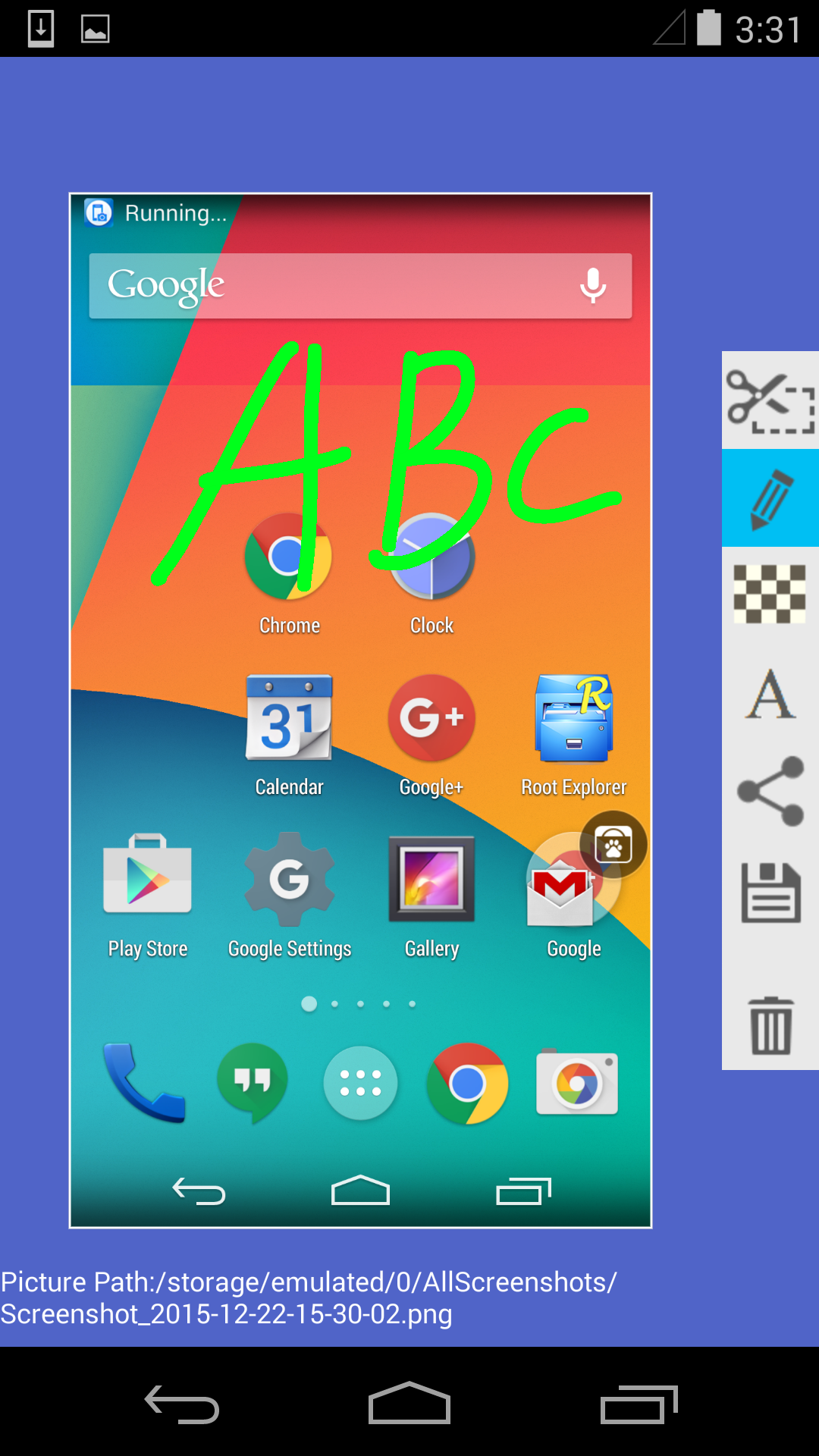
Super Screenshot is a Productivity application developed by MeiHillMan, but with the best Android emulator-LDPlayer, you can download and play Super Screenshot on your computer.
Running Super Screenshot on your computer allows you to browse clearly on a large screen, and controlling the application with a mouse and keyboard is much faster than using touchscreen, all while never having to worry about device battery issues.
With multi-instance and synchronization features, you can even run multiple applications and accounts on your PC.
And file sharing makes sharing images, videos, and files incredibly easy.
Download Super Screenshot and run it on your PC. Enjoy the large screen and high-definition quality on your PC!
You are still looking for a decent app to help you take screenshots on your device?Come and try "Super Screenshot", it has the following features:
1. Easy to use, no need to be root, simply press the buttons on your phone for 2 seconds.
2. Resize, scribble, add text and add filters, it is very easy to edit your screenshots.
3. Your screenshots are stored on the SD card. In addition to the built-in sharing, you can also connect to your PC via USB to browse and copy the screenshots.
4. Completely free! Works with Android 4.0 and above.