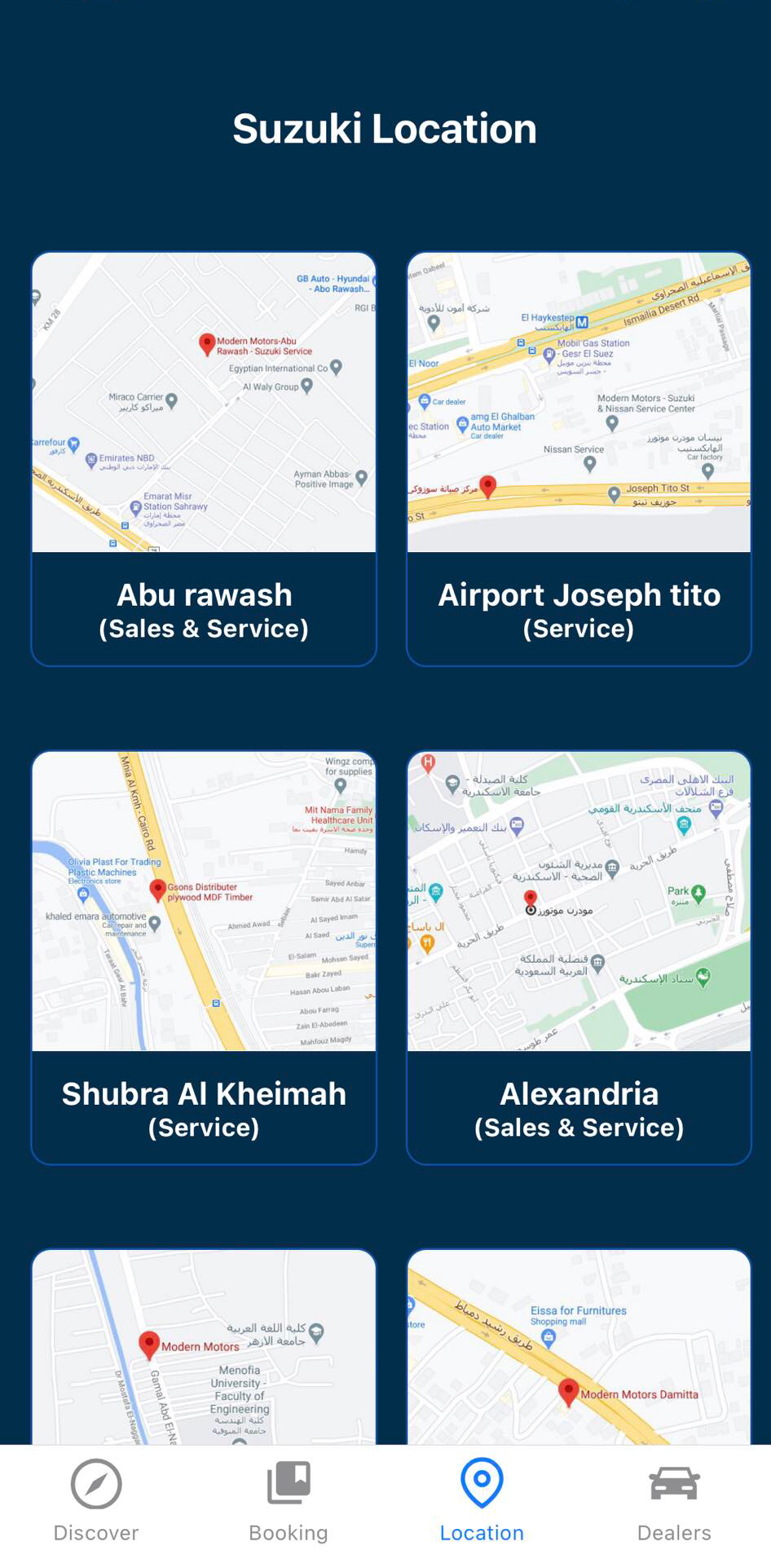
Suzuki Egypt is a Auto&Vehicles application developed by Suzuki Technologies, but with the best Android emulator-LDPlayer, you can download and play Suzuki Egypt on your computer.
Running Suzuki Egypt on your computer allows you to browse clearly on a large screen, and controlling the application with a mouse and keyboard is much faster than using touchscreen, all while never having to worry about device battery issues.
With multi-instance and synchronization features, you can even run multiple applications and accounts on your PC.
And file sharing makes sharing images, videos, and files incredibly easy.
Download Suzuki Egypt and run it on your PC. Enjoy the large screen and high-definition quality on your PC!
Modern Motors was established in 1975, as part of Seoudi Investment Group. Over the years, Modern Motors has succeeded to become one of the reputable powerful automotive agents throughout Egypt. The company has its headquarters in Cairo marketing passenger cars, 4 wheel drive cars and commercial vehicles Through about its different models which is targeting different segments of the Egyptian market to meet the needs of the Egyptian consumer. Modern Motors has its own after sales service stations equipped with the latest technologies in strategic locations to assure customer satisfaction through careful analysis of customer needs with high standards of quality, service and maintenance. Seoudi group is dynamically active in the Egyptian automotive market as the group manufactures and distribute top brands. Having a significant portfolio in the automotive industry.