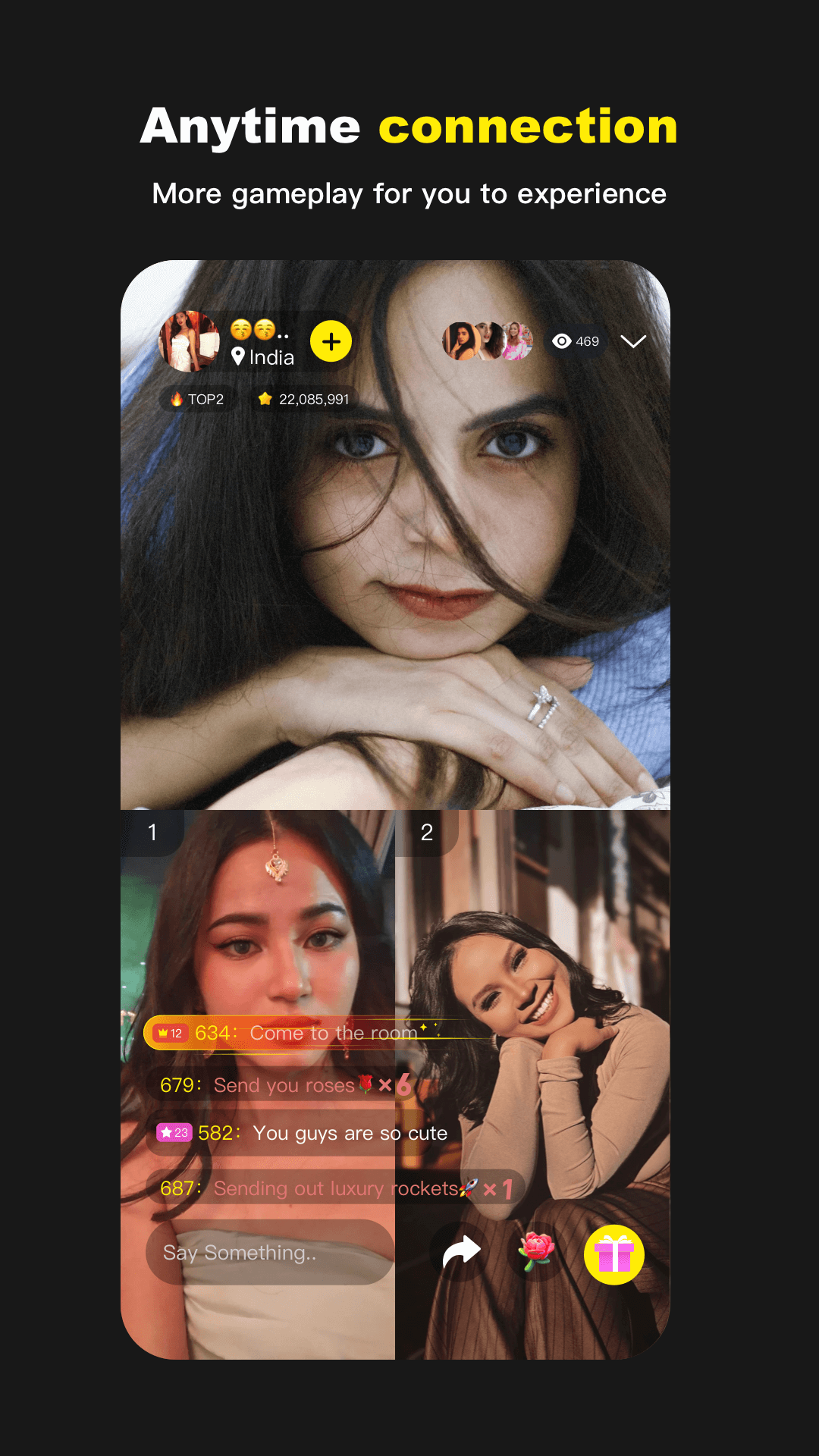
TalkTalk: Worldwide Video Call is a Social application developed by PeachU, but with the best Android emulator-LDPlayer, you can download and play TalkTalk: Worldwide Video Call on your computer.
Running TalkTalk: Worldwide Video Call on your computer allows you to browse clearly on a large screen, and controlling the application with a mouse and keyboard is much faster than using touchscreen, all while never having to worry about device battery issues.
With multi-instance and synchronization features, you can even run multiple applications and accounts on your PC.
And file sharing makes sharing images, videos, and files incredibly easy.
Download TalkTalk: Worldwide Video Call and run it on your PC. Enjoy the large screen and high-definition quality on your PC!
💕Start a global social journey! TalkTalk is a social application that allows you to connect with people around the world, expand your social circle, and broaden your horizons. Through our platform, you can meet people from different countries and explore diverse interests.-User Profiles: Browse user profiles to learn about their personalities, hobbies, and interests to find people who are a match for you. 📃
-📱 Live Video Chat: Enjoy high-definition video calls, communicate face-to-face with friends around the world, and feel the intimacy of disappearing distance.
-🔍 Intelligent recommendations: You can recommend other users you may be interested in based on the users you follow or the users you have video calls with.
-Multi-language support: The app supports multiple languages, allowing you to easily communicate with people from all over the world. 💬
Whether you are looking for new friends or communicating and learning, Join TalkTalk, start making new friends and have fun!🔥 🙌 Please note that the app requires permissions to access your camera, microphone, photo library, and notifications to enable video calls, audio delivery, photo sharing, and notification updates. 🔒