SmartTeach is a Education application developed by Teaching Strategies, LLC, but with the best Android emulator-LDPlayer, you can download and play SmartTeach on your computer.
Running SmartTeach on your computer allows you to browse clearly on a large screen, and controlling the application with a mouse and keyboard is much faster than using touchscreen, all while never having to worry about device battery issues.
With multi-instance and synchronization features, you can even run multiple applications and accounts on your PC.
And file sharing makes sharing images, videos, and files incredibly easy.
Download SmartTeach and run it on your PC. Enjoy the large screen and high-definition quality on your PC!
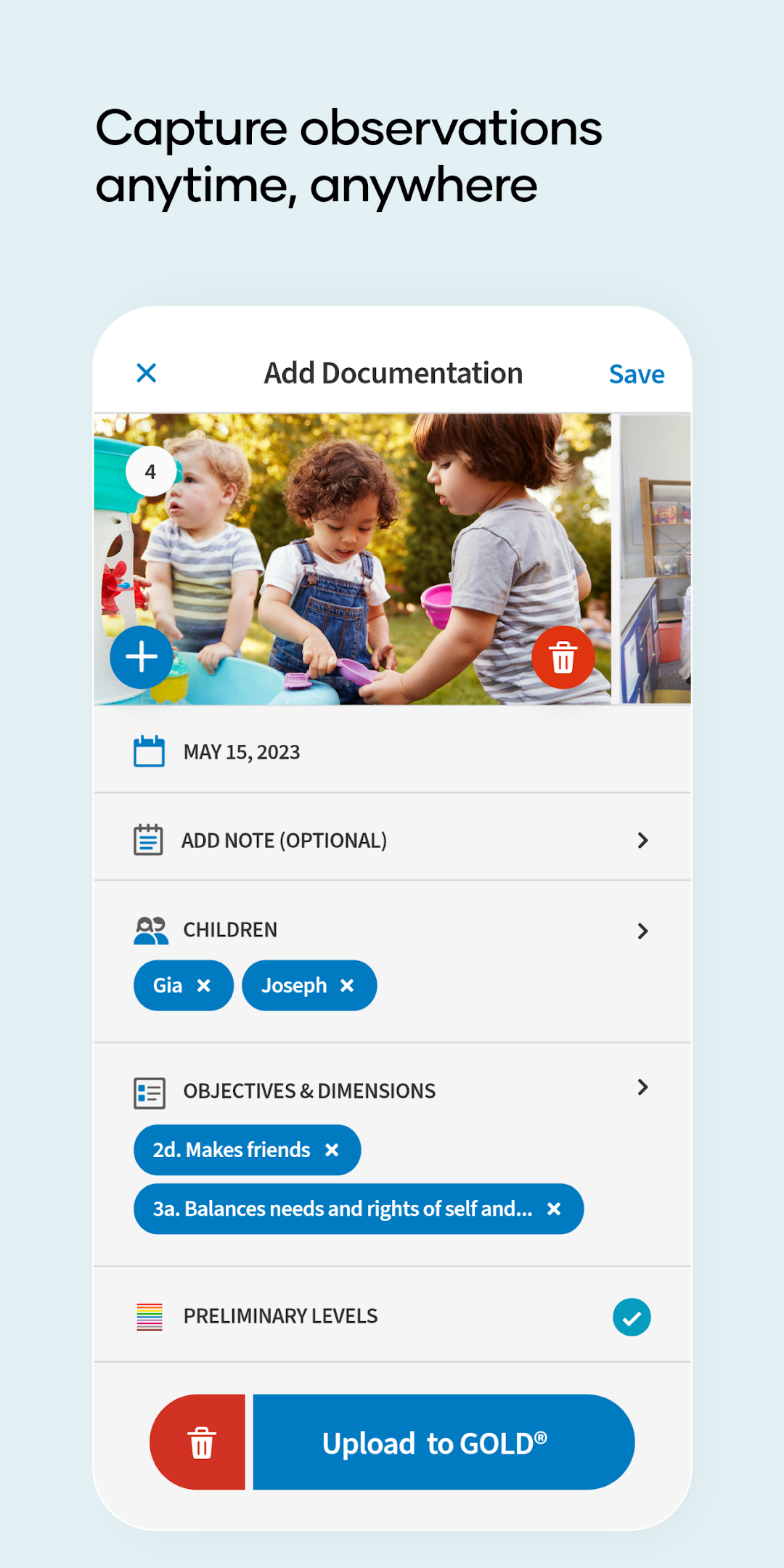
The SmartTeach® App by Teaching Strategies offers early childhood educators an easy, efficient way to quickly complete essential daily tasks on the fly, online or offline. The SmartTeach app simplifies teaching, documentation, classroom management and family engagement throughout the day, helping teachers make the most of every moment with easy-to-use tools right at their fingertips.The SmartTeach app is accessible to Teachers and Admins using Teaching Strategies products such as GOLD®, The Creative Curriculum® Cloud and Tadpoles. Download SmartTeach by Teaching Strategies to access our new and improved features & functionality.
SmartTeach offers early childhood educators a single app to support all essential classroom tasks, including:
- Create documentation
- View and teach directly from your daily schedule, curriculum, activities, and care routines
- Communicate with families
- View & assess from Intentional Teaching Experiences and Mighty Minutes®
- Save & share photos, videos and other media across devices
- Identify Infant and Toddler children’s developmental level with the Entry Screener to dynamically populate individualized support for each child (Creative Curriculum Cloud users)
- Take attendance, move children or staff, and complete name to face checks (Tadpoles users)
- Track care routines and share Daily Reports with families (Tadpoles users)