TechCrunch Events is a Business application developed by AOL Inc., but with the best Android emulator-LDPlayer, you can download and play TechCrunch Events on your computer.
Running TechCrunch Events on your computer allows you to browse clearly on a large screen, and controlling the application with a mouse and keyboard is much faster than using touchscreen, all while never having to worry about device battery issues.
With multi-instance and synchronization features, you can even run multiple applications and accounts on your PC.
And file sharing makes sharing images, videos, and files incredibly easy.
Download TechCrunch Events and run it on your PC. Enjoy the large screen and high-definition quality on your PC!
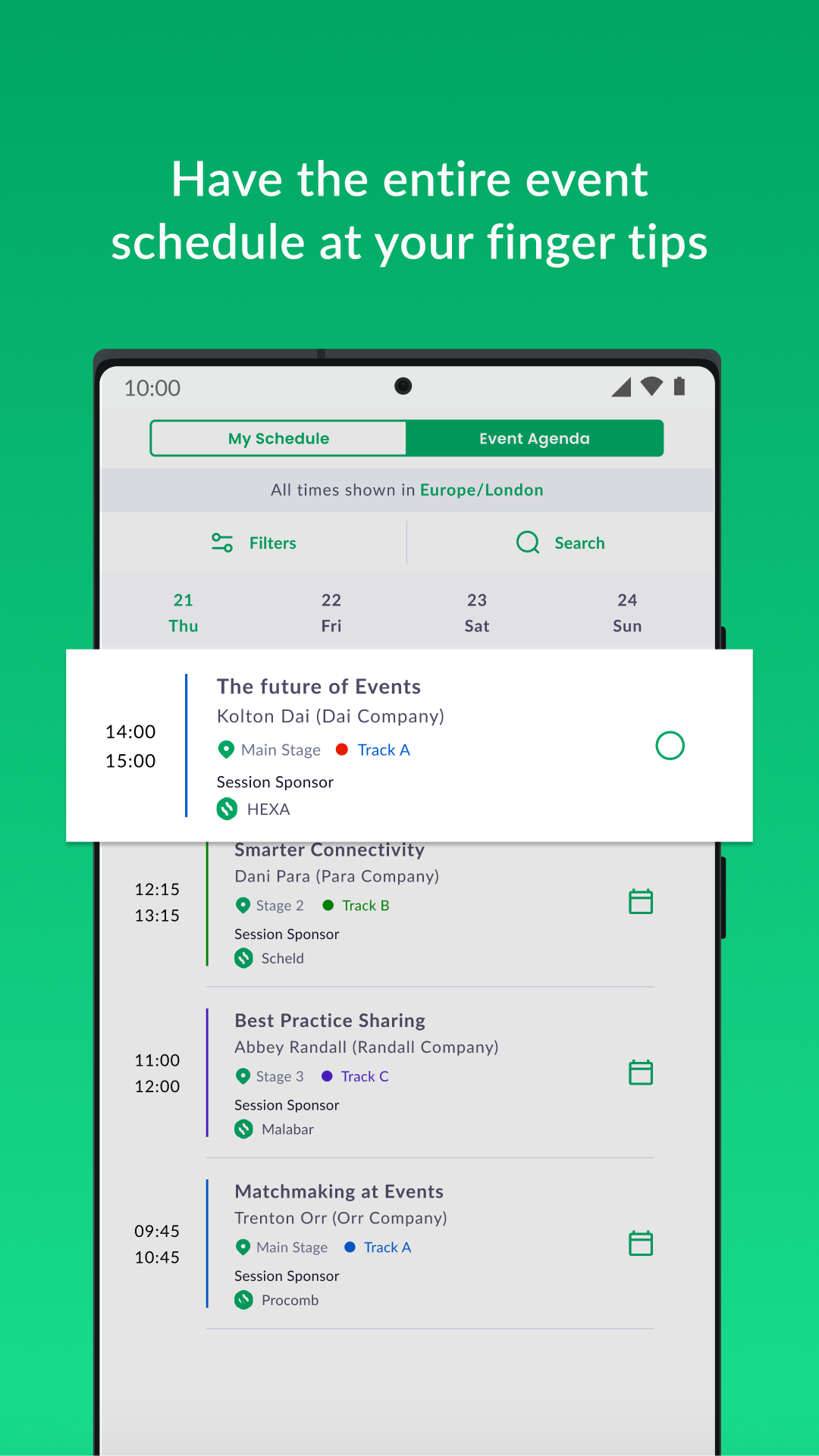
The TechCrunch Events app is the best way to stay connected with all of the activites at TechCrunch events for registered attendees. Always have the most up-to-date agenda, venue maps and informative notifications at your fingertips along with the ability to view video content and connect with attendees.KEY FEATURES:
*View agenda and manage your session schedule
*Access live streams and videos on demand as available
*View attendee profiles, chat and set up 1:1 business meetings in-person at events and virtually
*Browse and contact exhibitors and sponsors
*Get recommendations of attendees, sessions and exhibtors that you don't want to miss
*Get notifications of special events and activites
*Communicate with others attending the event
About TechCrunch
TechCrunch has been obsessively profiling startups, reviewing new internet products and breaking the latest tech news since 2005. The award winning site is a leading source for over 20M people each month, while the company also hosts major industry conferences and events.