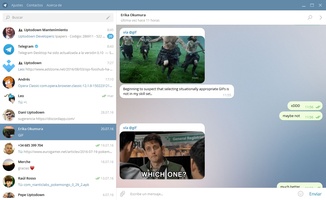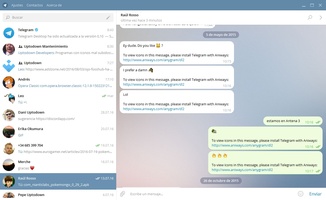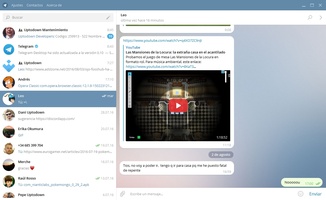


Telegram for Desktop is a Communication application developed by , but with the best Android emulator-LDPlayer, you can download and play Telegram for Desktop on your computer.
Running Telegram for Desktop on your computer allows you to browse clearly on a large screen, and controlling the application with a mouse and keyboard is much faster than using touchscreen, all while never having to worry about device battery issues.
With multi-instance and synchronization features, you can even run multiple applications and accounts on your PC.
And file sharing makes sharing images, videos, and files incredibly easy.
Download Telegram for Desktop and run it on your PC. Enjoy the large screen and high-definition quality on your PC!
Telegram for Desktop is a desktop app for Windows that enables you to chat with all of your friends on this instant messaging service in a simple, accessible way - right from your computer.
The first thing you have to do to start using Telegram for Desktop is associate it with your cell phone. Once that's done, you can chat with all of your Telegram contacts, continuing conversations on your computer that originally started on your phone, and even using your computer to view photos that have been shared with you.
The only thing you can't use Telegram for Desktop for is to continue with a private conversation, since those are strictly limited to your phone in order to provide better security.
Telegram for Desktop has a clean, accessible interface, so communicating with all of your contacts couldn't be easier. Just click their name and you can start chatting in the same window. Fast and easy.