TelemetryTV Digital Signage is a Business application developed by TelemetryTV Apps, but with the best Android emulator-LDPlayer, you can download and play TelemetryTV Digital Signage on your computer.
Running TelemetryTV Digital Signage on your computer allows you to browse clearly on a large screen, and controlling the application with a mouse and keyboard is much faster than using touchscreen, all while never having to worry about device battery issues.
With multi-instance and synchronization features, you can even run multiple applications and accounts on your PC.
And file sharing makes sharing images, videos, and files incredibly easy.
Download TelemetryTV Digital Signage and run it on your PC. Enjoy the large screen and high-definition quality on your PC!
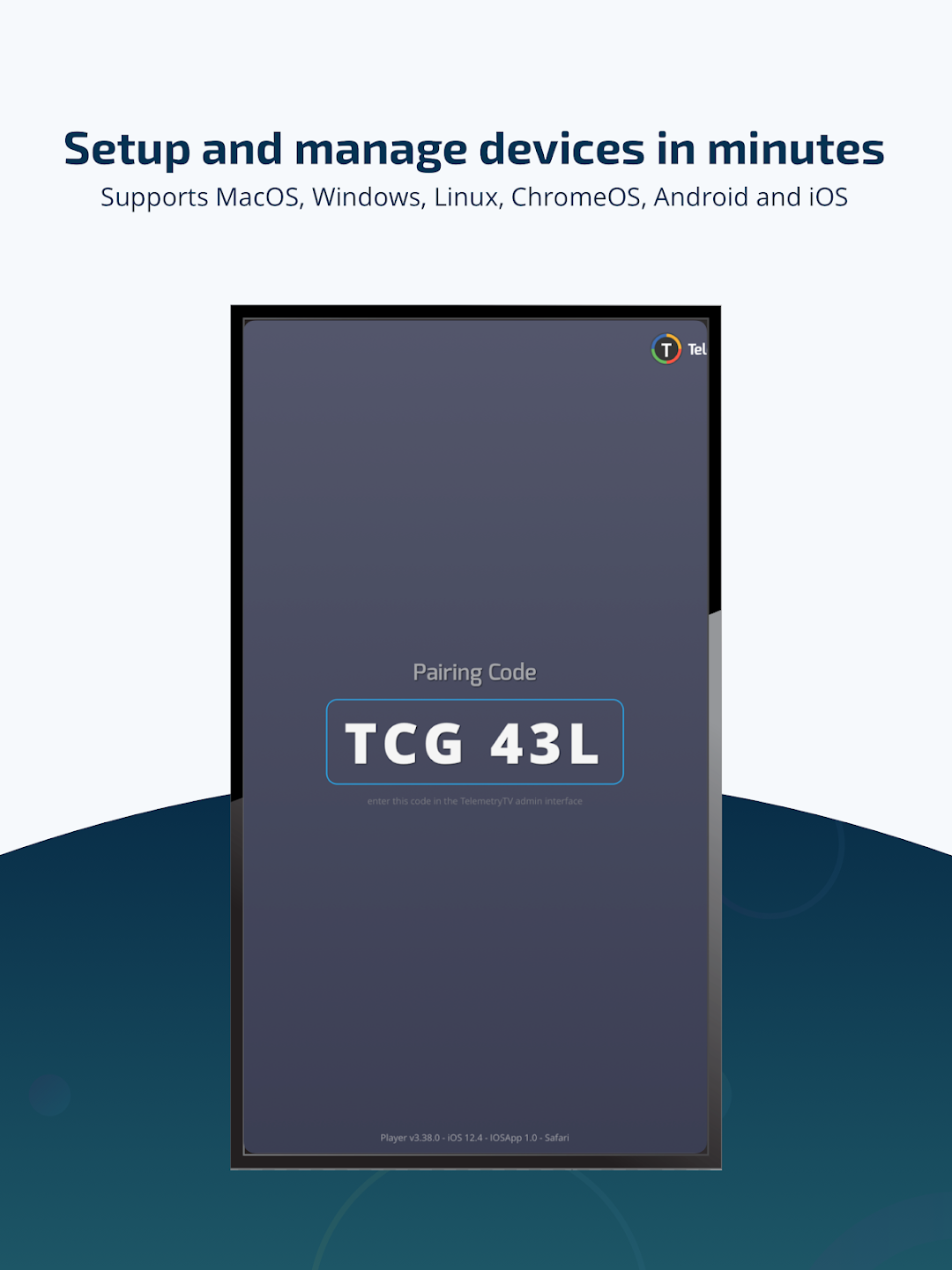
The TelemetryTV Digital Signage Player App is an Android application for the TelemetryTV platform allowing you to deploy a digital signage solution to your display devices.TelemetryTV’s cloud-based digital signage software makes broadcasting content across screens easier than ever before. TelemetryTV’s powerful and intuitive content management system lets users of any technical ability to publish, schedule, and modify digital signage content with a few clicks of a mouse.
Key Feature:
✔️Intuitive Playlist editor
✔️Works on Windows, MacOS, ChromeOS, Android, and Linux
✔️70+ App integrations
✔️Native Canva Integration
✔️Automatic Device Provisioning
✔️Powerful Scheduling and Display Management
✔️Video Walls (only supported on Chromebox & Mac/Windows/Linux PCs)
✔️Alerting & Screen Override System
✔️Dedicated Customer Success Manager
✔️User Groups & Permission Settings
✔️Playlist Content Approvals
✔️Device Status Notifications
✔️Real-time Dashboards (via REST API & Webhooks)
✔️Desktop App
✔️SAML SSO Support
✔️Works Offline
✔️SOC2 Compliant
✔️GDPR Compliant