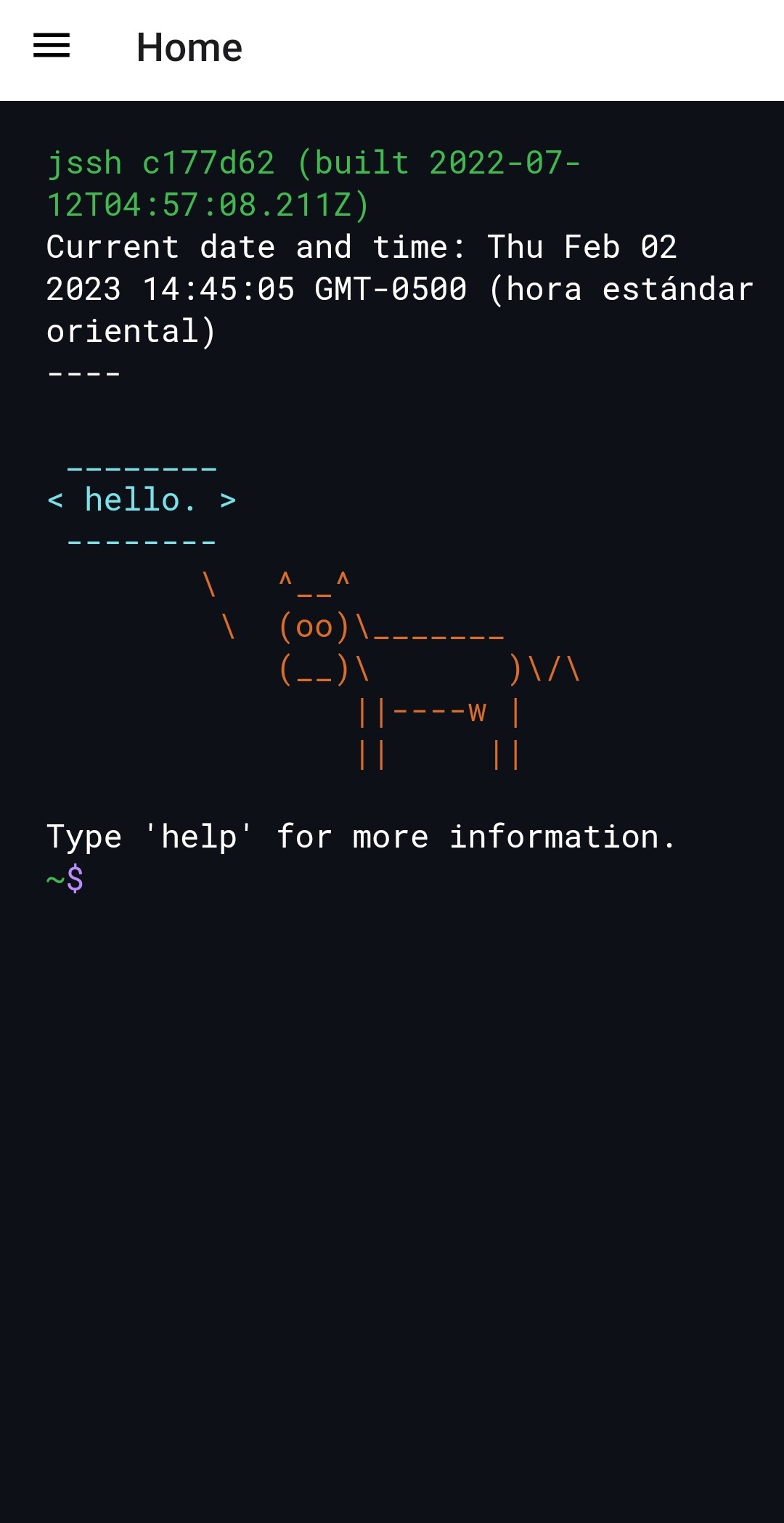
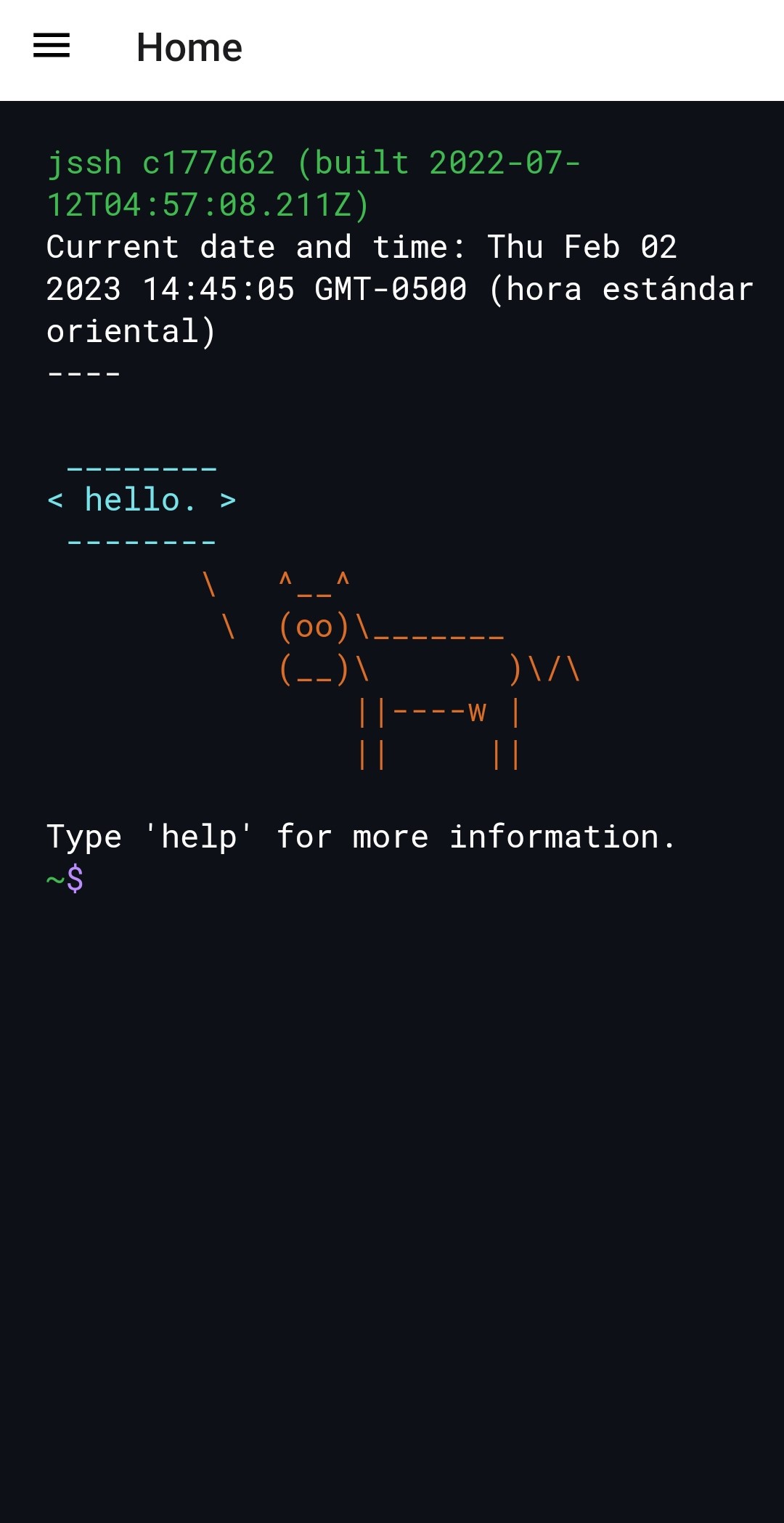
Terminal Emulador is a Tools application developed by Dio Dio, but with the best Android emulator-LDPlayer, you can download and play Terminal Emulador on your computer.
Running Terminal Emulador on your computer allows you to browse clearly on a large screen, and controlling the application with a mouse and keyboard is much faster than using touchscreen, all while never having to worry about device battery issues.
With multi-instance and synchronization features, you can even run multiple applications and accounts on your PC.
And file sharing makes sharing images, videos, and files incredibly easy.
Download Terminal Emulador and run it on your PC. Enjoy the large screen and high-definition quality on your PC!
Terminal Emulator is an application that allows users to access the command line of an Android device and execute terminal commands as if they were using a desktop operating system console. With this app, users can perform a variety of advanced tasks such as file management, customizing network settings, installing apps, and much more, all from the comfort of their own mobile device screen. Terminal Emulator is an essential tool for those who want to take full control of their device and maximize its potential.Simple tasks "optimized for terminals".
Abstractly, I got a PTY (term.js) that connects to the shell (termprops.js) to the user's screen.
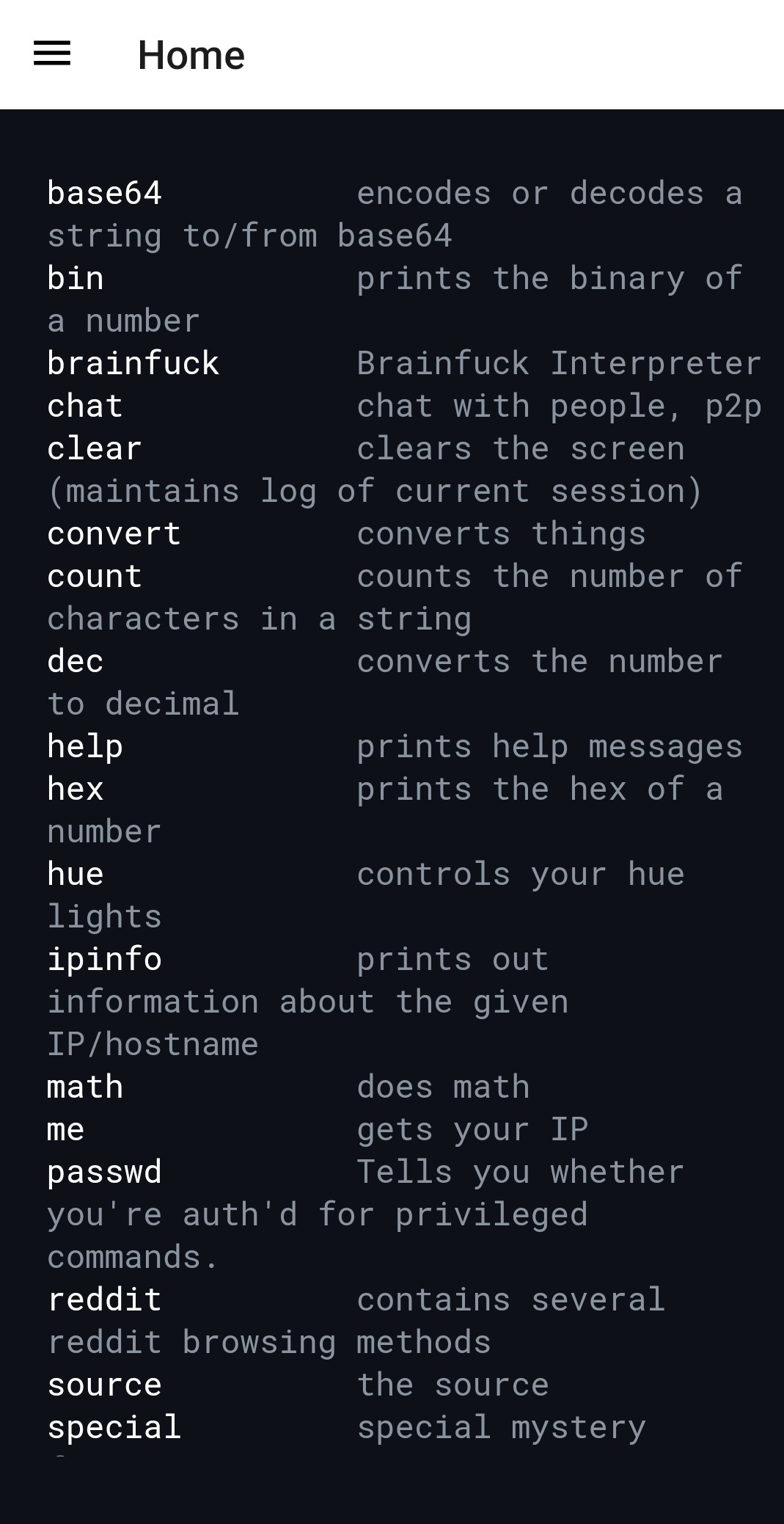
Friendly web front-end that can perform quick functions that you would normally use a Python shell for, such as common conversions and quick math operations.